

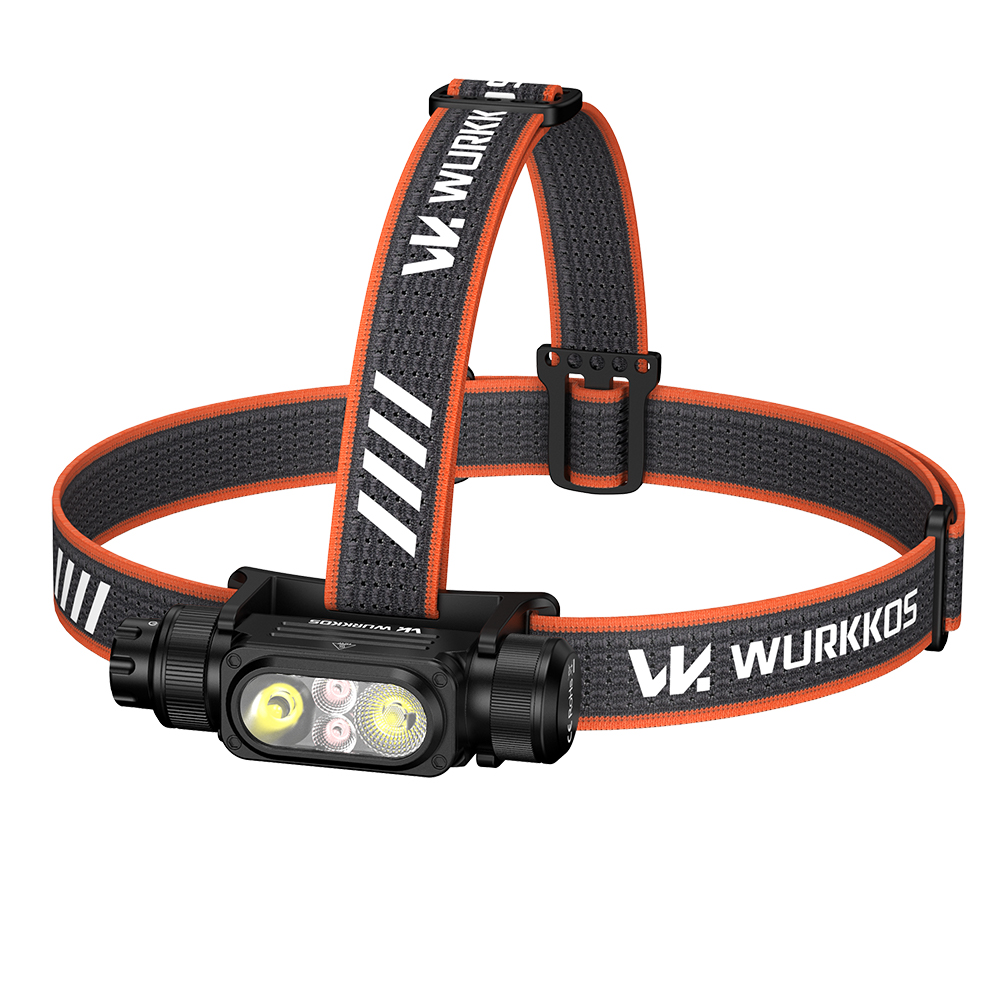
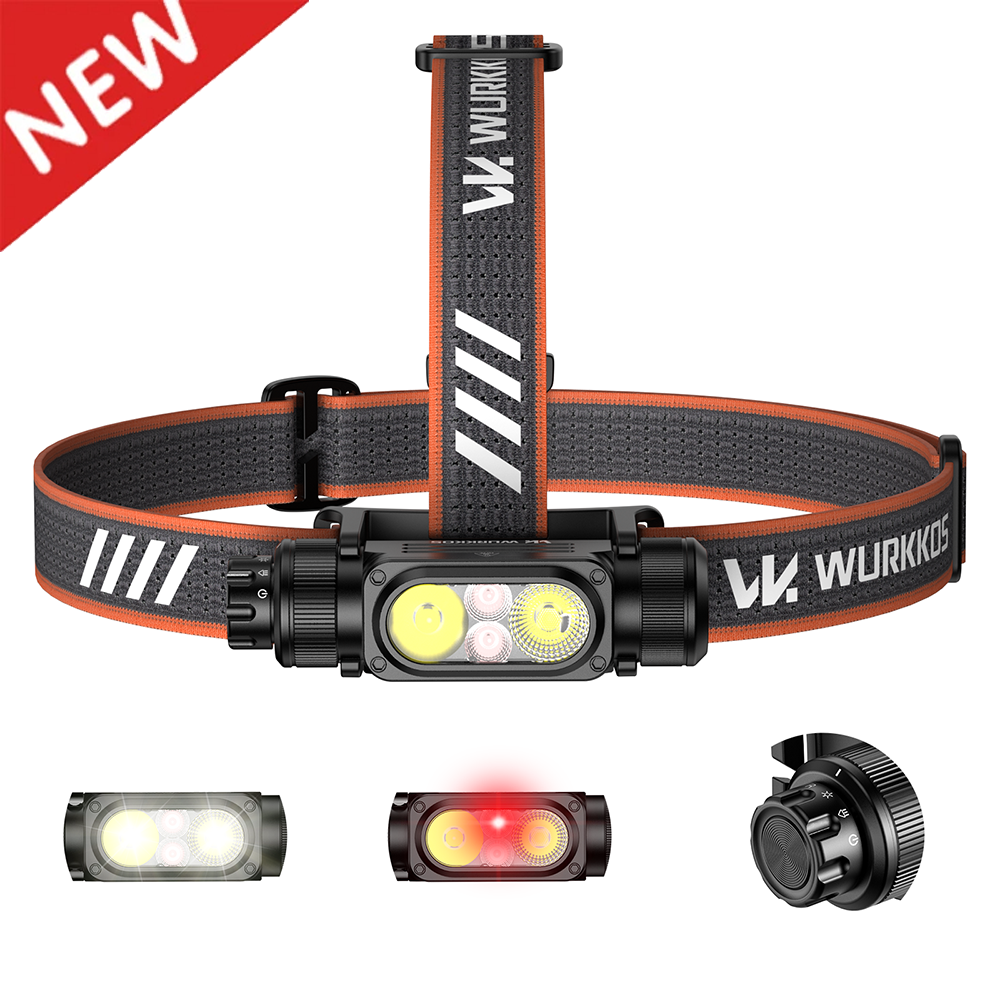
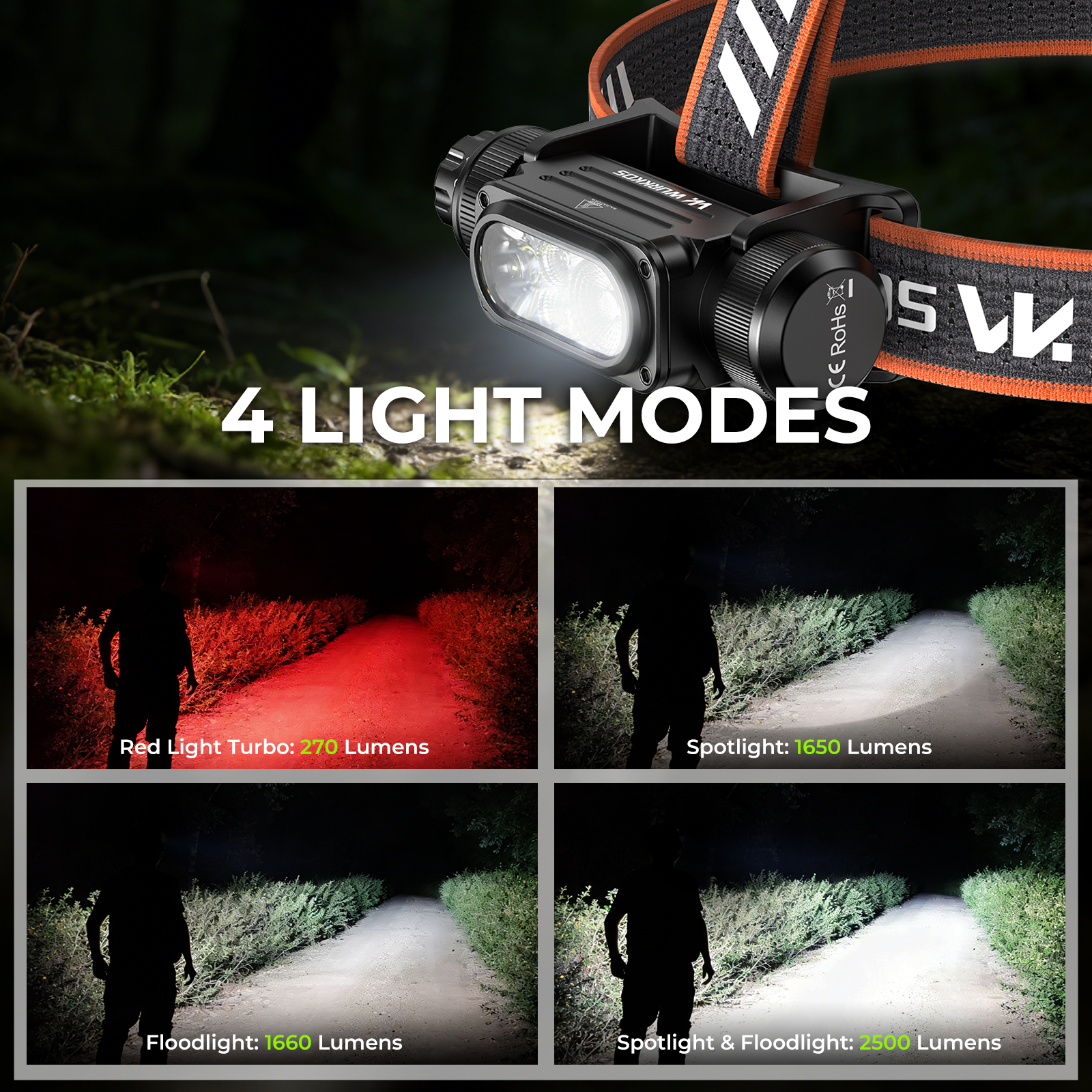
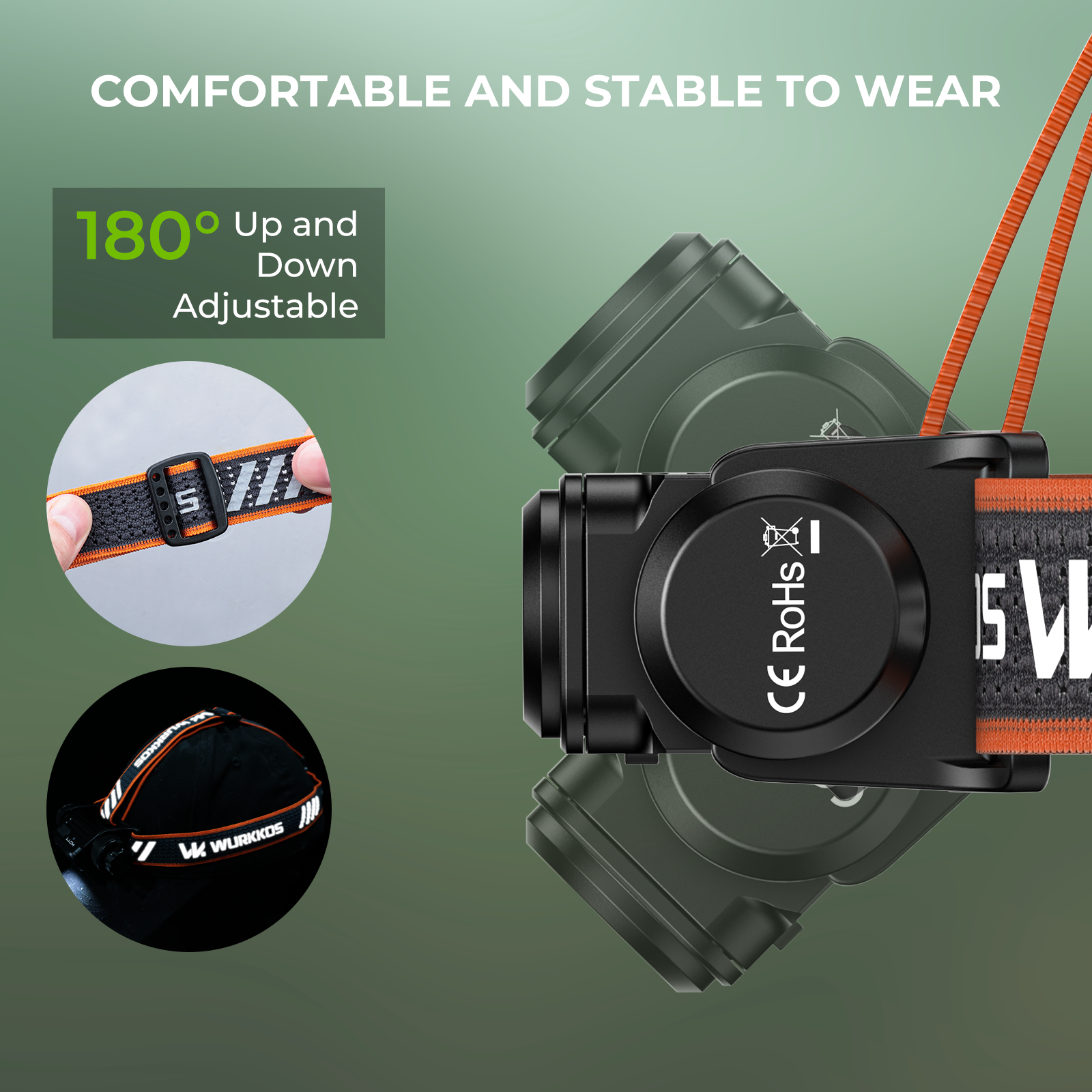
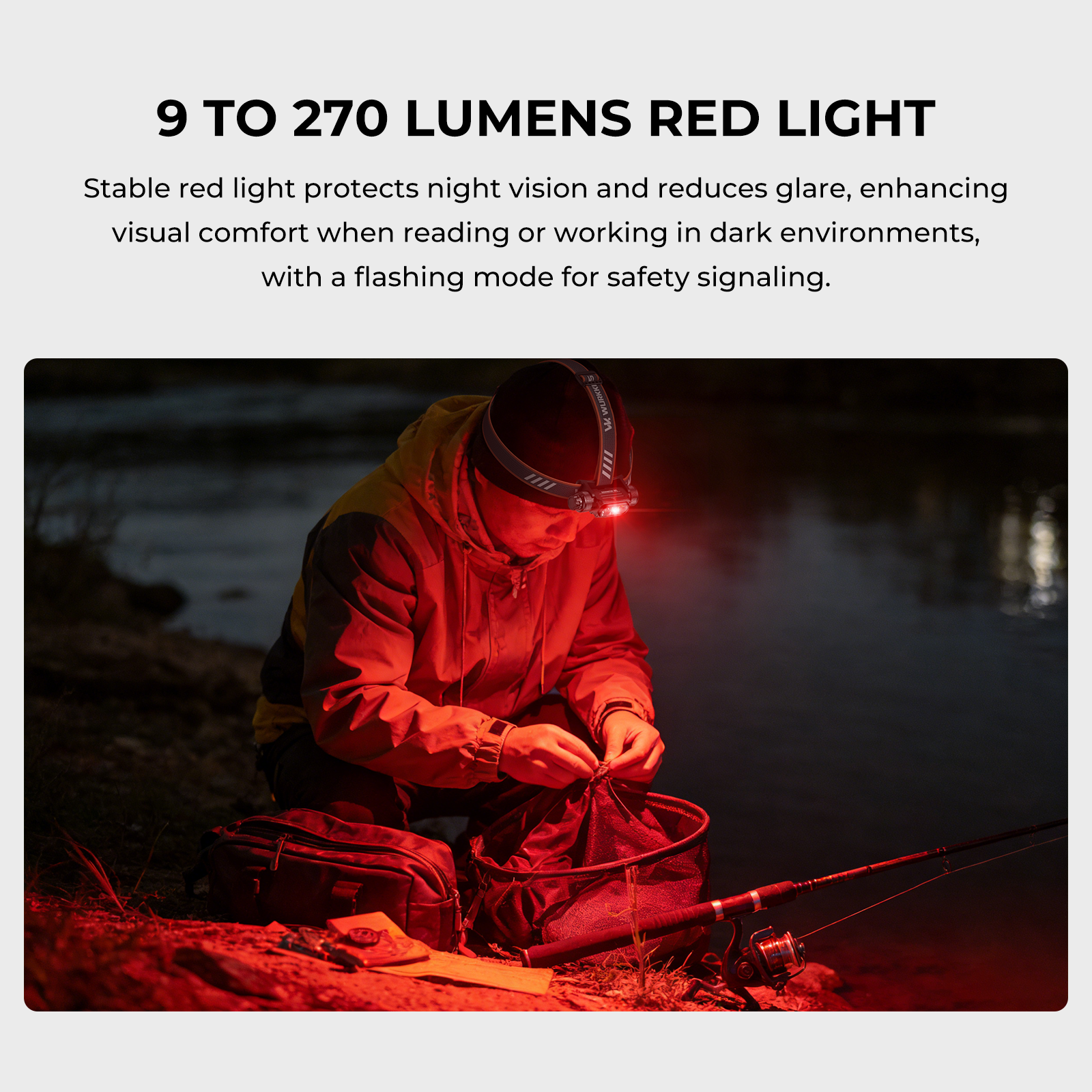
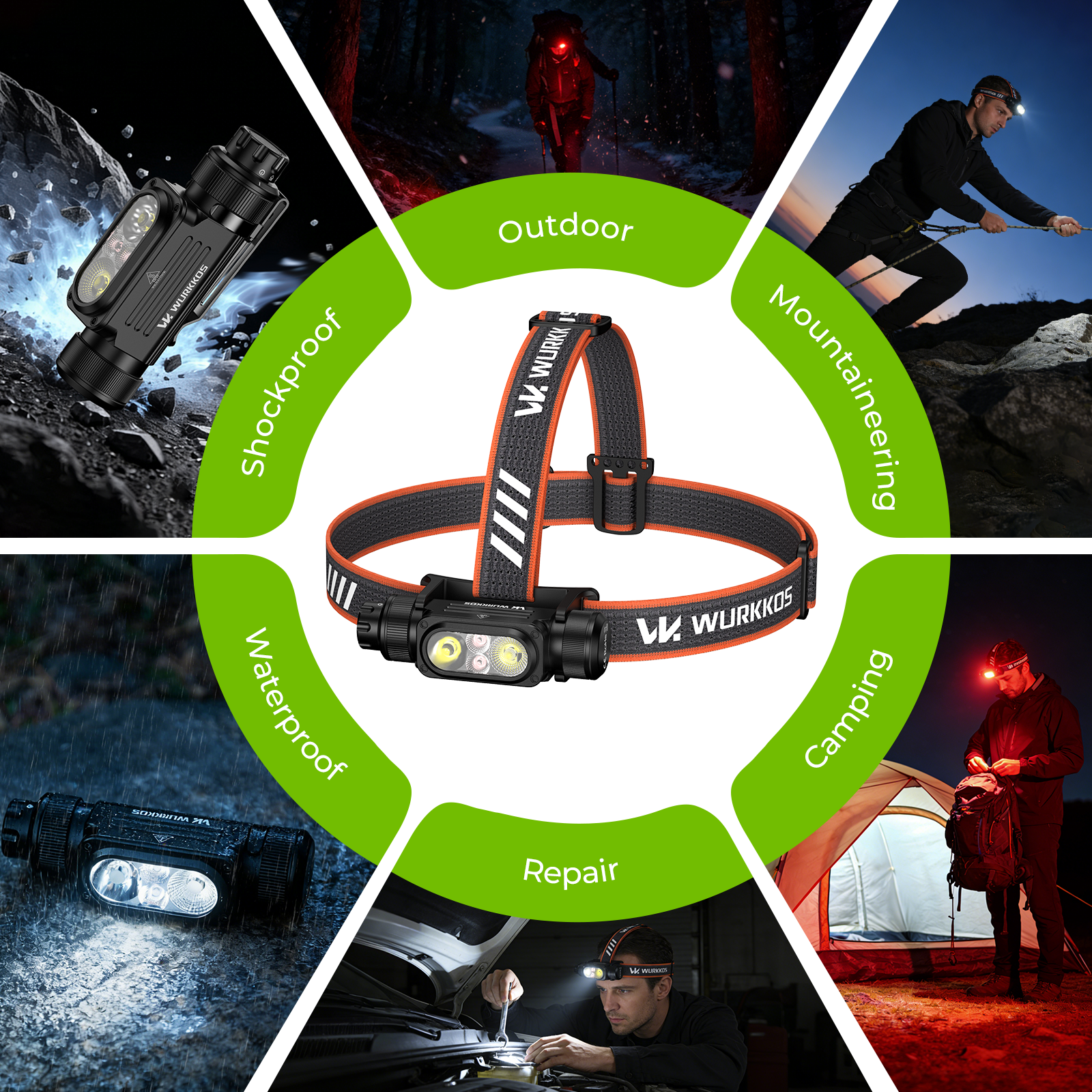
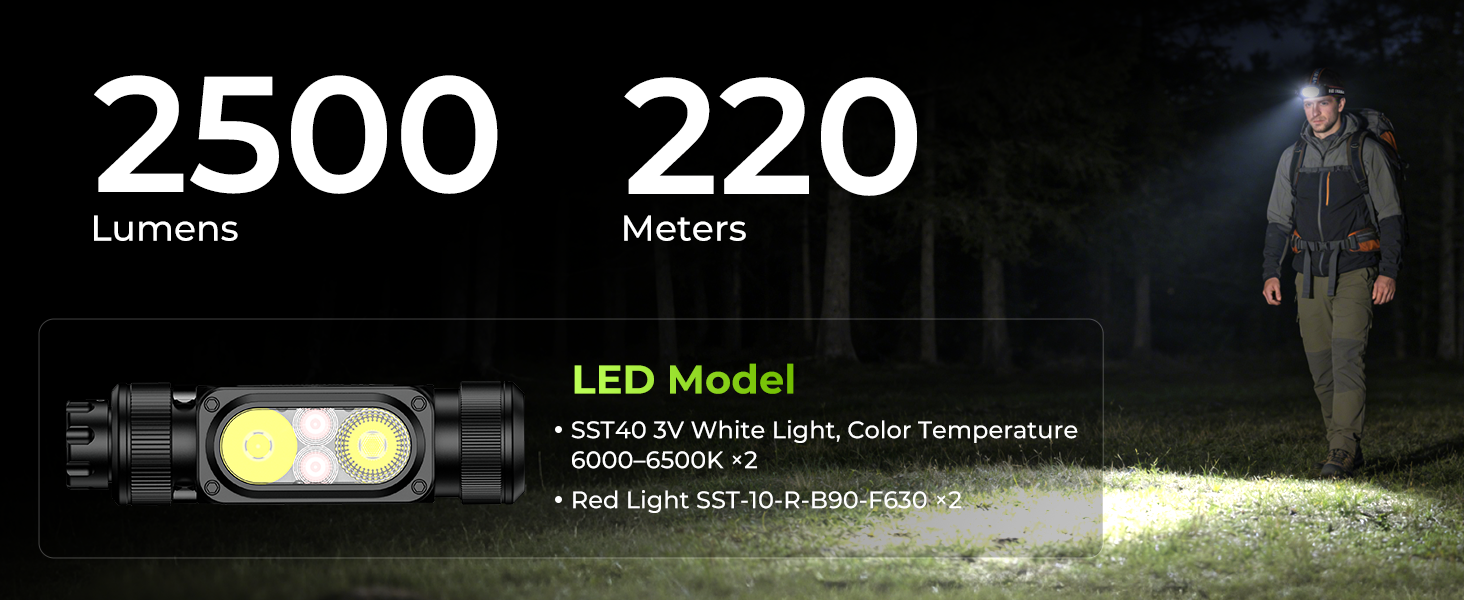
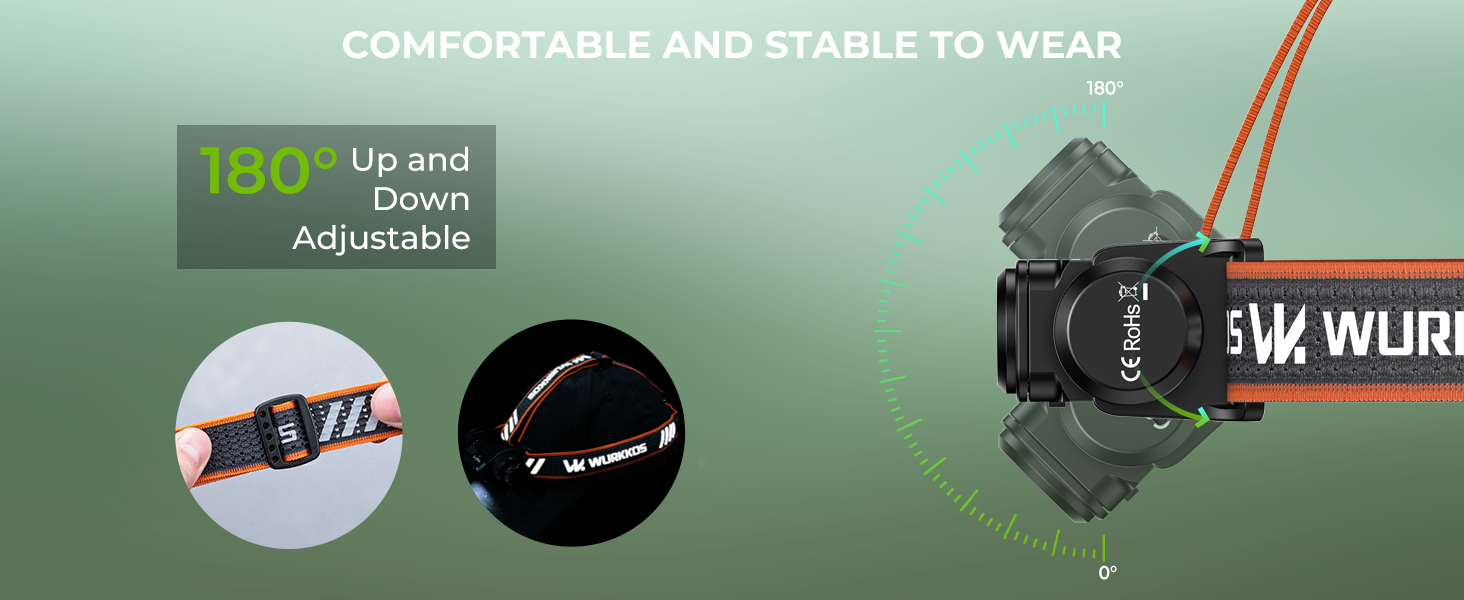
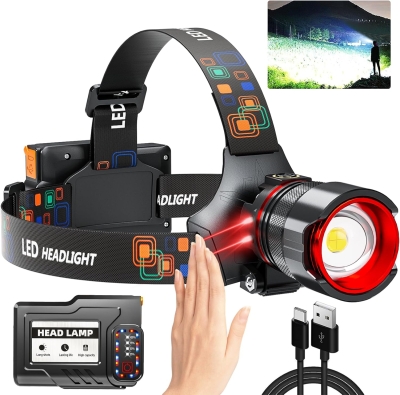
Headlamp Flashlight, 2500 Lumens, 18650 Battery, Everyday Carry (EDC) with Red Light, Ideal for Outdoor Use
-
Estimated Delivery:Oct 25 - Oct 29
-
Free Shipping & Returns: On all orders over $75
1. Charge
Upon power-on, the current battery level will be displayed for 5 seconds.
Solid green = 75%-100%
Flashing green = 50%-75%
Solid red = 25%-50%
Flashing red = 1%-25%
When charging:
Solid red = Charging in progress
Solid green = Fully charged
No Battery Installed = Alternating Red & Green Flashing
Low Battery Indicator: When the battery level is low, the indicator will automatically flash red to signal low power.
Low Voltage Protection: When the flashlight is on and the battery level becomes too low, the flashlight will automatically power off to protect the battery lifespan.
Temperature Control Protection: During operation, when the flashlight
temperature reaches the preset threshold, it will automatically reduce output to
regulate temperature.
2. Change Modes
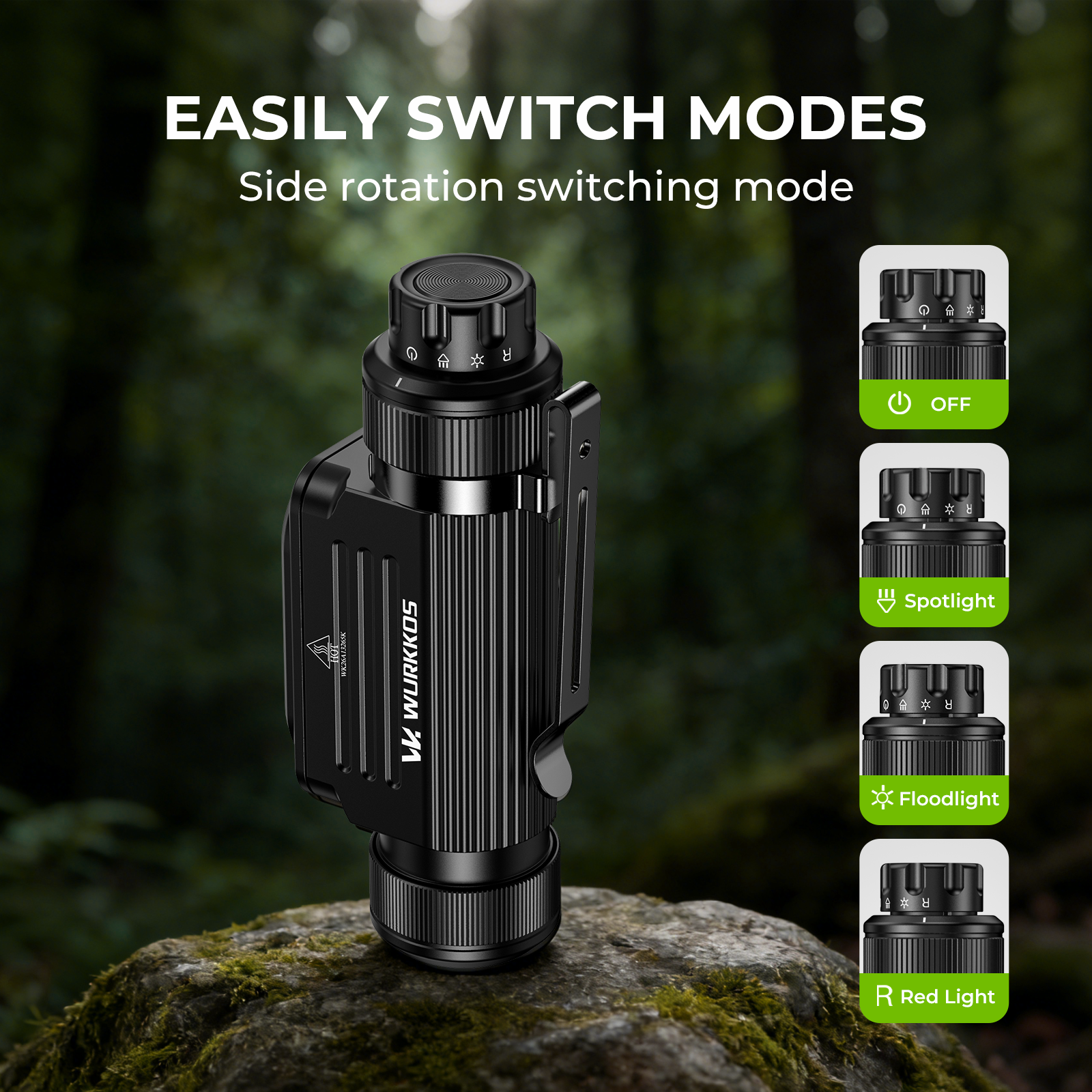
Click the Hall-effect switch to cycle through modes in sequence: OFF →
Spotlight → Floodlight → Red Light.
3.in Spotlight/Floodlight Mode: Eco/Low/Medium /High,
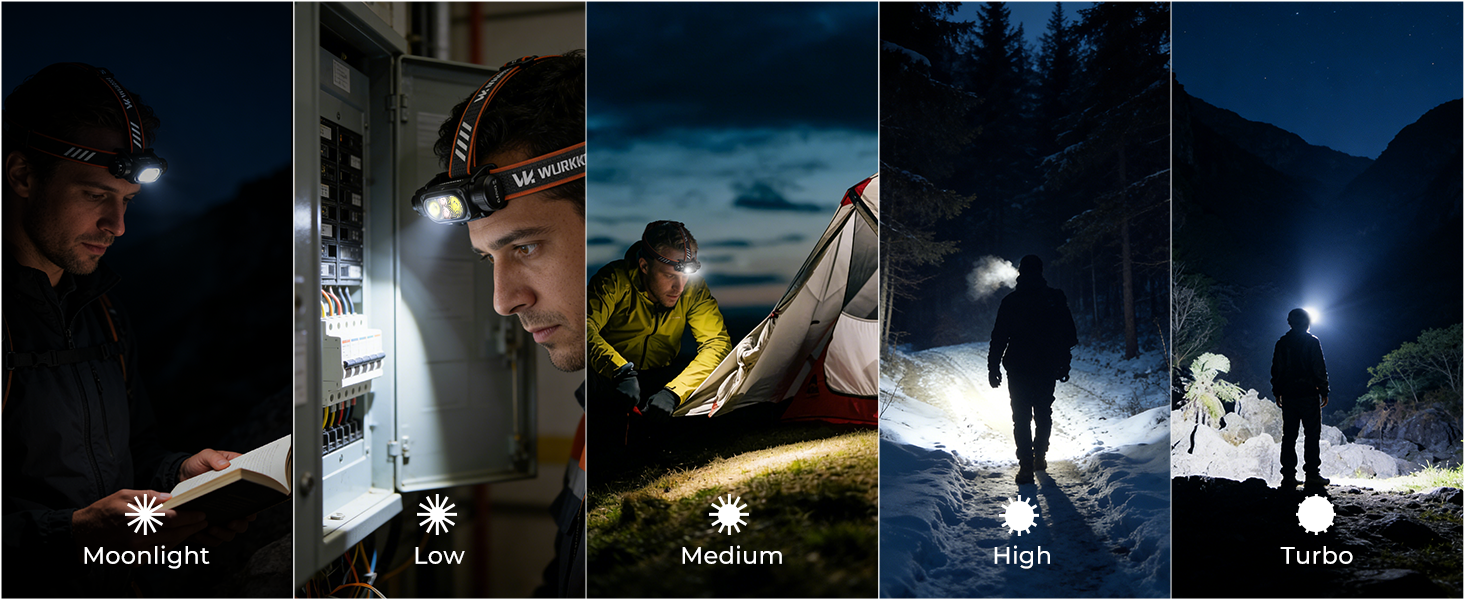
In Spotlight / Floodlight mode, press*1 the touch button to cycle through brightness levels in sequence: Eco → Low → Medium → High.
4.In spotlight/Floodlight Mode: Turbo/Hybrid Beam/steplessDimming
In Spotlight / Floodlight mode:
Press*2 the touch button to enter Turbo of the current mode.
Press*2 again to enter Turbo of Hybrid Beam (Spot + Flood).
Press*1 again to return to the memorized brightness of the current mode.
Stepless Dimming:
Press & hold the touch button to perform stepless dimming.
The light will flash once quickly when reaching the max brightness; there is no
indication at the lowest level.
After releasing the button, press & hold again within 1 second to reverse the
dimming direction; otherwise, the direction remains unchanged.
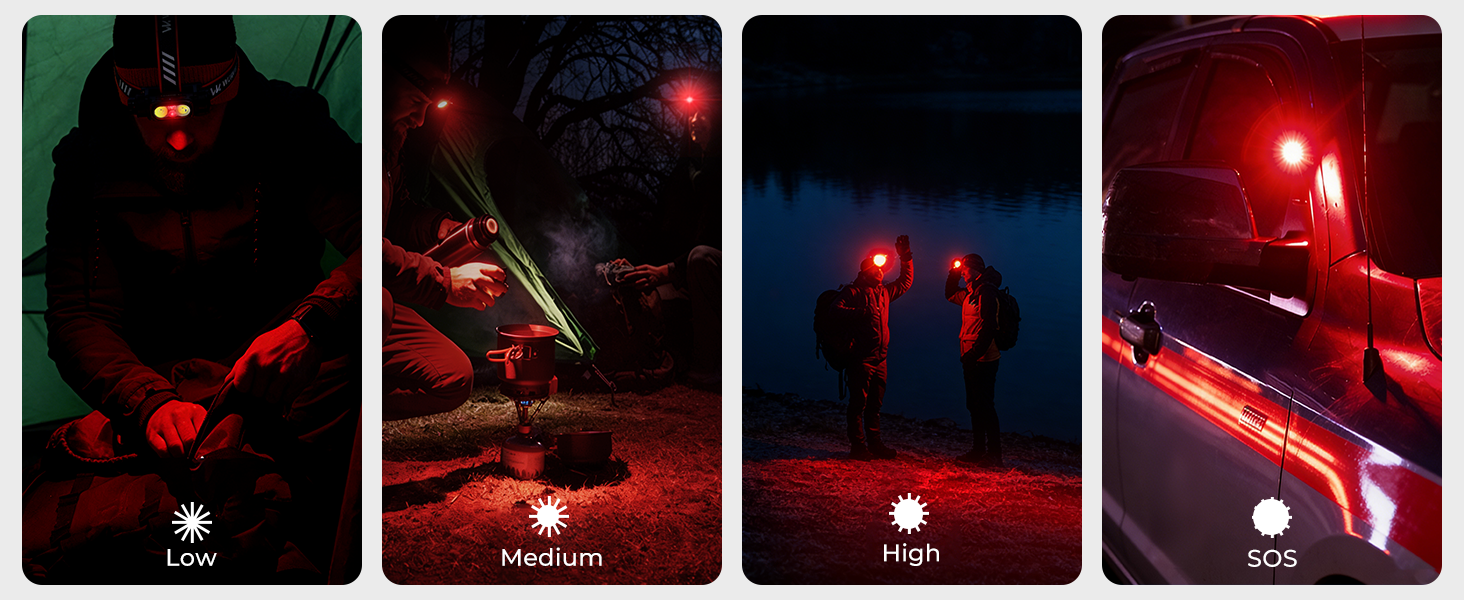
7.In Red Light Mode: Low/Medium/High
In Red Light mode, press*1 the touch button to cycle through brightness levels
in sequence: Low → Medium → High.
8. In Red Light Mode: Red Flashing / Stepless Dimming
Press*2 the touch button to enter Red Flashing. Press*1 again to return to the
memorized brightness level.
Press & hold the touch button to perform stepless dimming. When reaching the
max brightness, the light will flash once quickly as an indication; there is no
indication at the lowest level.
After releasing the button, press & hold again within 1 second to reverse the
dimming direction; otherwise, the dimming direction remains unchanged.


You Might Also Like
BORUiT RJ-2166 LED Headlamp 1000LM 3-Mode Zoom Headlight Waterproof Use AA Battery Head Torch for Camping Hunting
XPG+COB Multi-functional Headlamp with Magnetic Hook, Hat Clip Lamp, Camping Light, Work Light, High-Intensity Flashlight
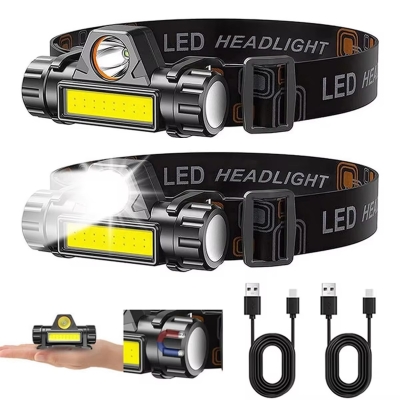
USB Rechargeable COB LED Headlamp Strong Magnetic Powerful Headlight Super Bright Waterproof Head Torch For Outdoor Fishing
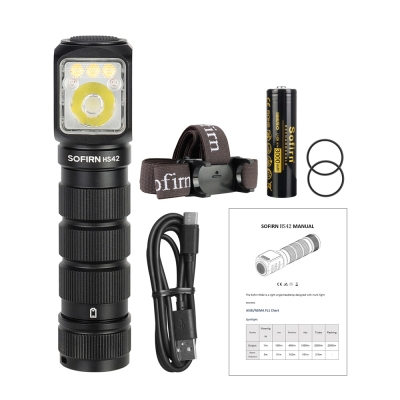
SOFIRN HS42 Headlamp 2100lm 18650 EDC USB C Rechargeable Flashlight SST40 LED Torch with Magnetic for Camping
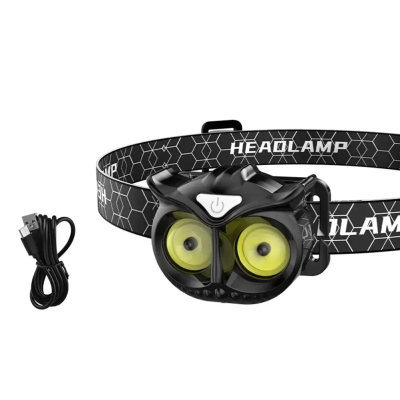
Owl COB Headlamp Type-c Rechargeable Headlight Portable Rotating Hunting Lights Usb Magnet LED Head Flashlight Fishing Head Lamp
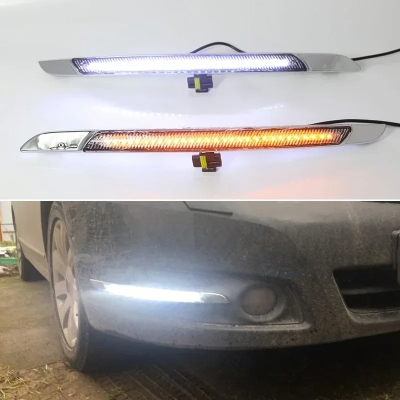
Car LED DRL Daylights For Nissan Altima Teana J32 2008 - 2012 2013 Yellow Turn Signal Daytime Running Headlamps Driving Lamp
Rechargeable Headlamp 990000 Lumens Motion Sensor Zoomable Headlamp 12 Modes IPX7 Waterproof for Camping Running Emergency