


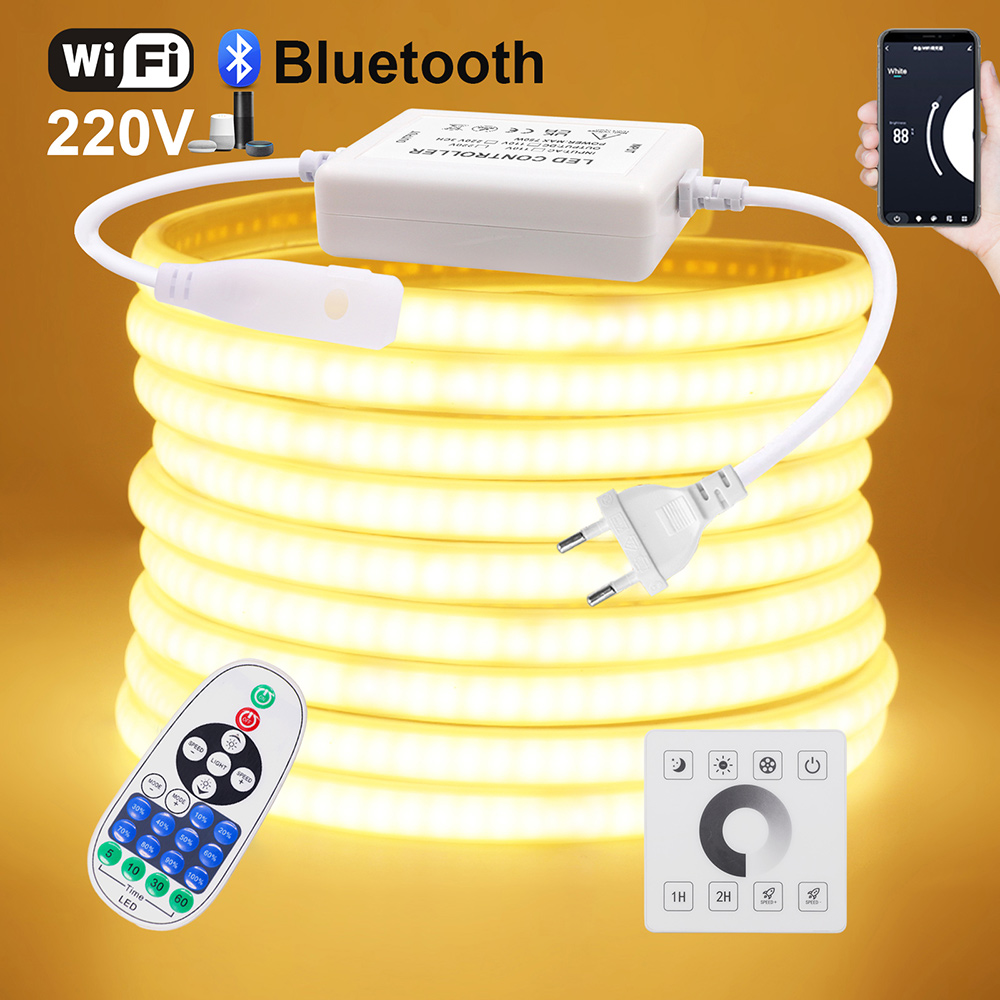
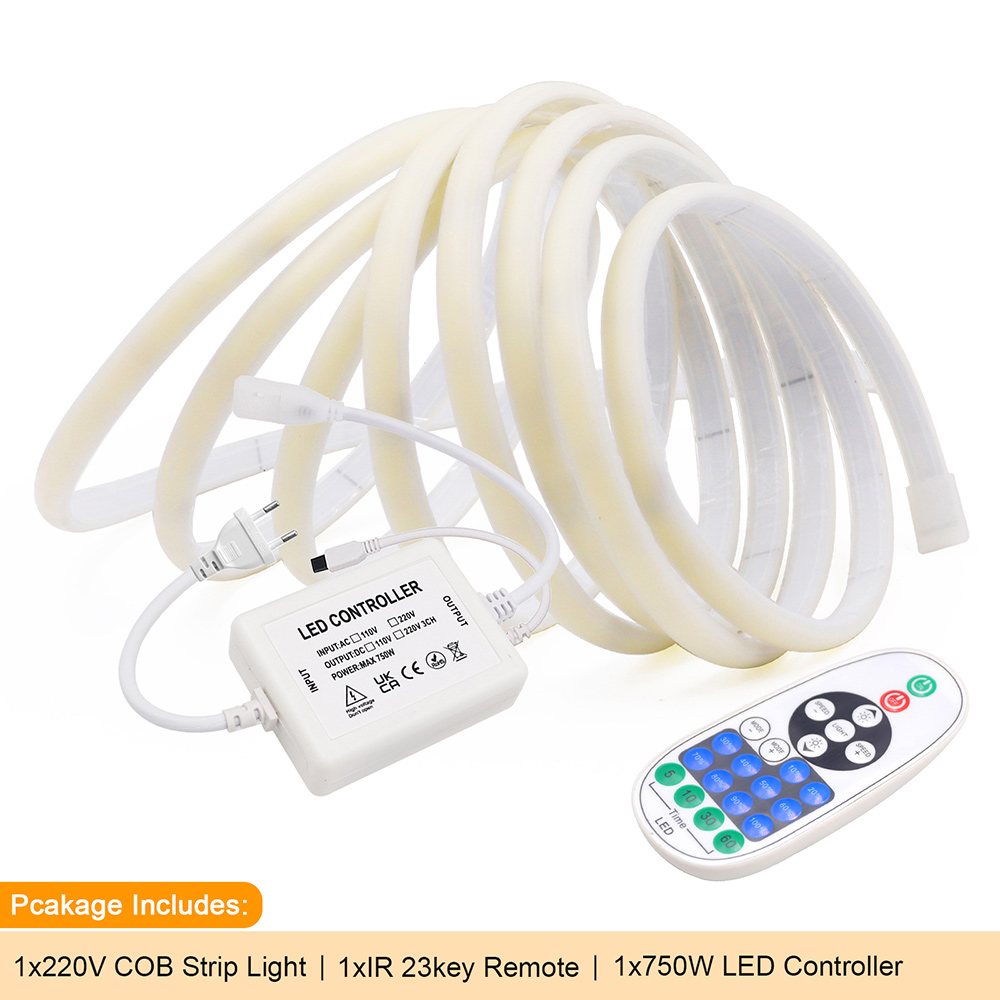
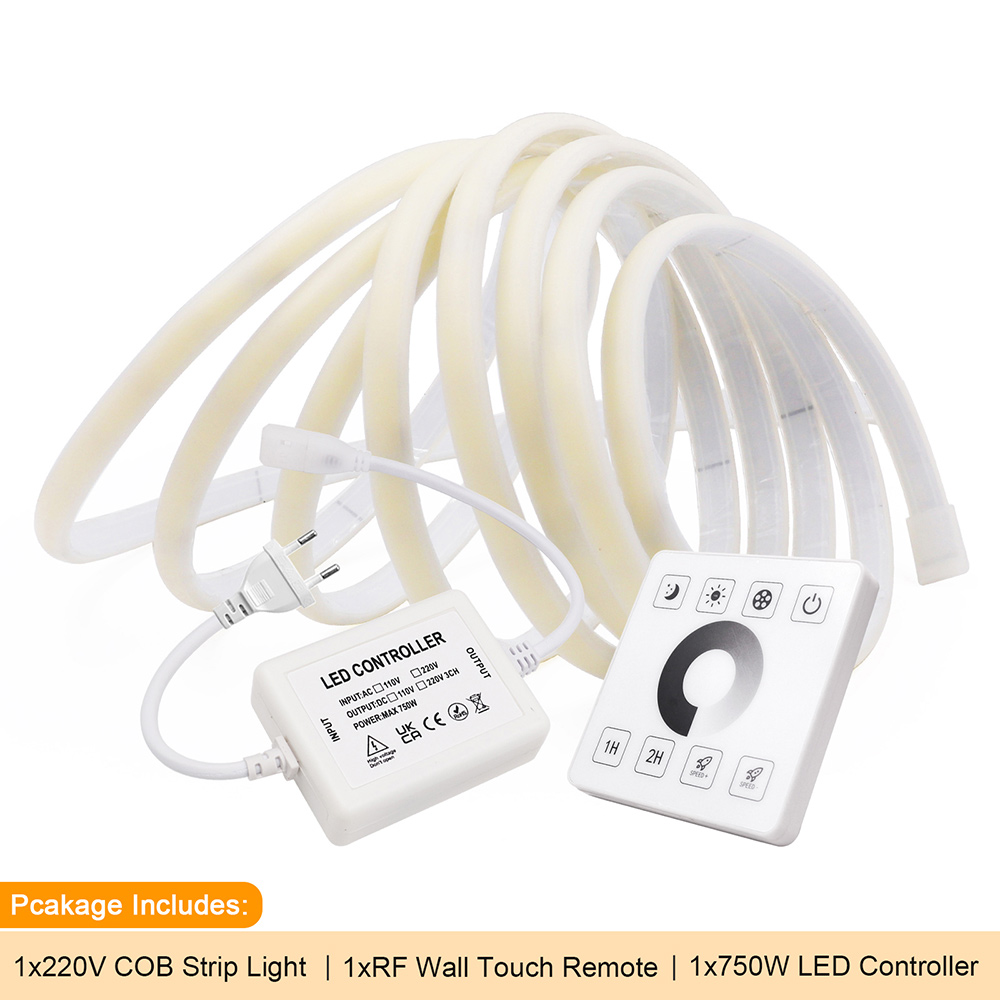
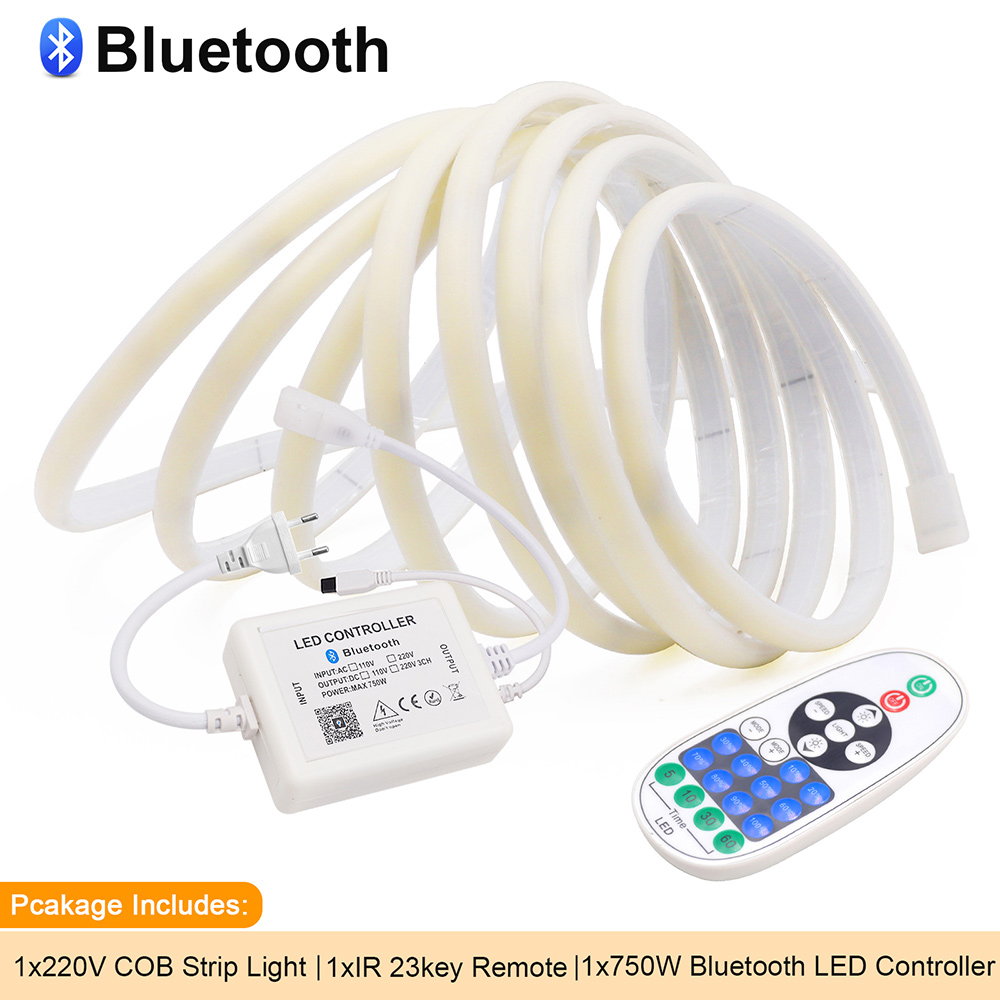
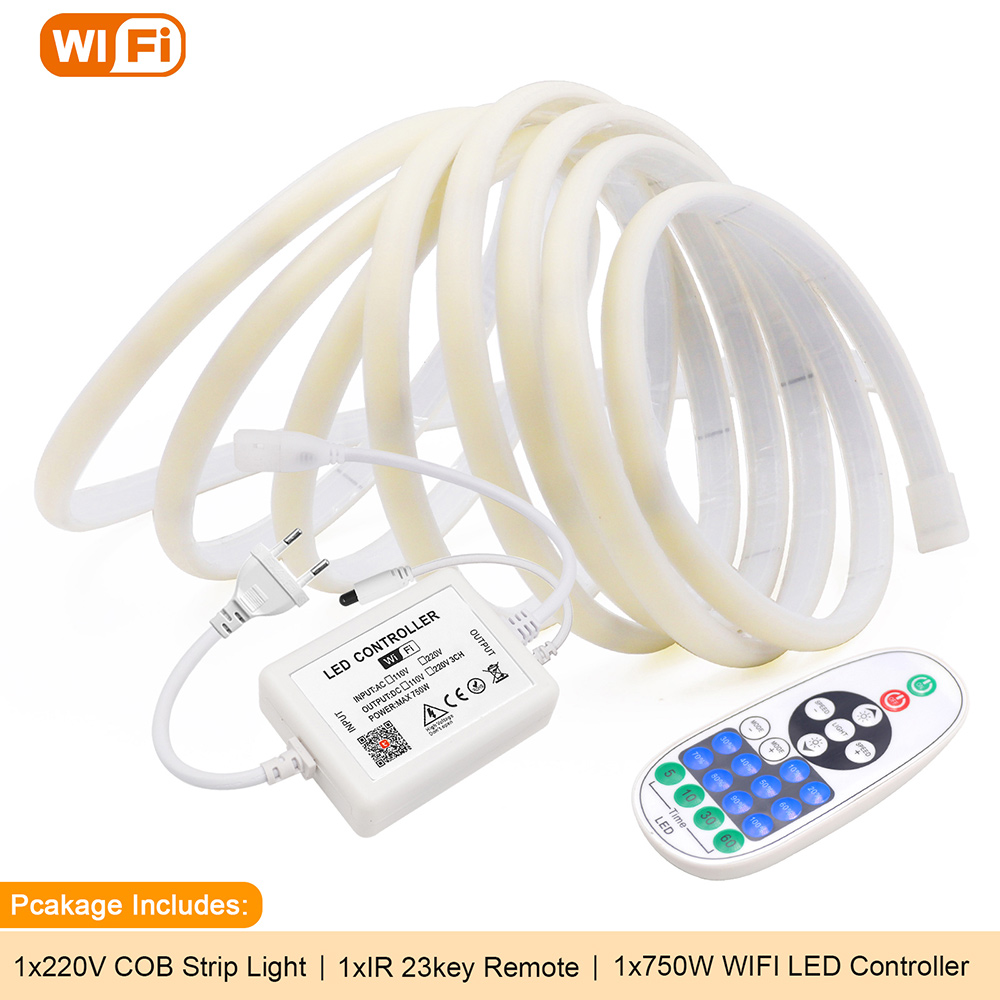
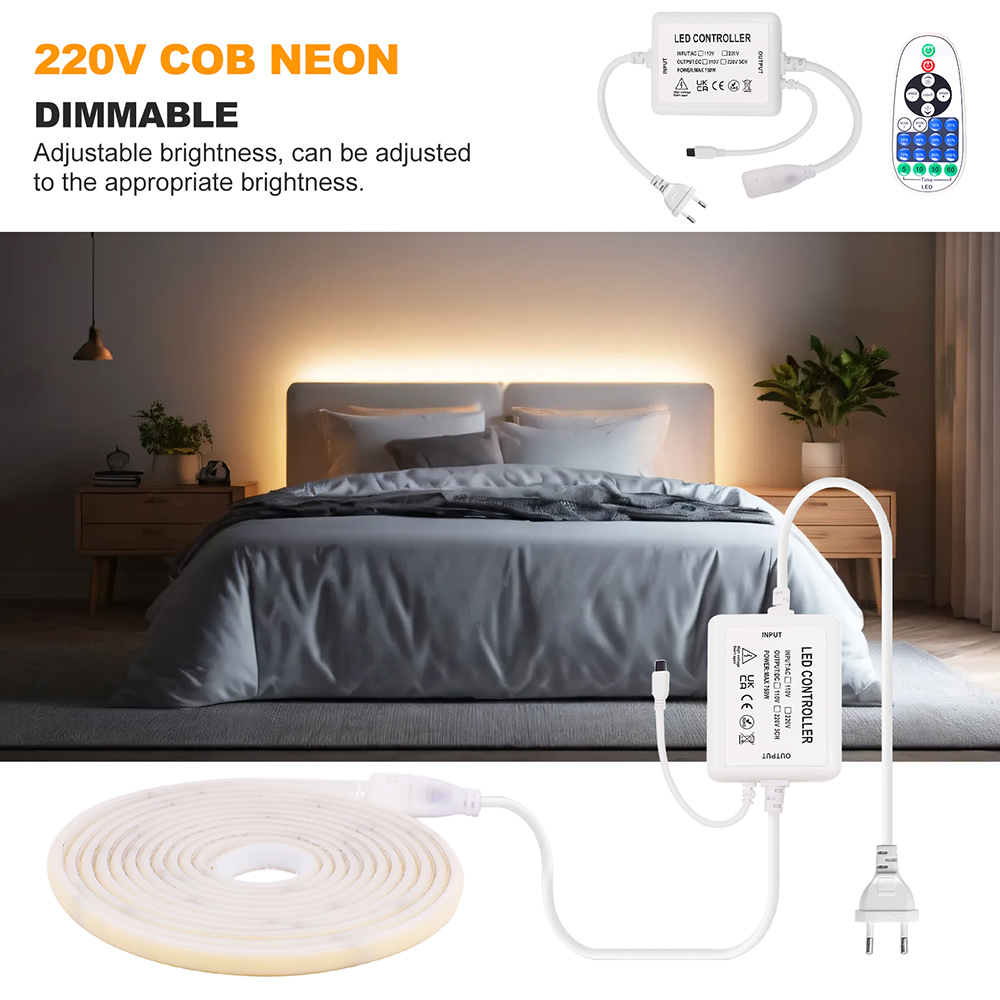
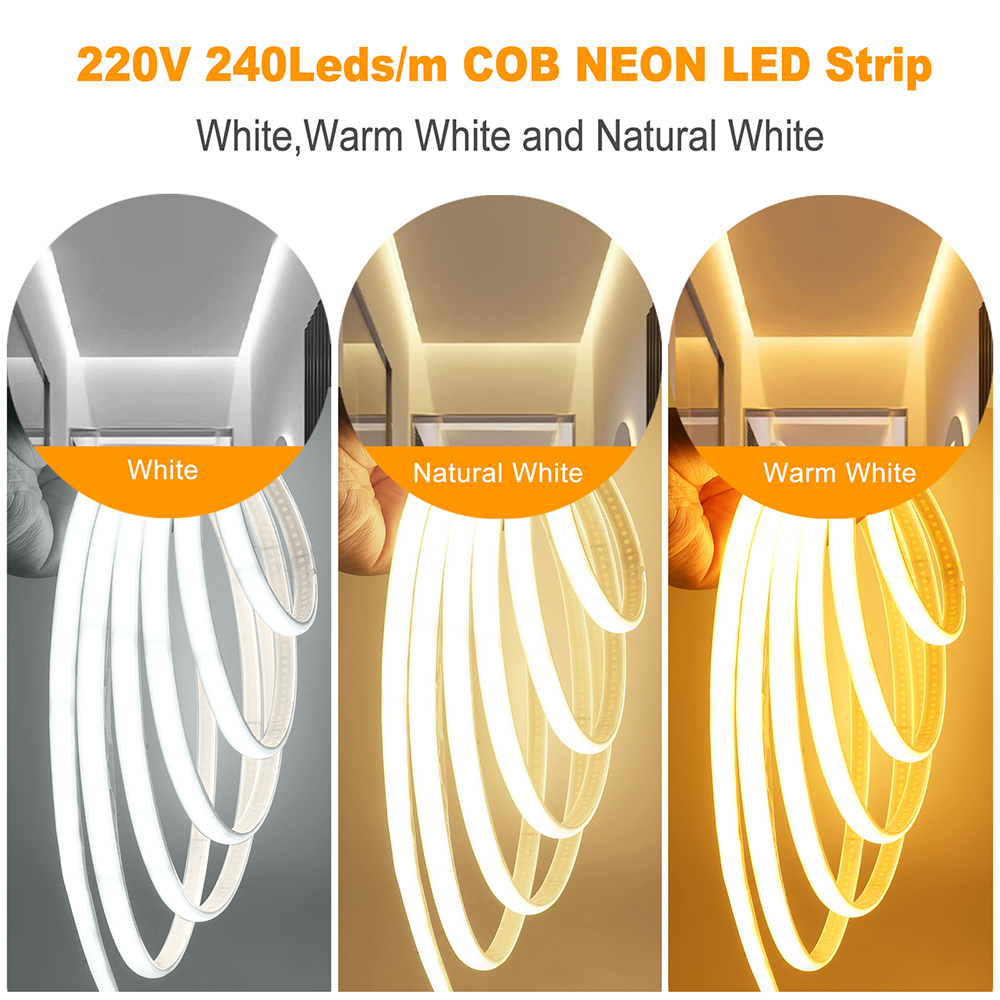
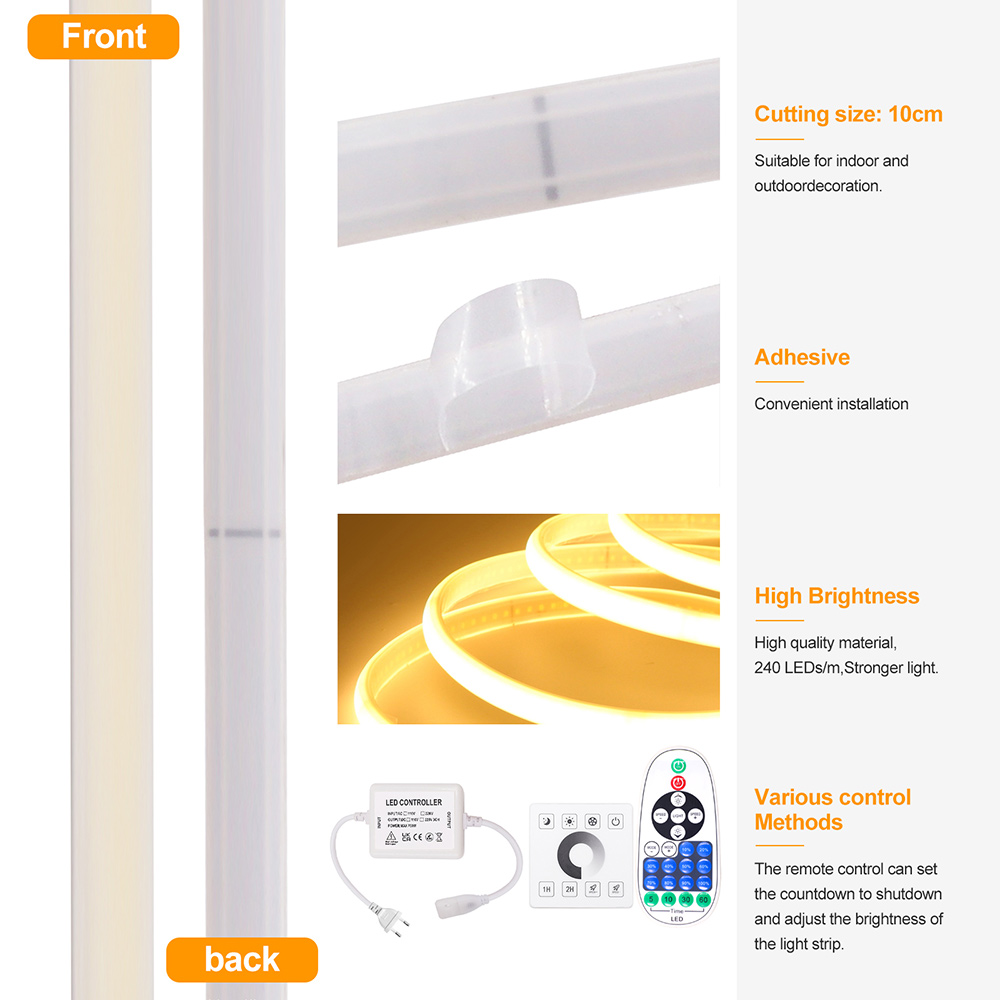
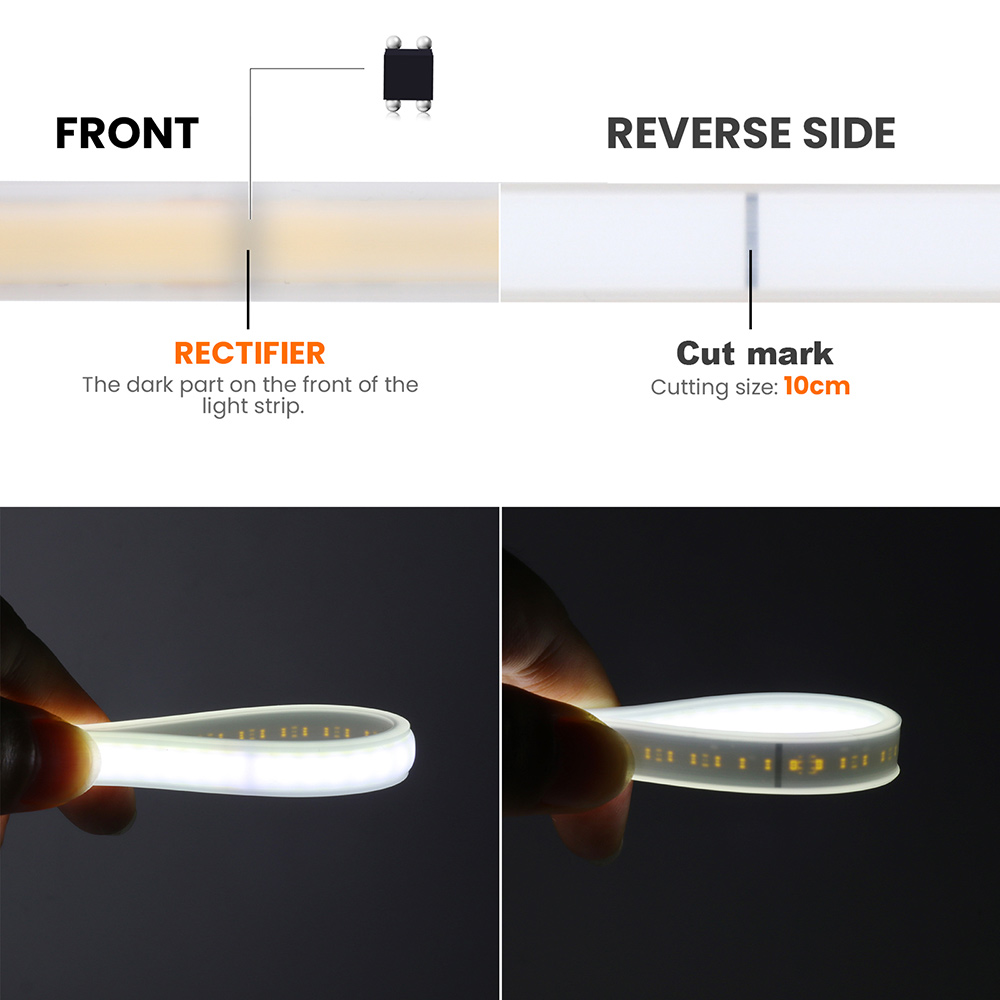
Wifi Bluetooth COB LED Neon Strip Light Wall Touch 23key Remote Control 220V Dimmer Power Kit 5m 10m 20m 0.5m 240LED/m Flex Lamp
-
Estimated Delivery:Sep 03 - Sep 07
-
Free Shipping & Returns: On all orders over $75
(4) Before you want to make a dispute, please contact us frist,we will do our best to resolve it !
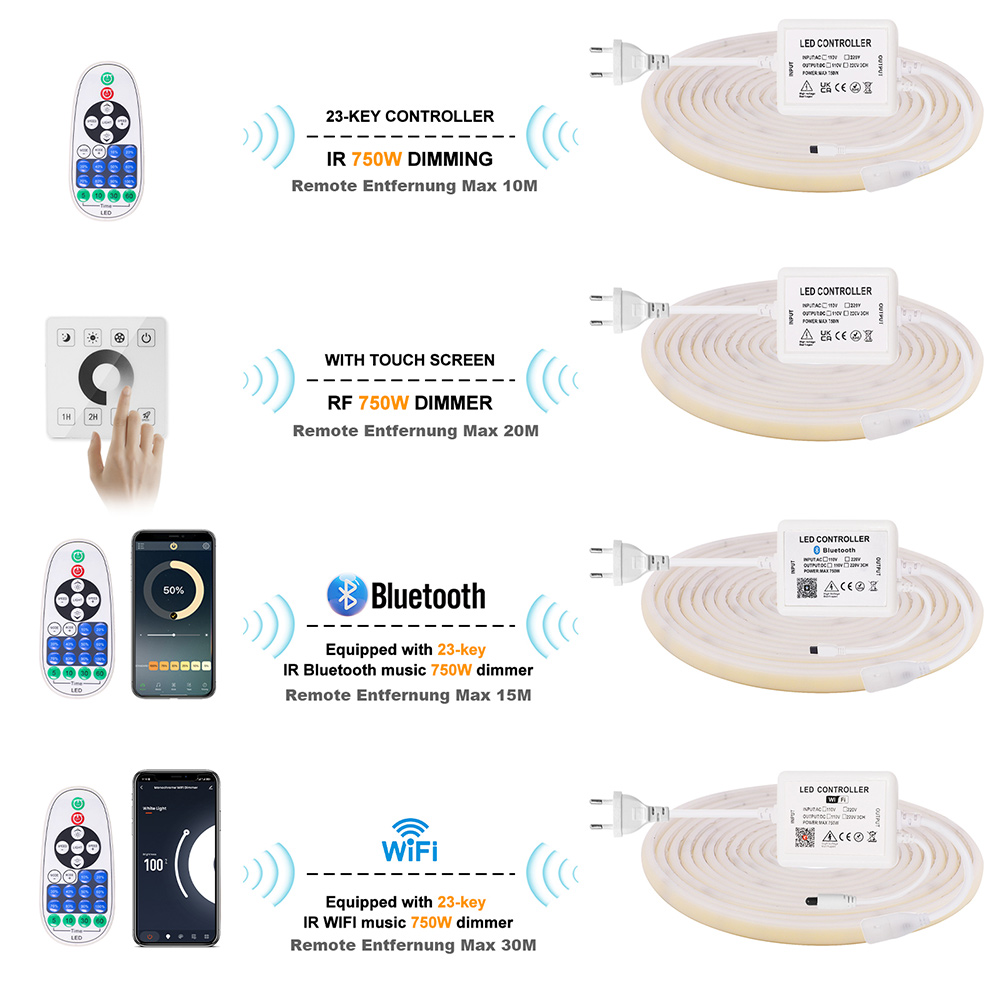
*23keys IR remote powered by: 2*AAA Batteries (not included)
*IR remote distance: about 8-10m
*Bluetooth remote distance: about 8-15m
*Wifi remote distance: about 15-30m
*RF remote distance: about 10-20m
*RA (CRI): >90
*Operation temperature: -20℃-+60℃
*Storage temperature: -20℃-+60℃
*Dimmable: YES
*Life Span: > 50000 hours
Wifi Remote Kit Features:
Voice Control:Smart dimmer works with Amazon Alexa and Google home. With our smart light dimmer, you can turn on/off your light with your voice, just say the commands and enjoy the great convenience of voice control.
APP & Remote Control:Get our wifi dimmers installed in your house, now with one tap of your smart phone app, you can switch the lights on or off. Please make sure your phone access to 2.4 GHz Wi-Fi network(Not support 5.0 GHz Wi-Fi).
Group & Share Control:By creating a group for all outdoor smart dimmer, you can control combine devices in one command. Device sharing feature allows you to share the control with your family. Let you and your family enjoy the proper atmosphere in different occasions by adjusting the brightness at any time.
1%- 100% Dimming:Smart dimmer with 1-100% adjustable brightness, which can control and adjust the light brightness of any dimmable string lights or patio lights. Customizes lighting output and creates the perfect ambiance for any occasion.
Timer & Schedule Your Life:By creating customized schedule, your lights will turn off (or turn on) automatically at the time you set on your phone. Support sunrise and sunset setting. Decrease your electrical bill.
WIFI APP Control Instructions:
1. Scan the QR code of the product to download the APP and register the account.
2. Connect the controller and LED light strip, and switch on the power supply.
3. Open the Tuya Smart App and click Add Device (reset the device, switch the power on and off 3 times, (Power on, power off, power on, power off, power on), enter the flash state and complete the network distribution operation within 3 minutes). Select Lighting → Light Strip → Confirm the indicator is in flash, enter WiFi password → Click Next → Connection is added successfully → Click Finish to complete the product network distribution.
4. Enter the APP main interface in five parts: on/off, white light brightness adjustment interface, scene, plan, and Settings.
① Enter the white color ring interface to adjust the light brightness.
② When entering the scene interface, you can freely select different scenes. The scene can be edited and set, such as the light mode can be set to static, jump, breath, etc., and the scene can be freely named.
③ Enter the schedule interface (you can select the timing type, sleep and wake up)
④Enter the setting interface for timing (lights off, lights on, lights on and dimming, lights on and setting scene), countdown (delayed lights off), power response.