
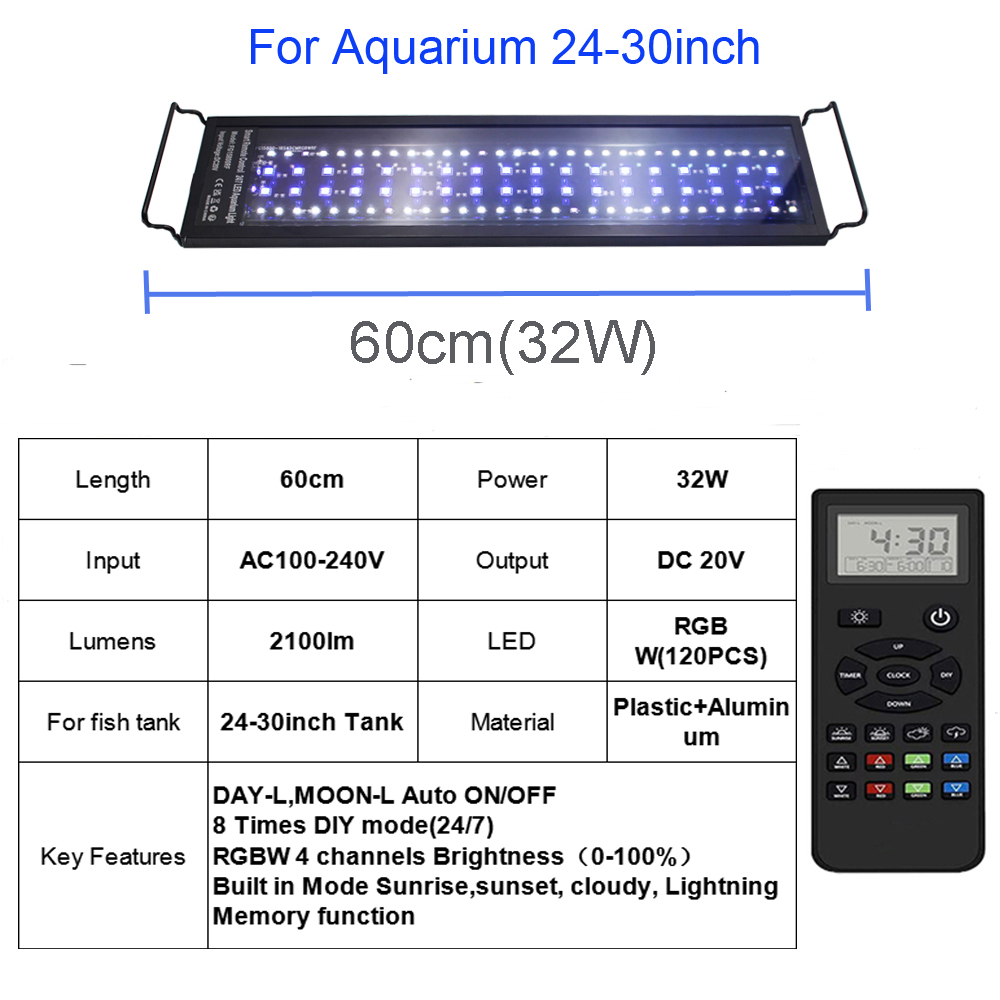
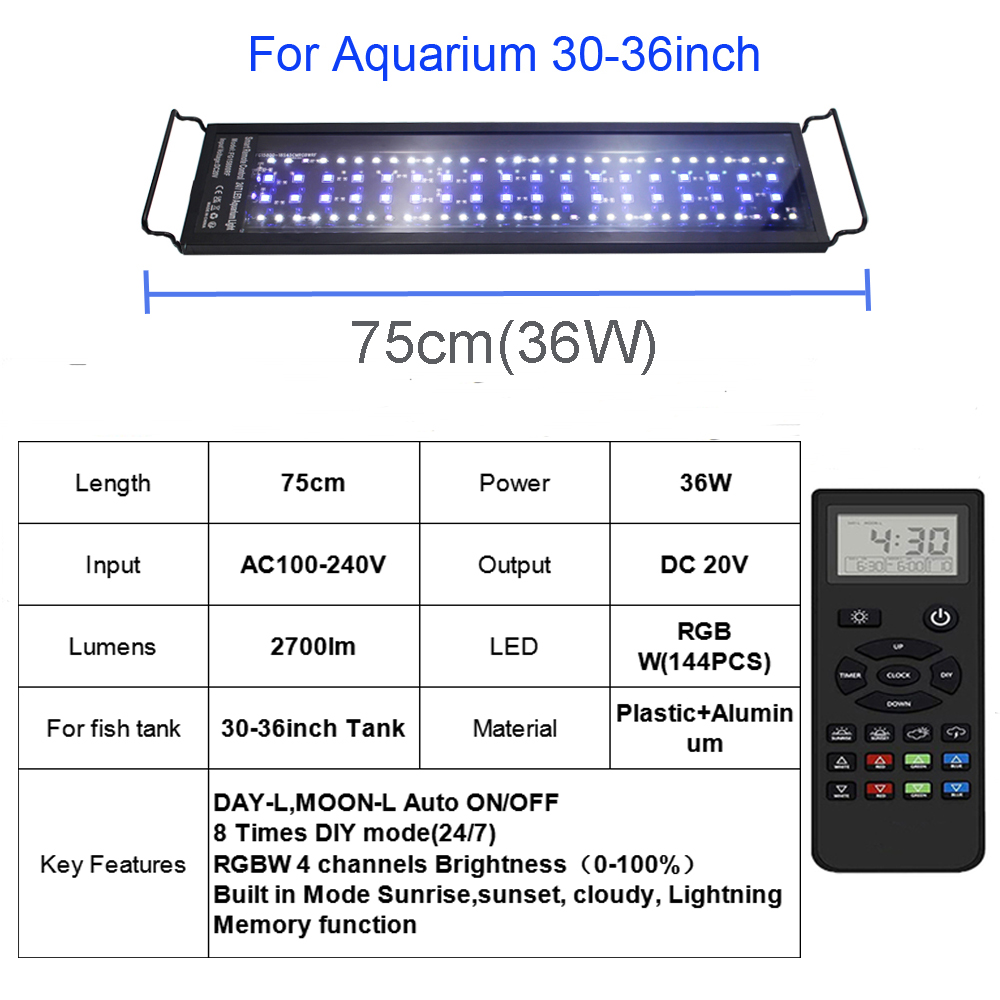
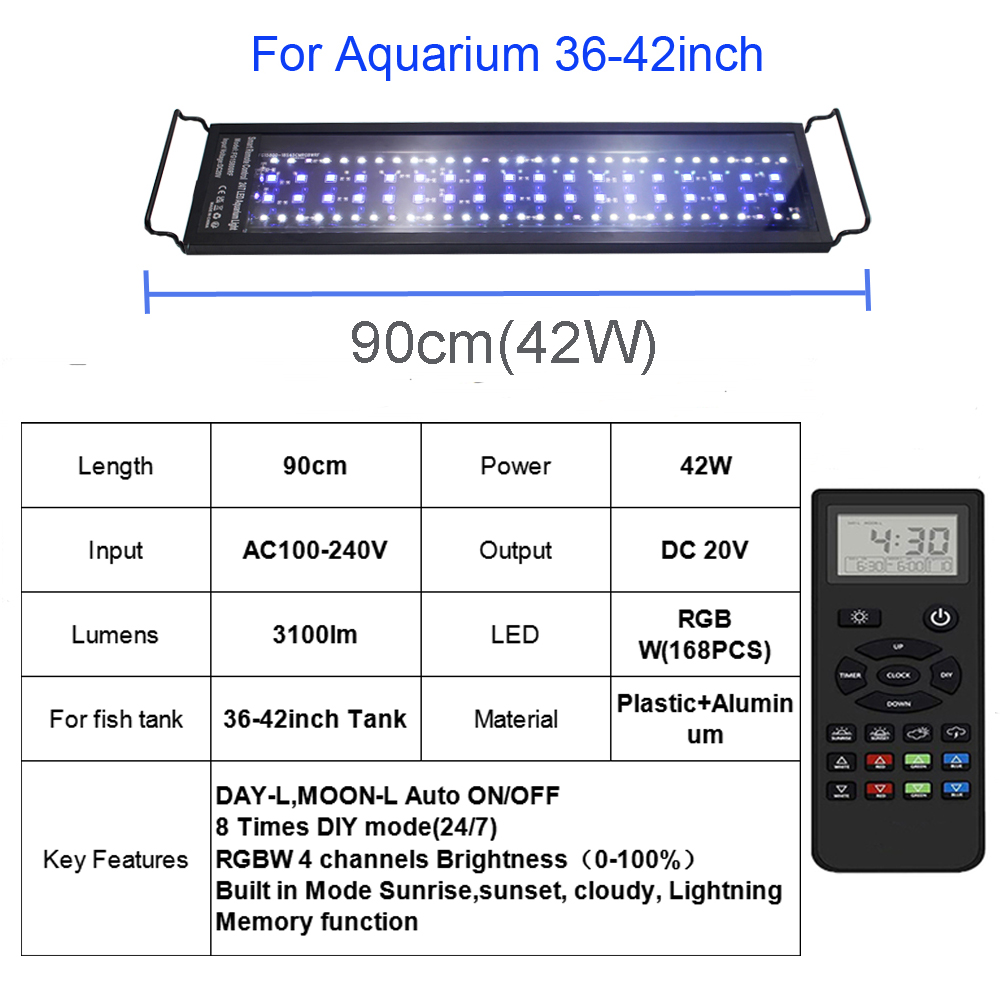
Remote Control LED Aquarium Light Full Spectrum for 24inch to 48inch Fish Tank Light Fresh Water Light Multi-Color
-
Estimated Delivery:Sep 03 - Sep 07
-
Free Shipping & Returns: On all orders over $75
For 12inch 18inch aquarium light, please order from below listing,
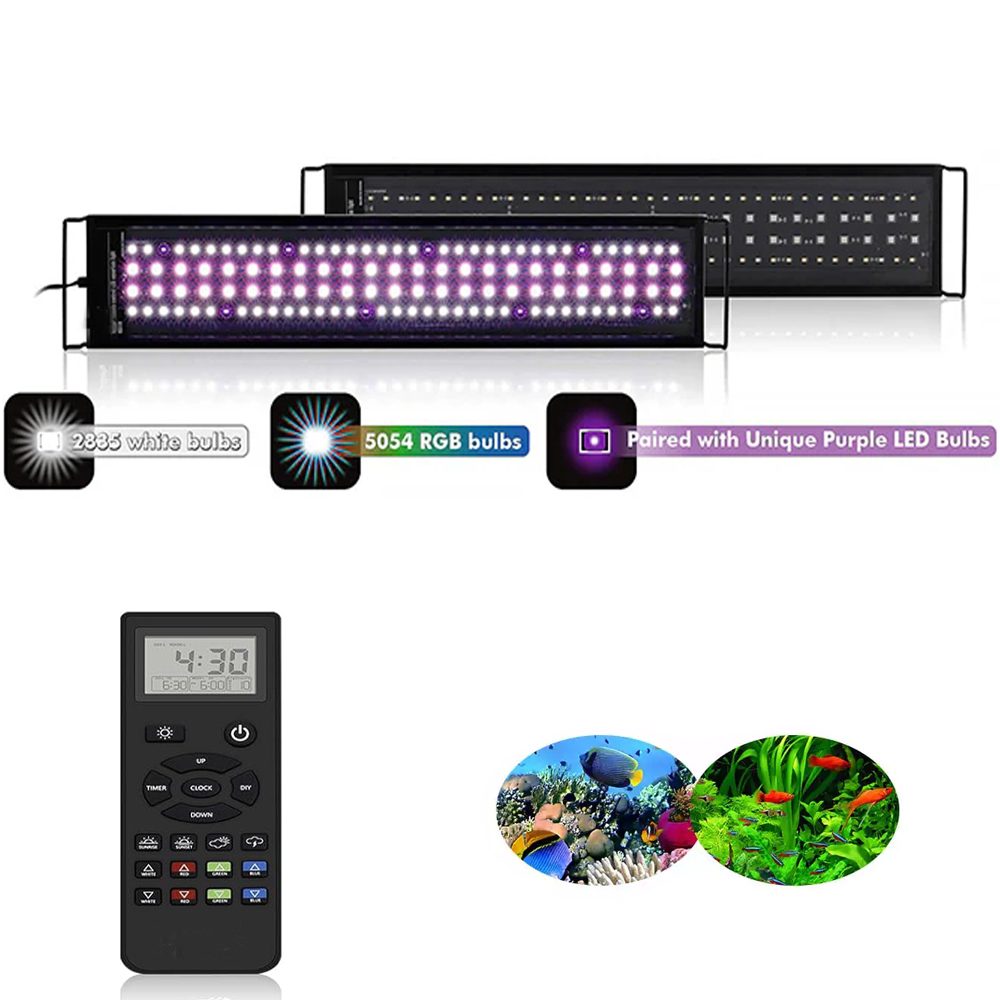
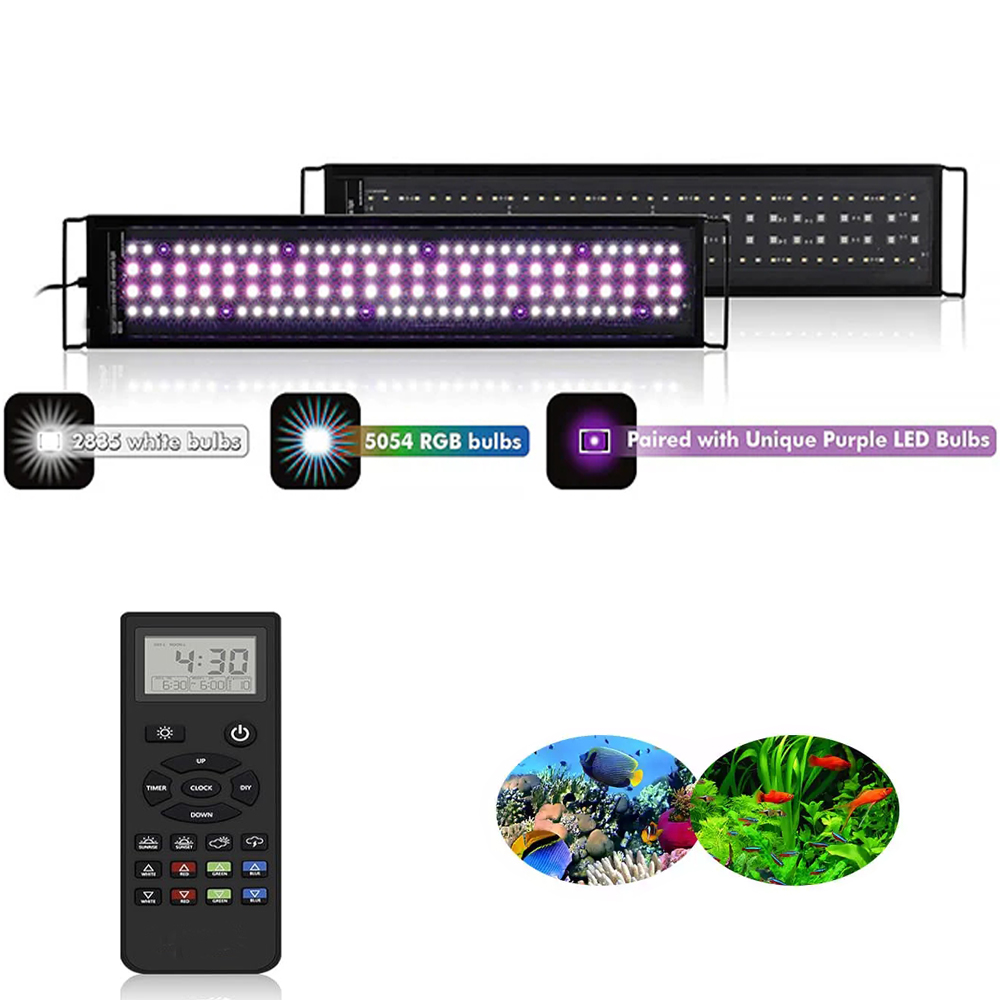
This New Planted Aquarium light is designed with Remote controller.it is Smart wireless Planted fish LED lamp.
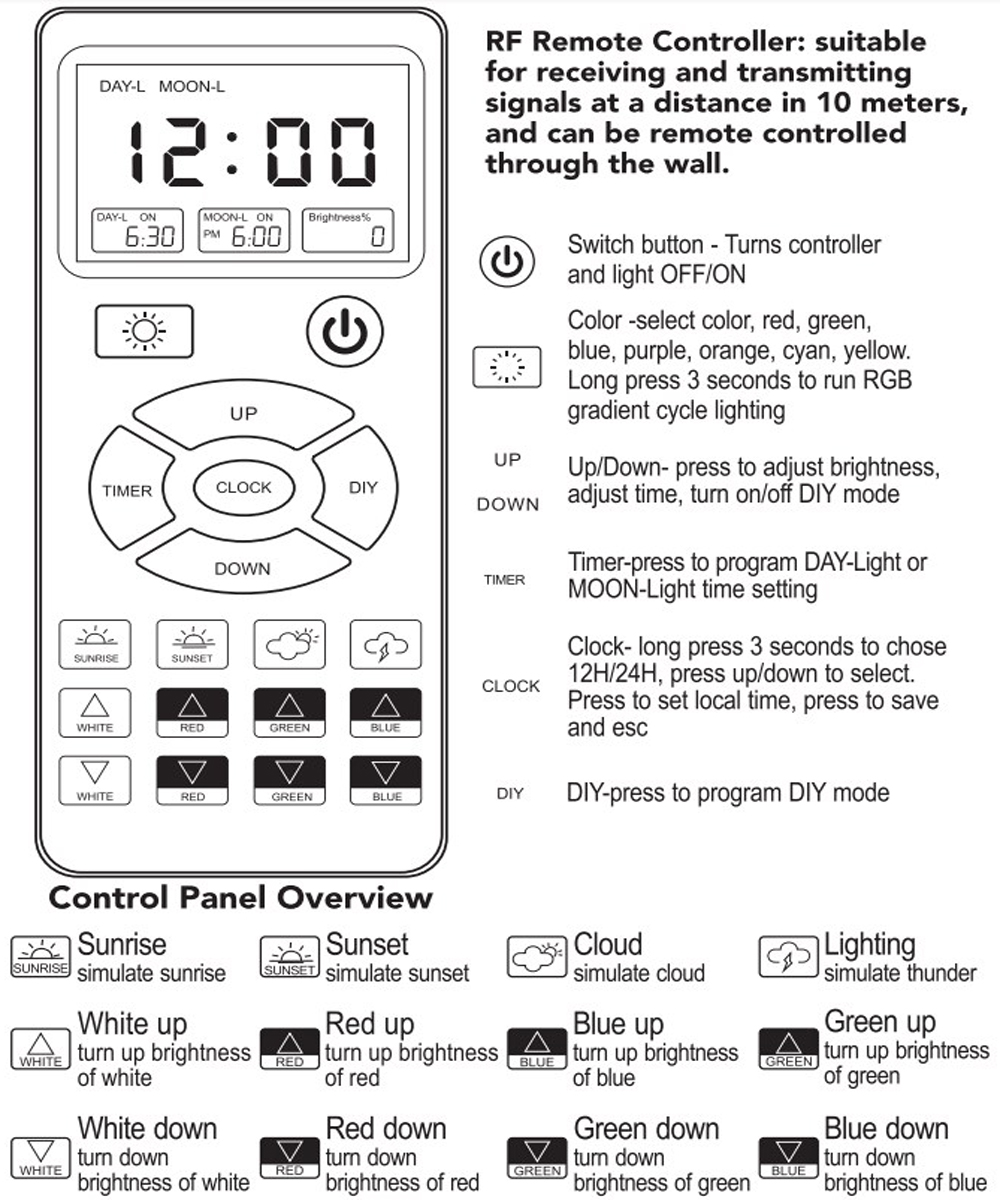
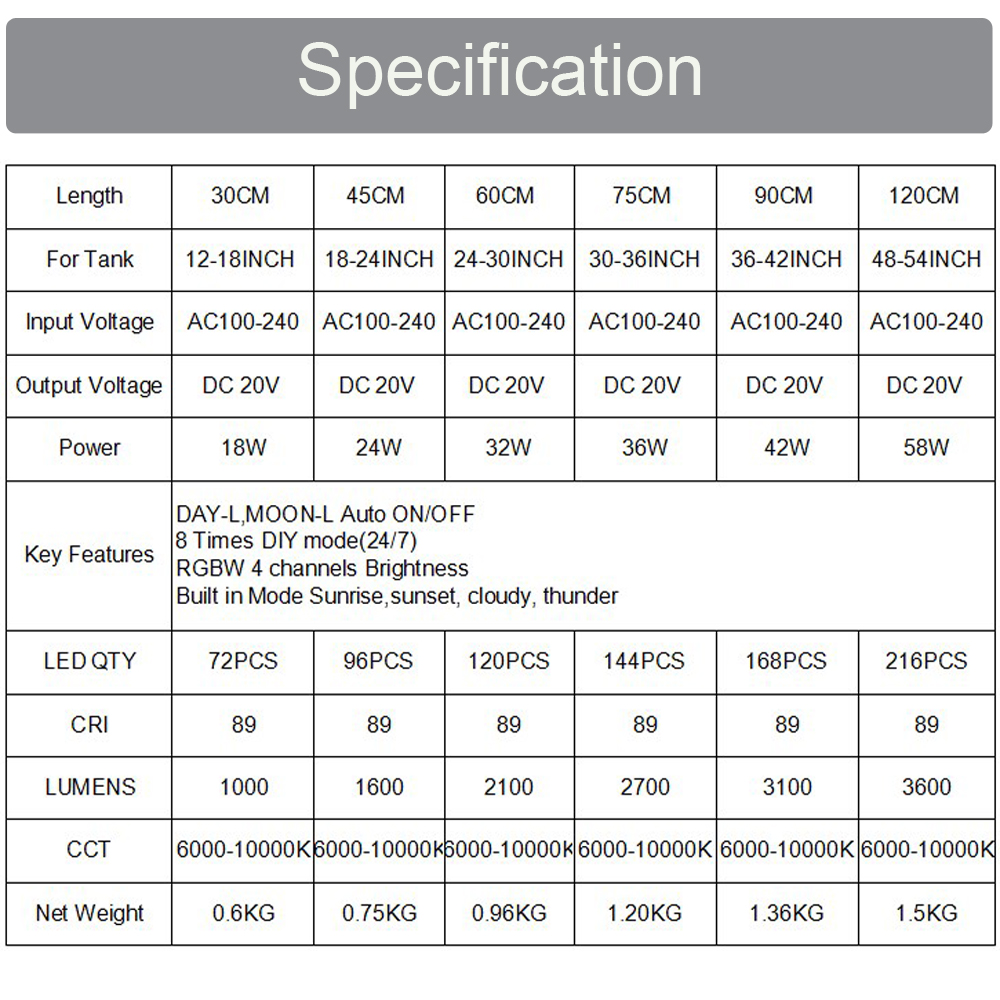
2 channels Daylight and Moonlight independently. Auto ON and OFF
8 timer DIY mode(24/7),
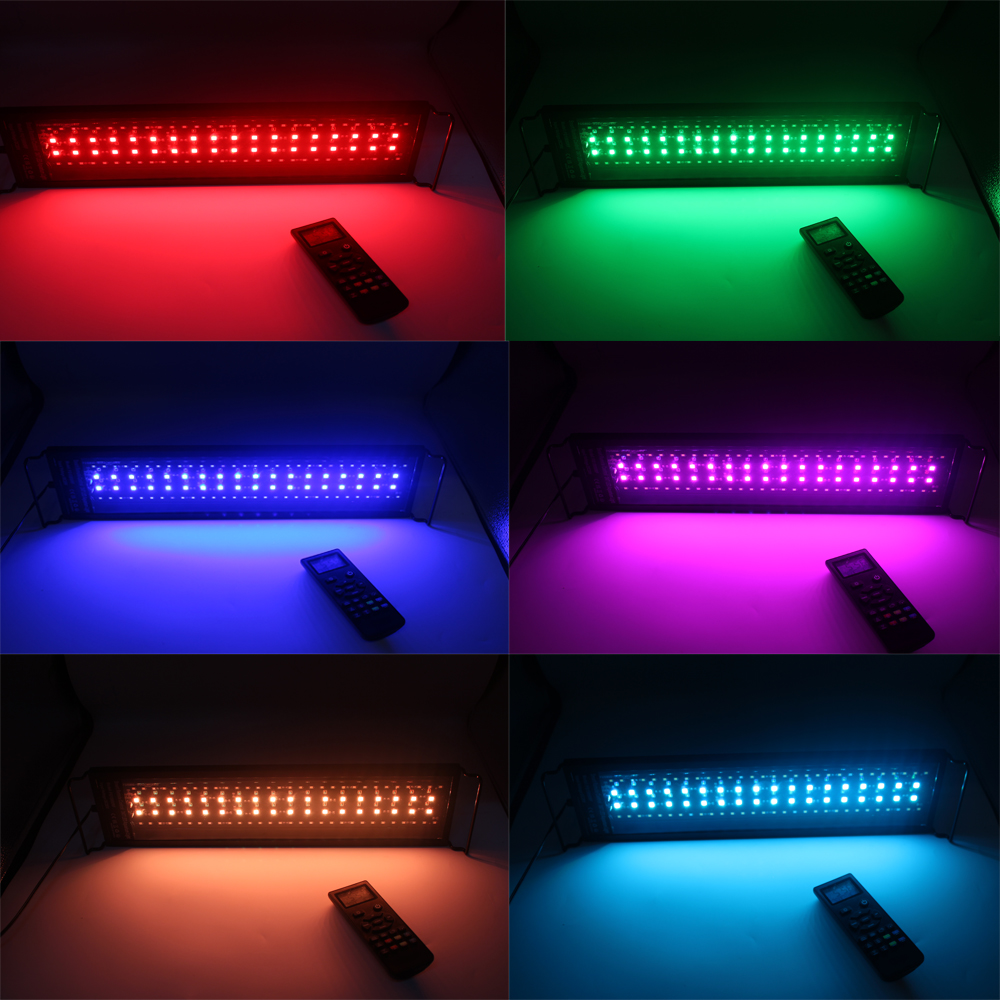
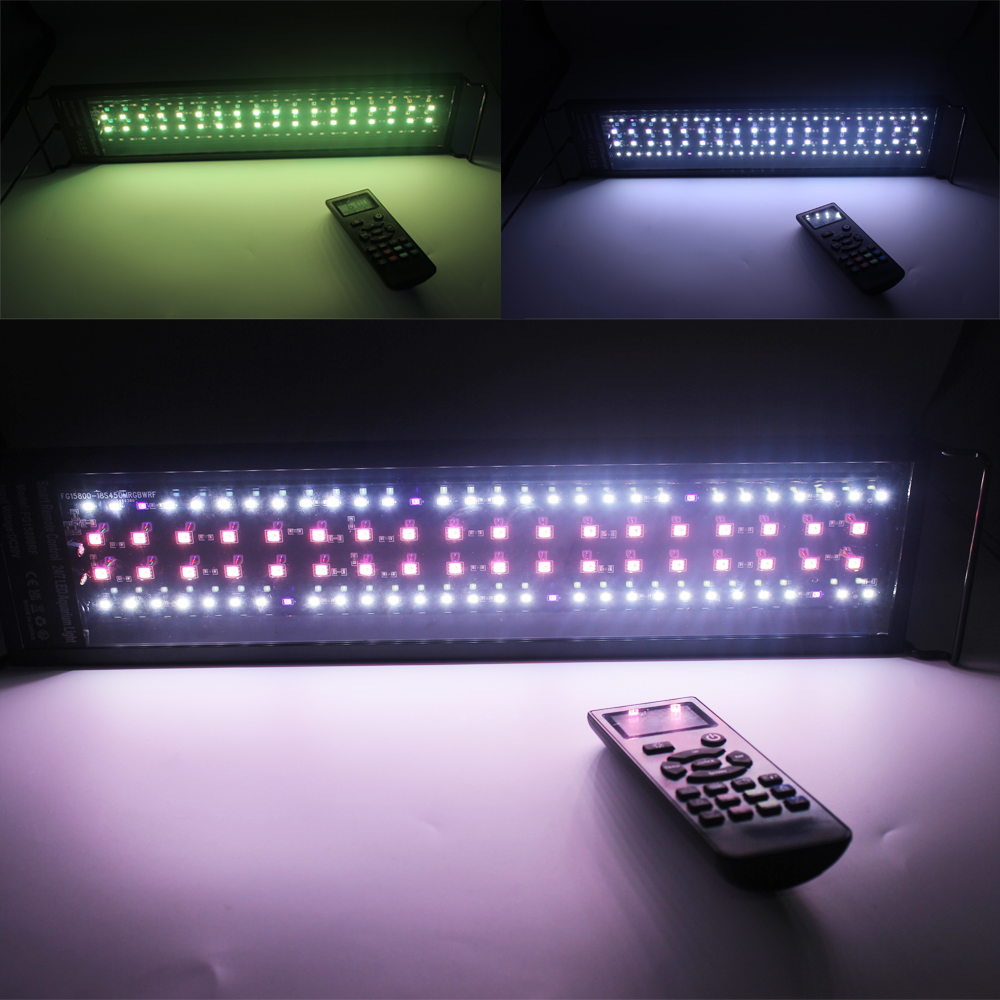
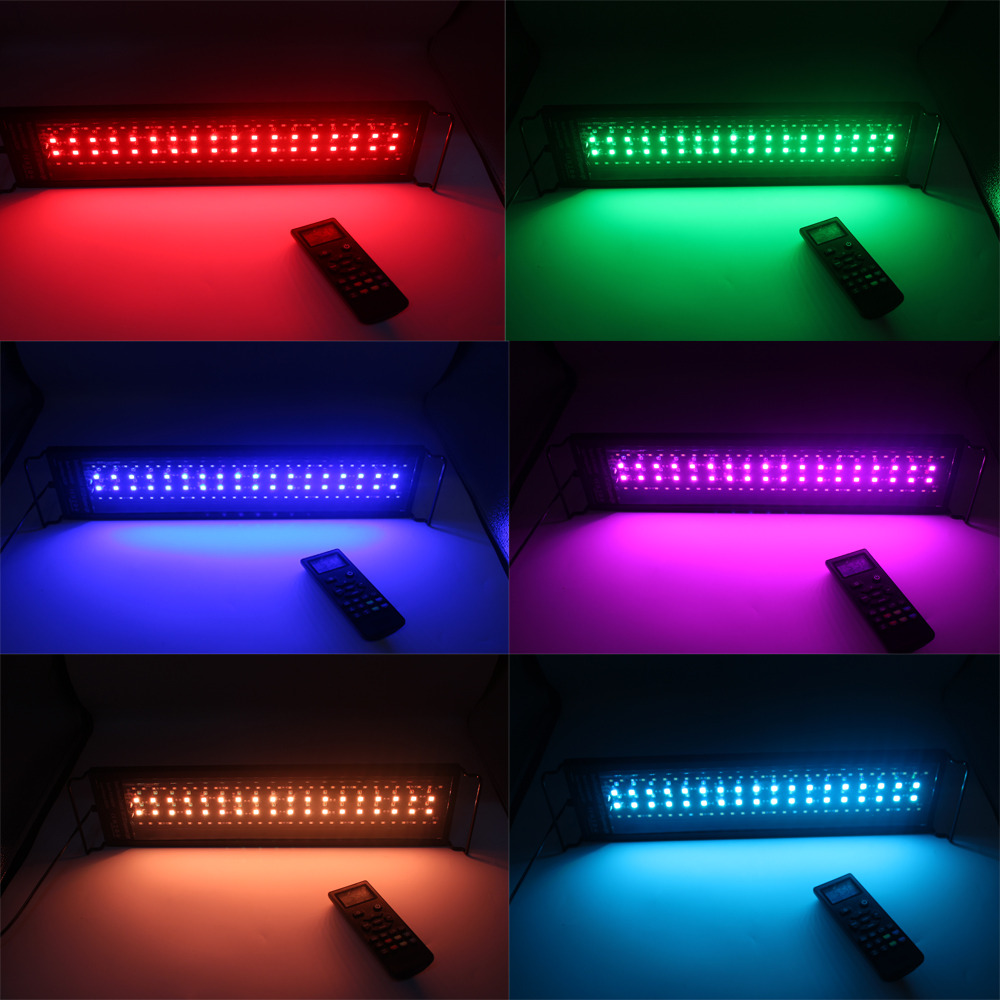
RGBW 4 channels brightness
Sunrise, Sunset, Cloudy, lightning for Choice
Good effect on green aquatic plants, full spectrum ideal for freshwater or saltwater fish-only and low-high light level aquarium plants.
Features:
Important Tips:
1.The fish tank light is waterproof, but the adapter is not waterproof, please do not put the adapter and the wire into the water.
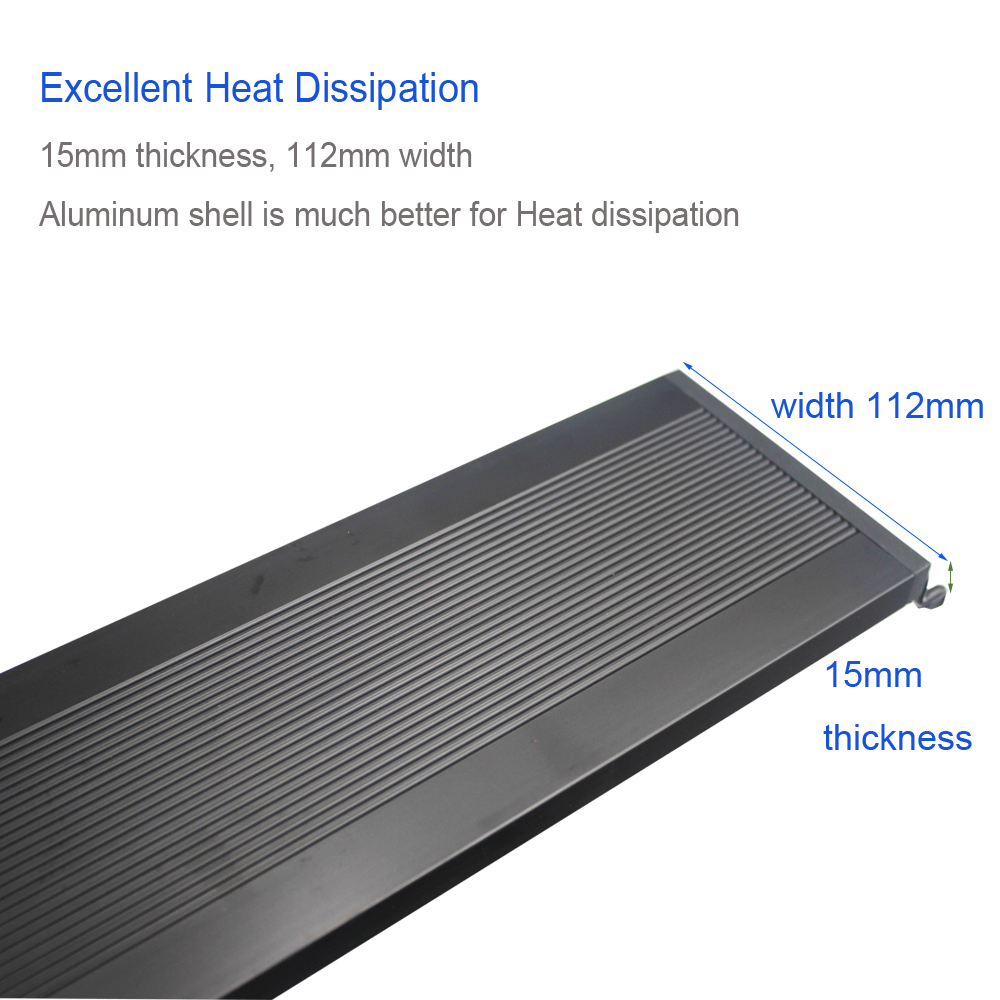
2.The light body may become hot after long time use. This is a normal phenomenon, please avoid touching the light body directly with your hands. Turn off the power and wait for 10-15 minutes before touching it.
3. The operation of the aquarium light is a bit complicated, you may encounter difficulties during use, please read the manual carefully to set up, if you still encounter problems, we can solve the problem for you as soon as possible.
4.Please allow 2-3cm difference error due to manual measurement. pls make sure you do not mind before you bid.
Package Include:
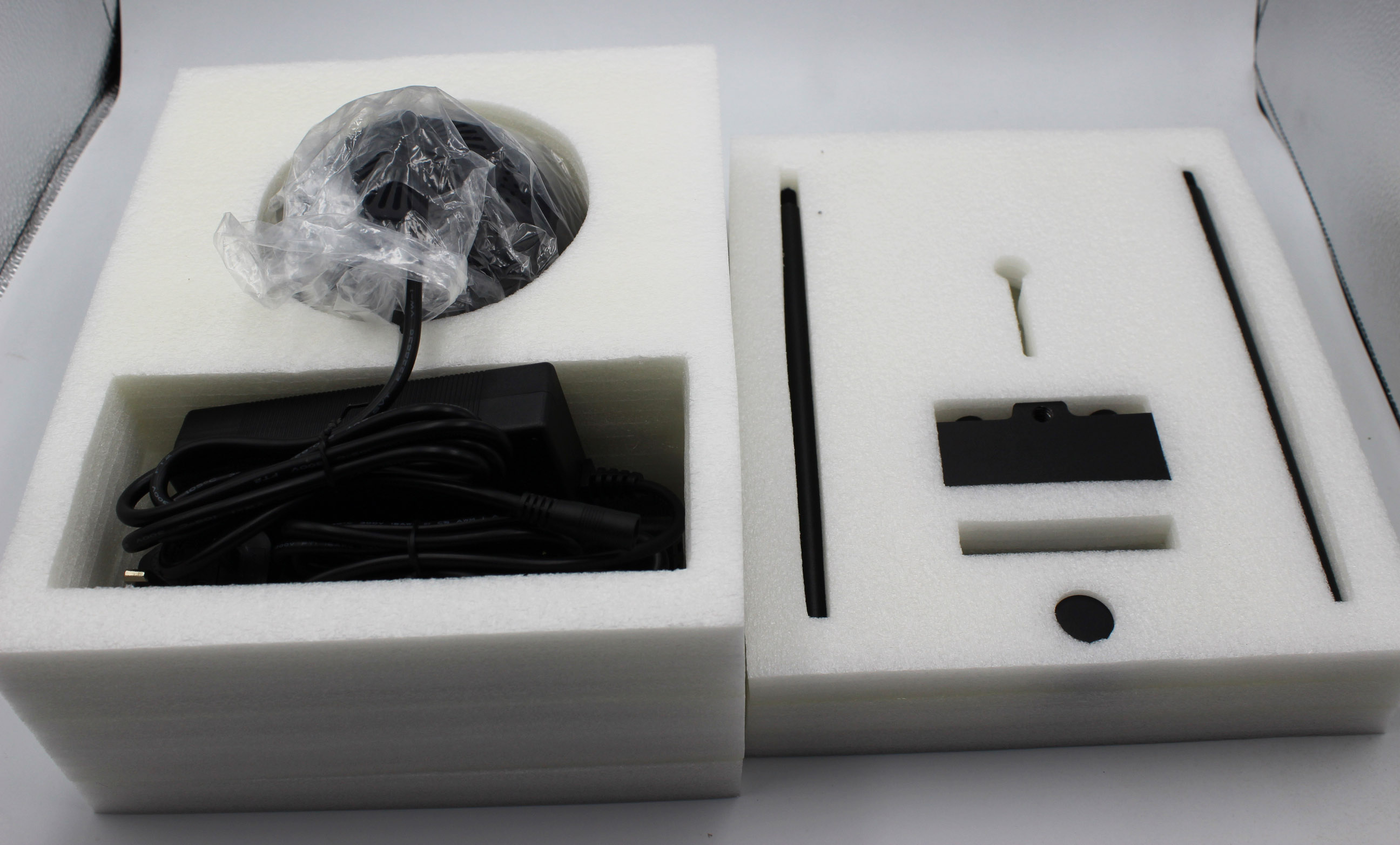
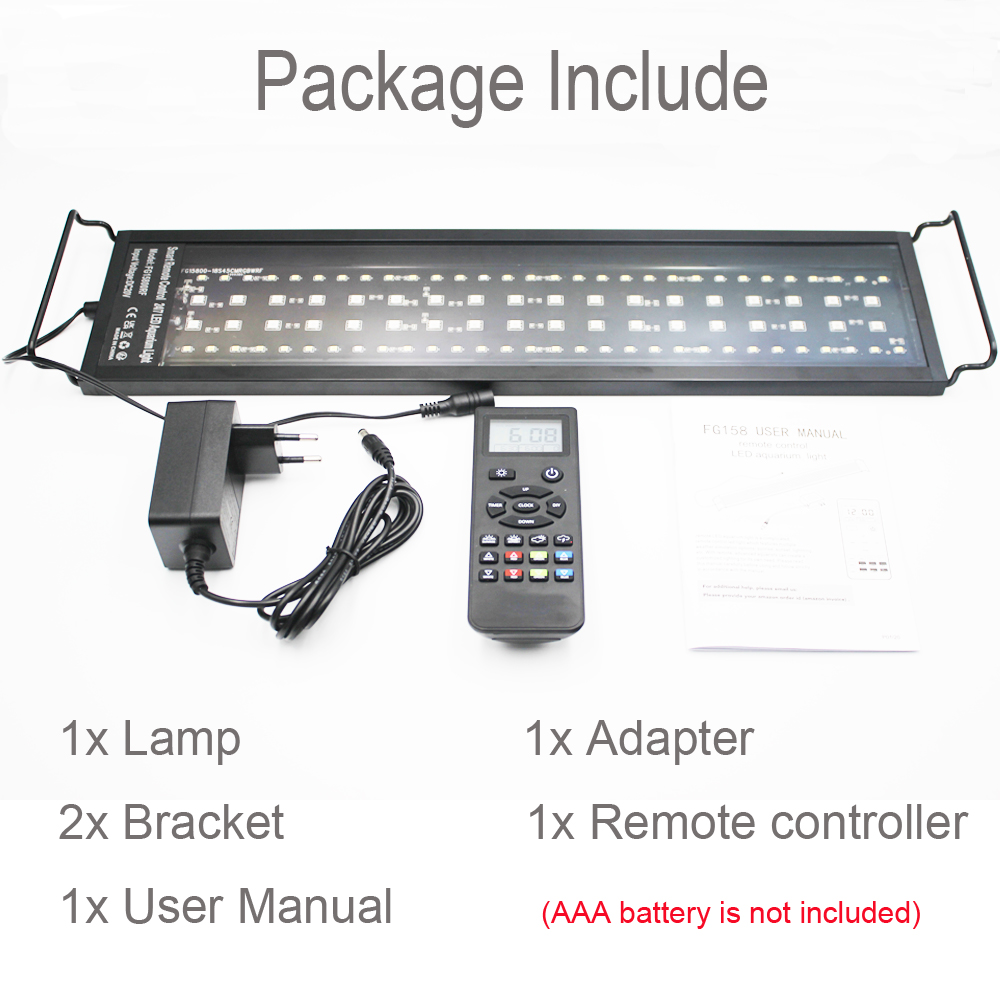
- 1 x Aquarium Light
- 1 x Power supply
- 1 x Power plug
- 1 x Remotr control(AAA batteries are not included)
- 1 x User manual
     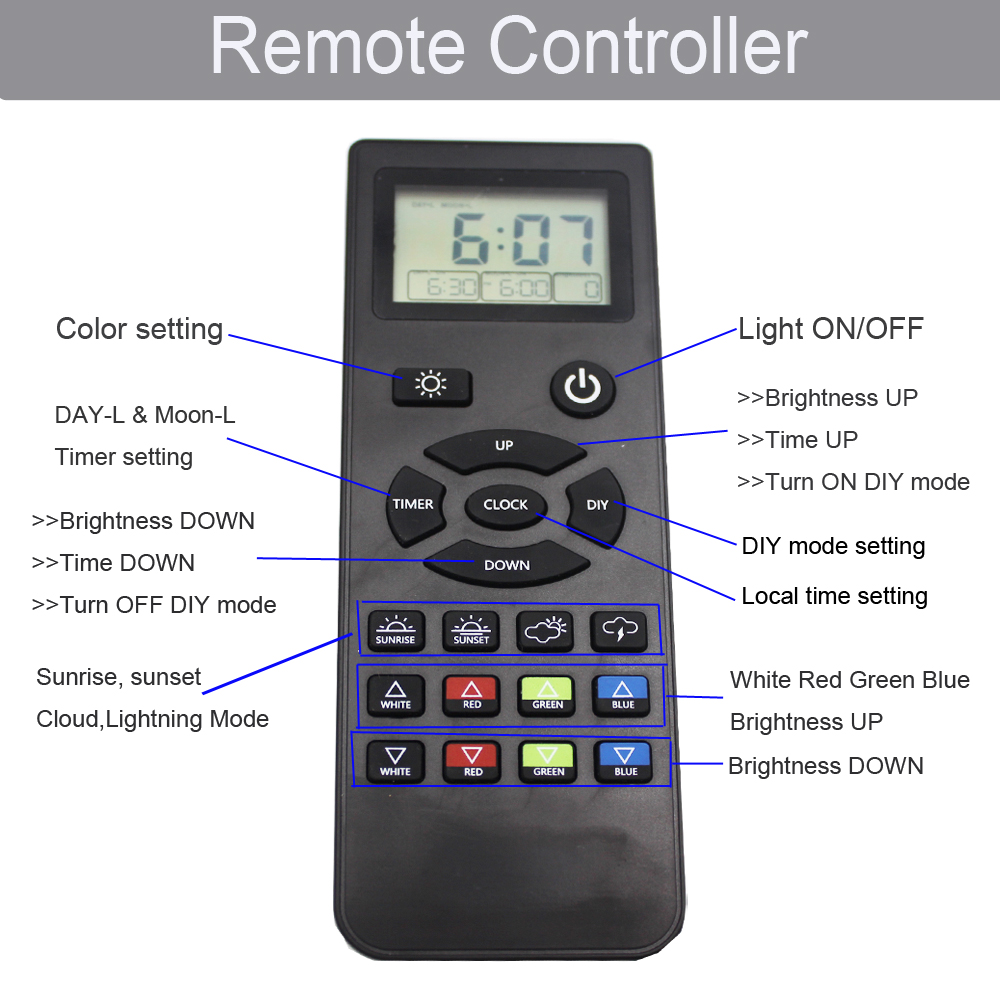 How to Turn on Day & Moon Light Default Program? Just press the CLOCK button to set the local current time after being out of the box. If the DIY mode is running, it needs to turn off DIY mode, and it will enter the DAY & MOON Light mode. How to Program Custom DAY & MOON Light Mode? Press and hold TIMER button for 3 seconds until of "DAY-L ON" blinks—then press UP/DOWN button to set turn on time—Press TIMER button again to save. Press WRGB button to set light color and brightness—Press TIMER button again to save. Press UP/DOWN button to set turn off time—Press TIMER button again to save. Repeat the above operation to finish "MOON-L" mode. 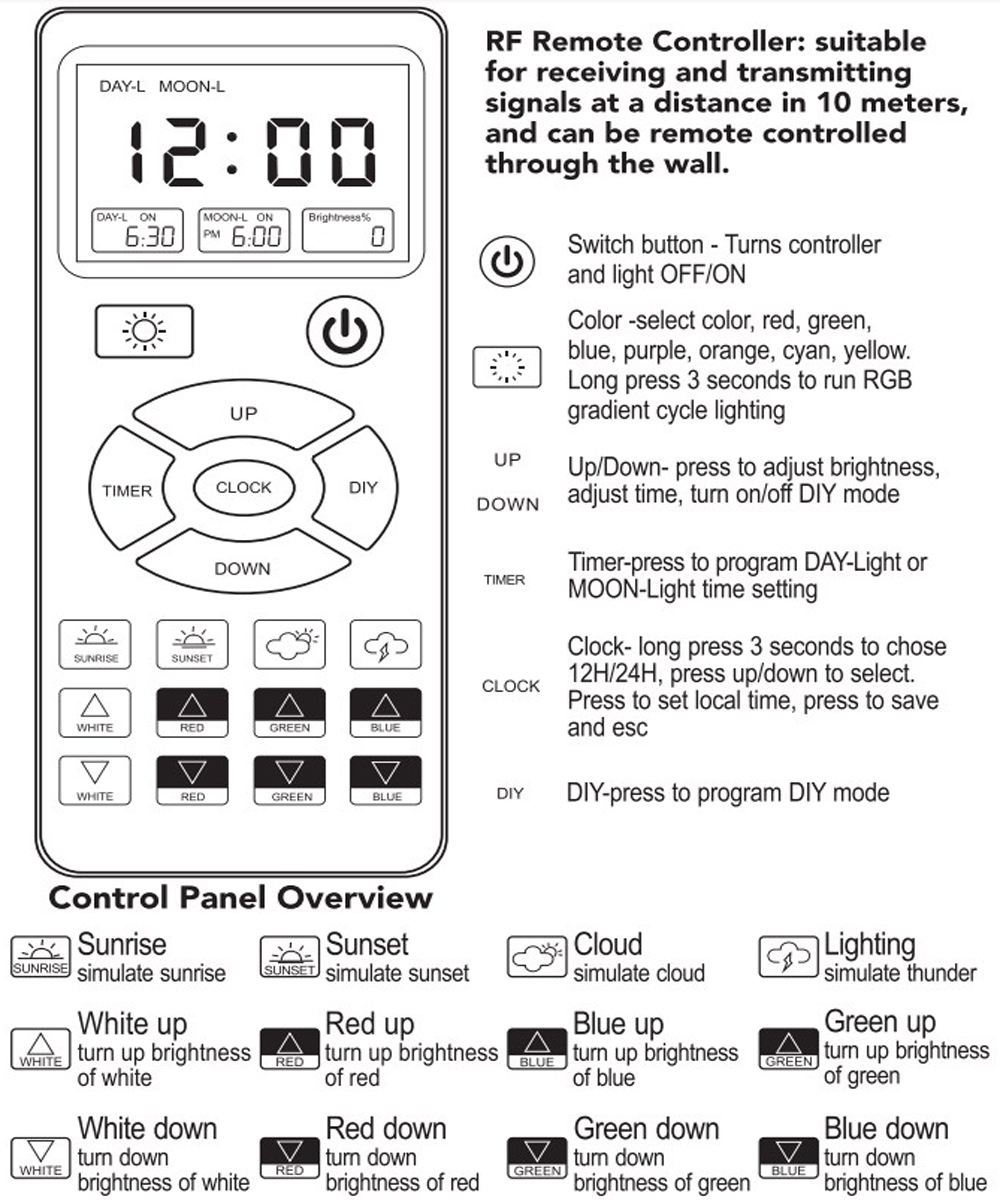 How to Turn On DIY Default Program? Press and hold the DIY button—the screen will display OFF— then press the UP or DOWN button to select ON to activate DIY mode. Press the DIY button again to save, ready to run. Simulates 24 hours a day of light changes, a gradient orange sunrise, full bright noon, afternoon, sunset and moonlight from bright blue to dark blue, and automatically turns off. How to Program Customize DIY Mode? Press and hold the DIY button to activate the DIY mode. Press the DIY button again to enter setting—the screen will display L1 —then press UP/DOWN button to set L1 stage at the start and end time—press DIY button again to save setting. Press WRGB button to set L1stage the color and brightness——press DIY button again to save. Repeat the above operation finish timer of L2/L3/L4/L5/L6/L7. L8 is off by default and cannot be set.
 |