


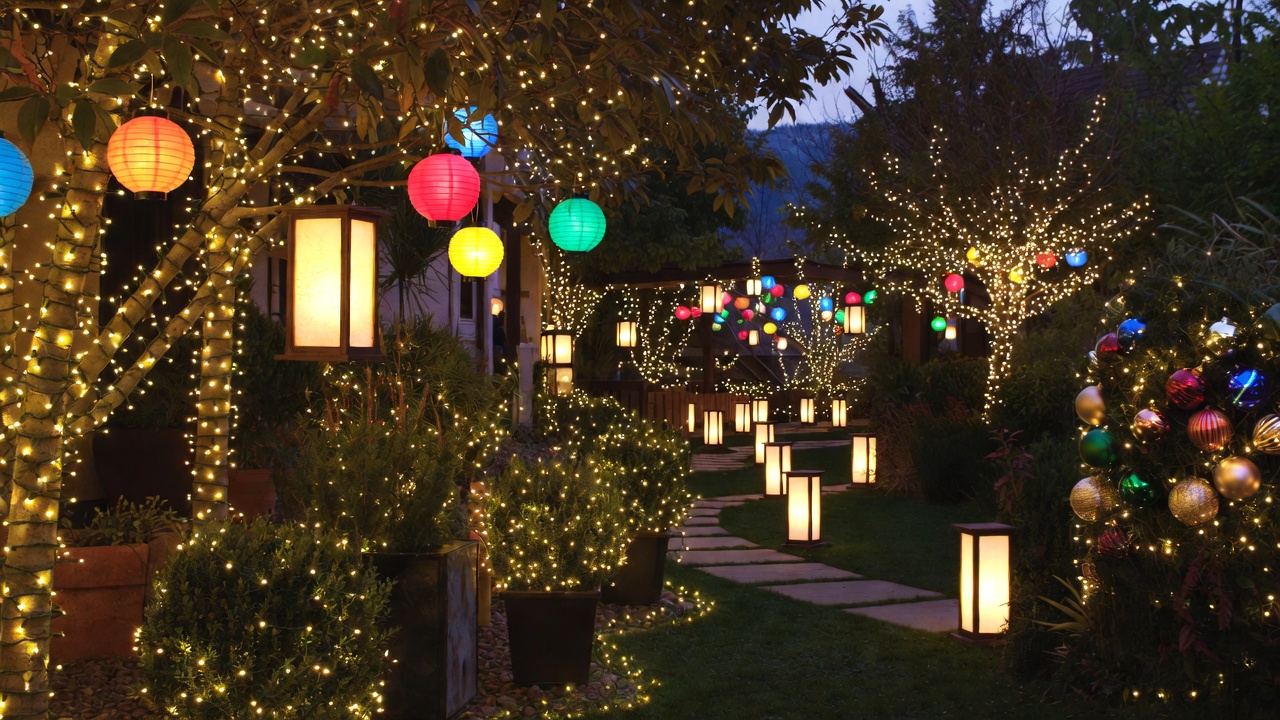

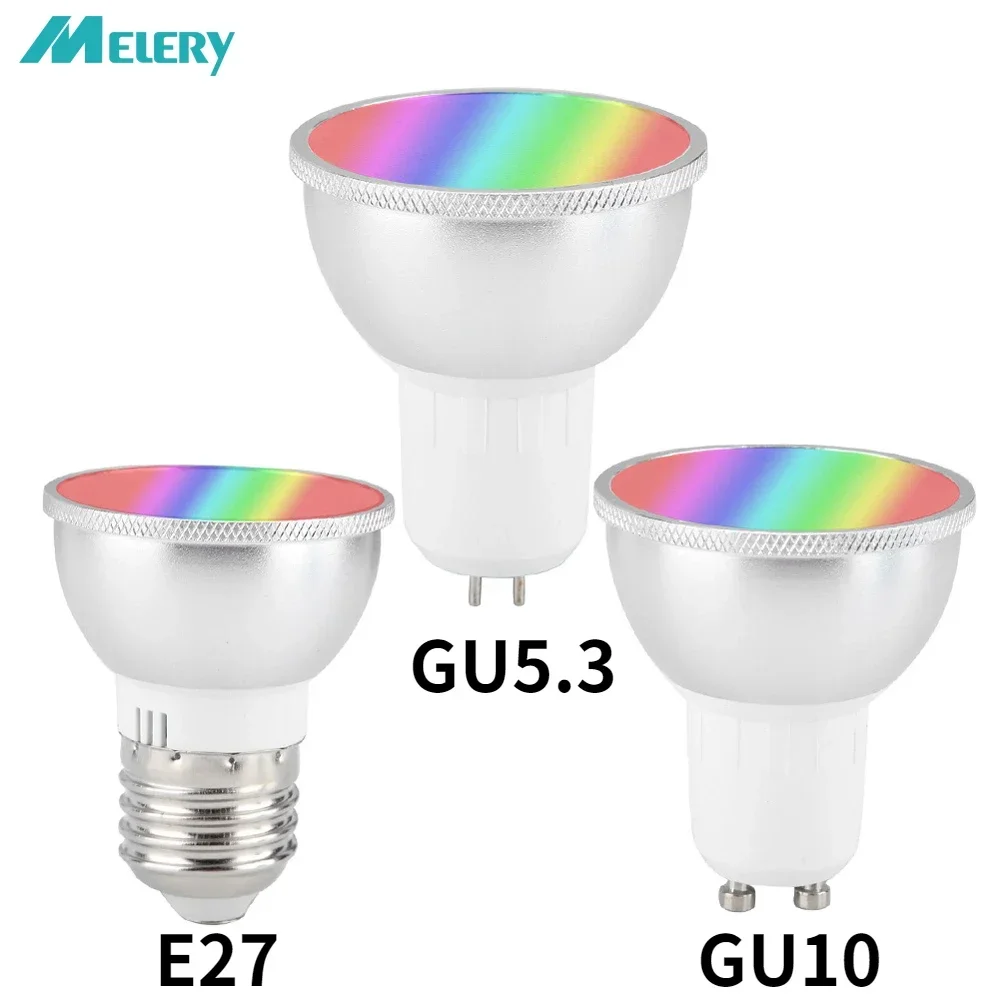
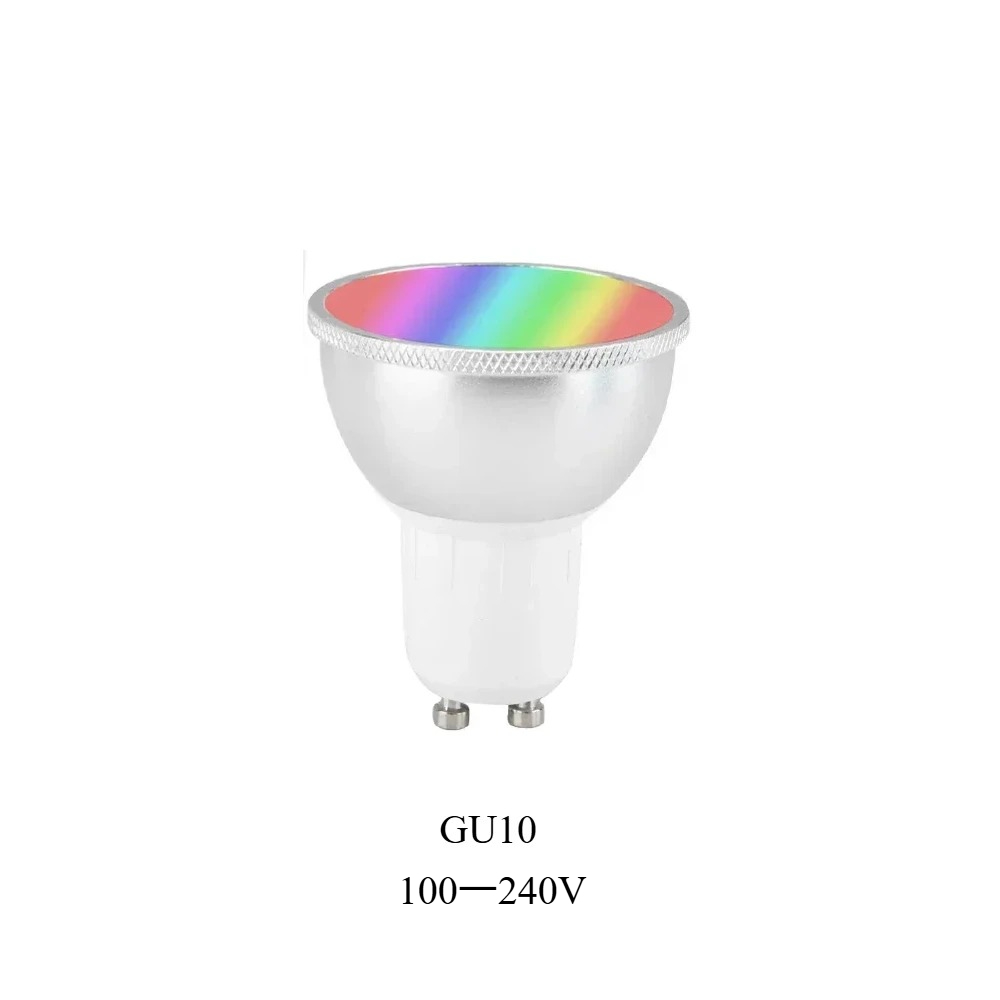
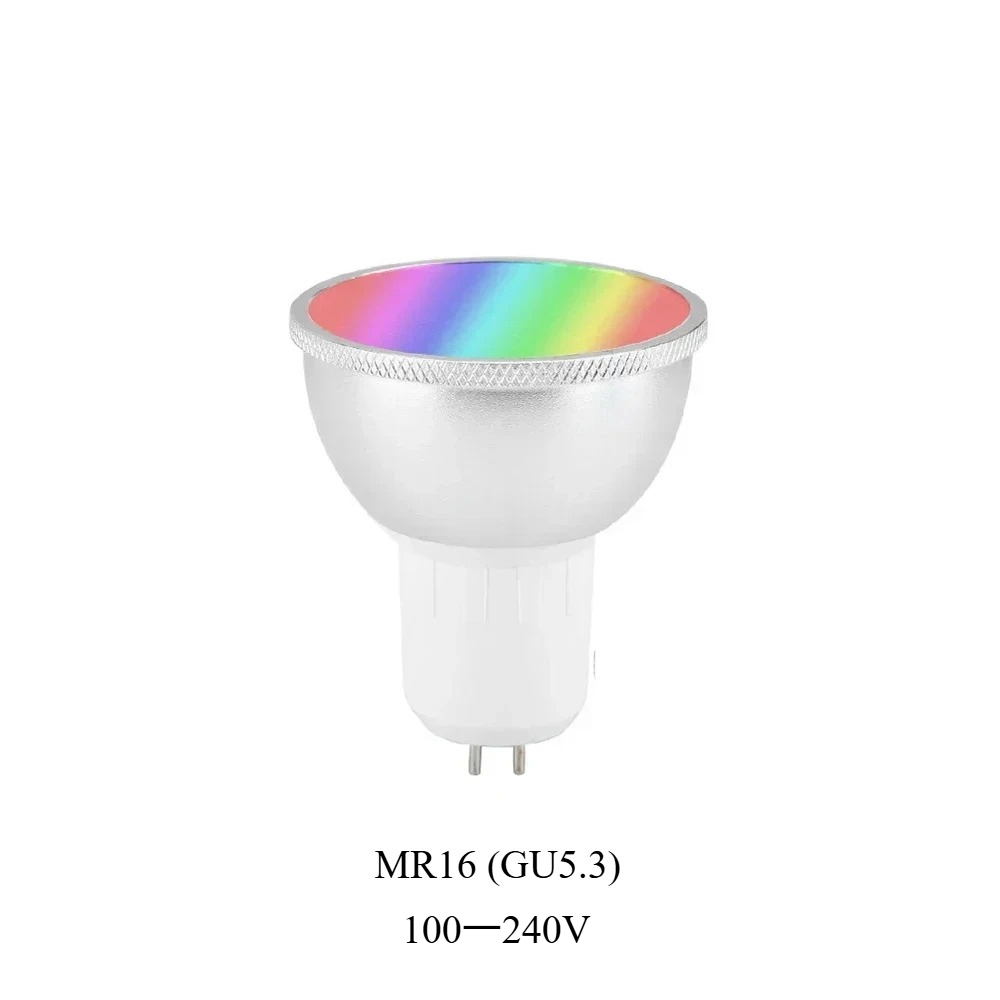
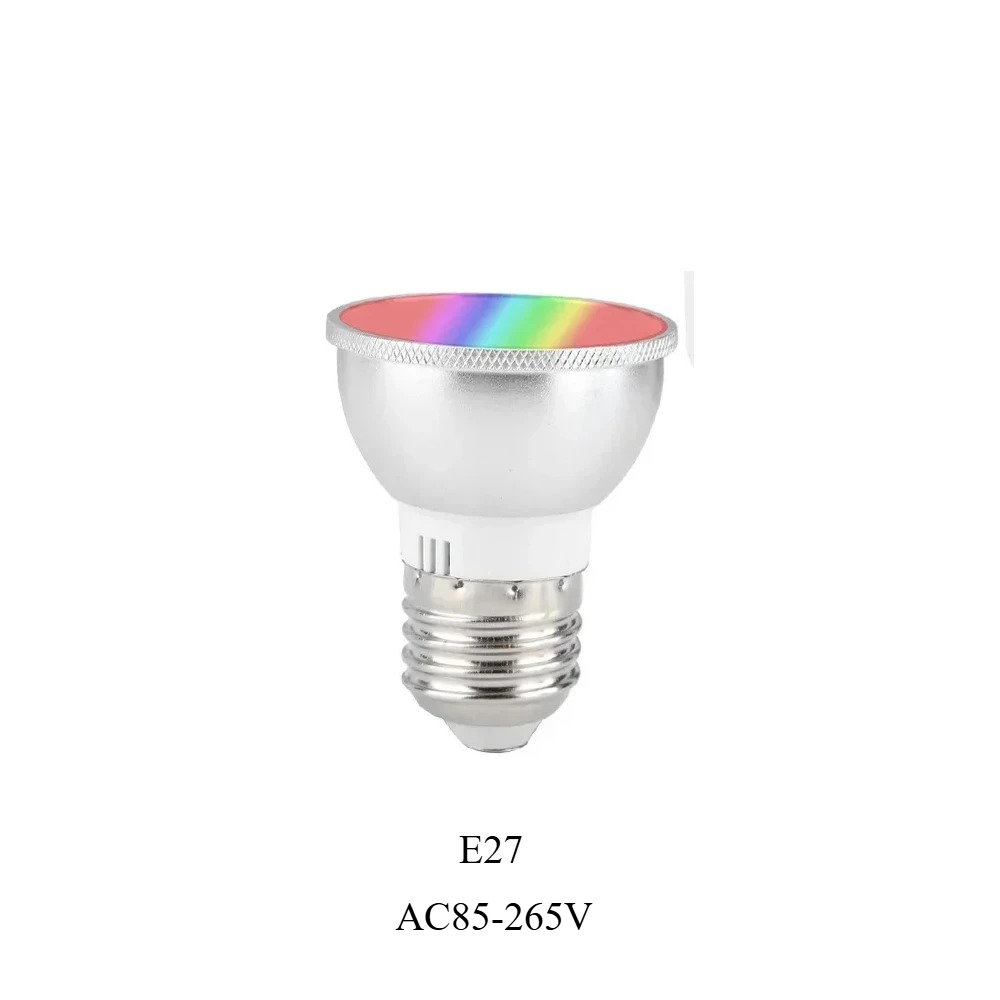
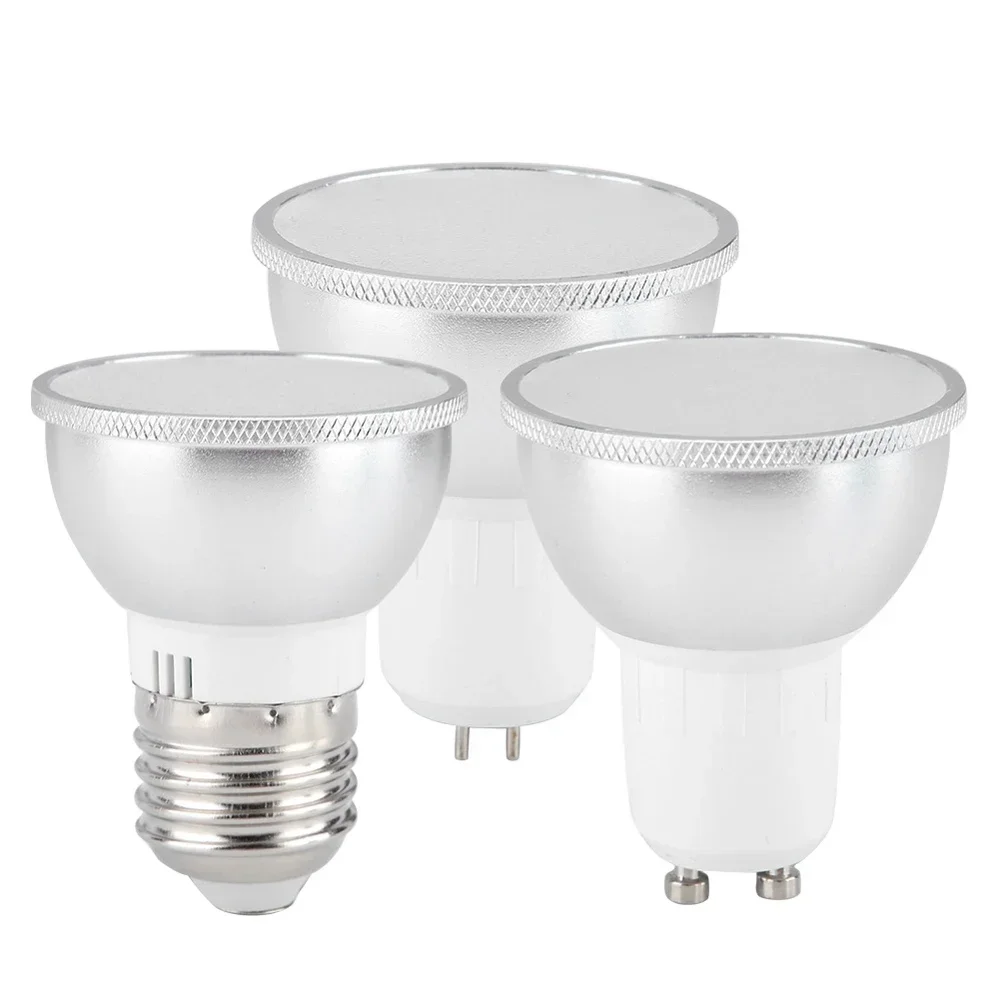
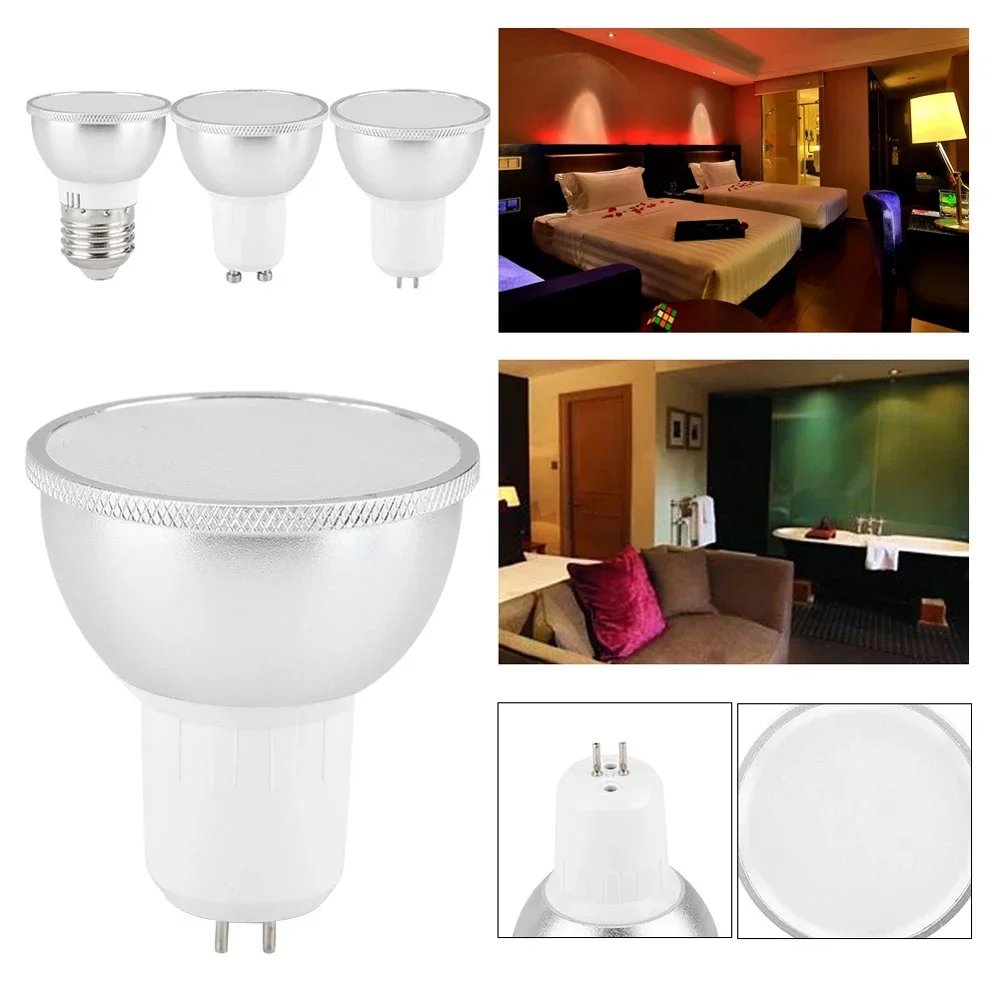
Melery Wifi Smart Light Bulb GU10 MR16 E27/GU5.3 LED Lamp RGBWC Color Change 6W Living Room Bathroom Remote by Alexa Google Home
Regular Price
$1.60
Sale Price
$1.60
Regular Price
$0.00
Generate QR code
-
Estimated Delivery:Oct 25 - Oct 29
-
Free Shipping & Returns: On all orders over $75
Product description
Shipping & Return
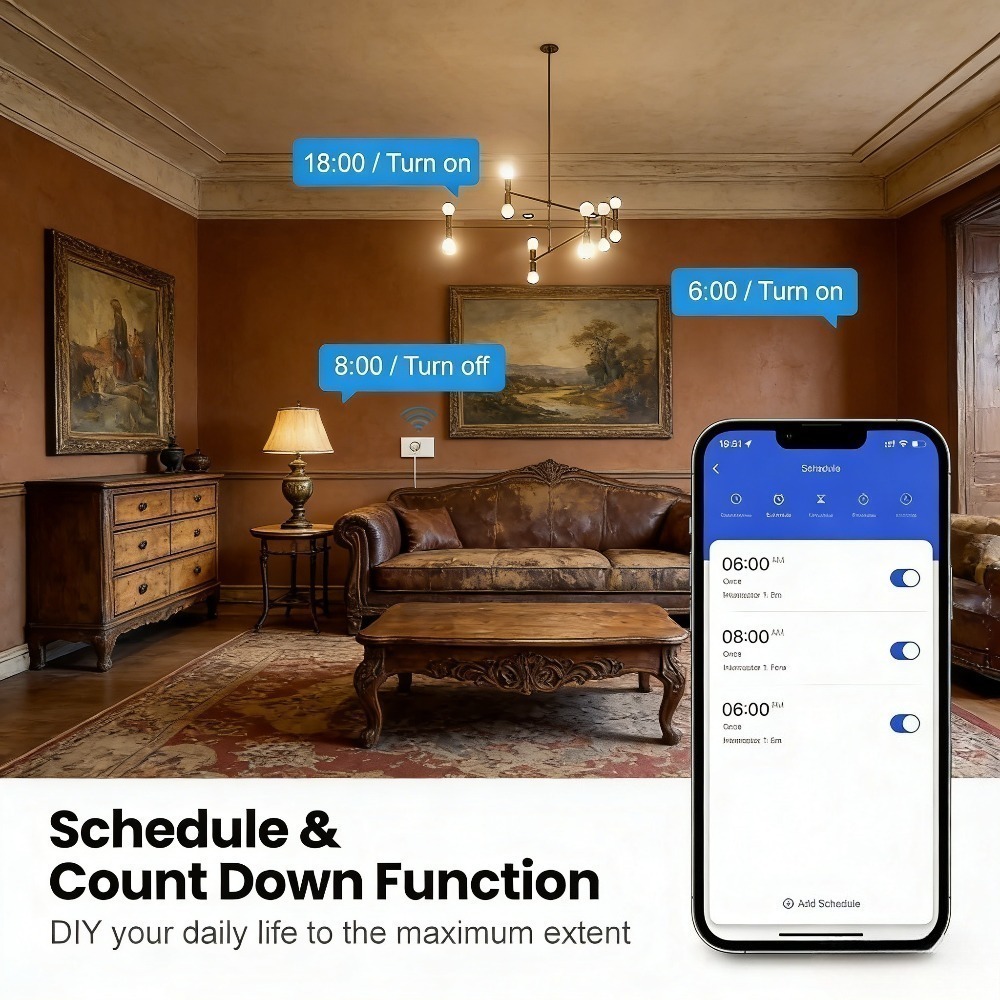
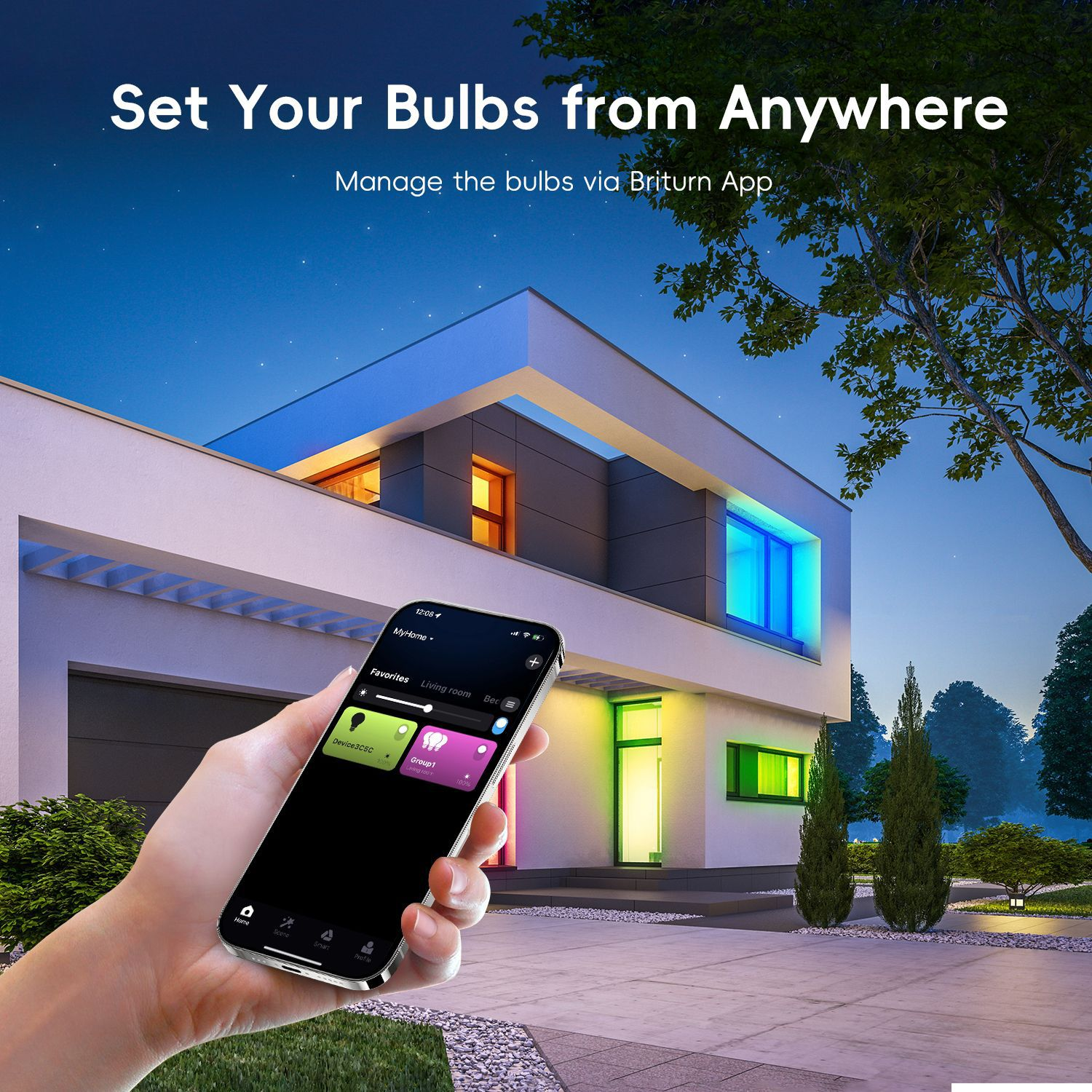
Melery Smart Light Bulb GU10 E27 GU5.3 Wifi LED Lamp - RGBWC 6W Color Changing Lights, Works with Alexa & Google Home for Living Room & Bathroom
|
Parameter
|
Details
|
|
Input Voltage
|
AC 85-265V (Universal Voltage, suitable for global use)
|
|
Power
|
6W (RGB + Warm White + Cold White)
|
|
Wireless Connection
|
Wi-Fi 2.4GHz, IEEE 802.11b/g/n standard
|
|
Lamp Base
|
E27 / GU10 / GU5.3 (Please select the correct base for your Melery smart bulb when ordering)
|
|
Product Size
|
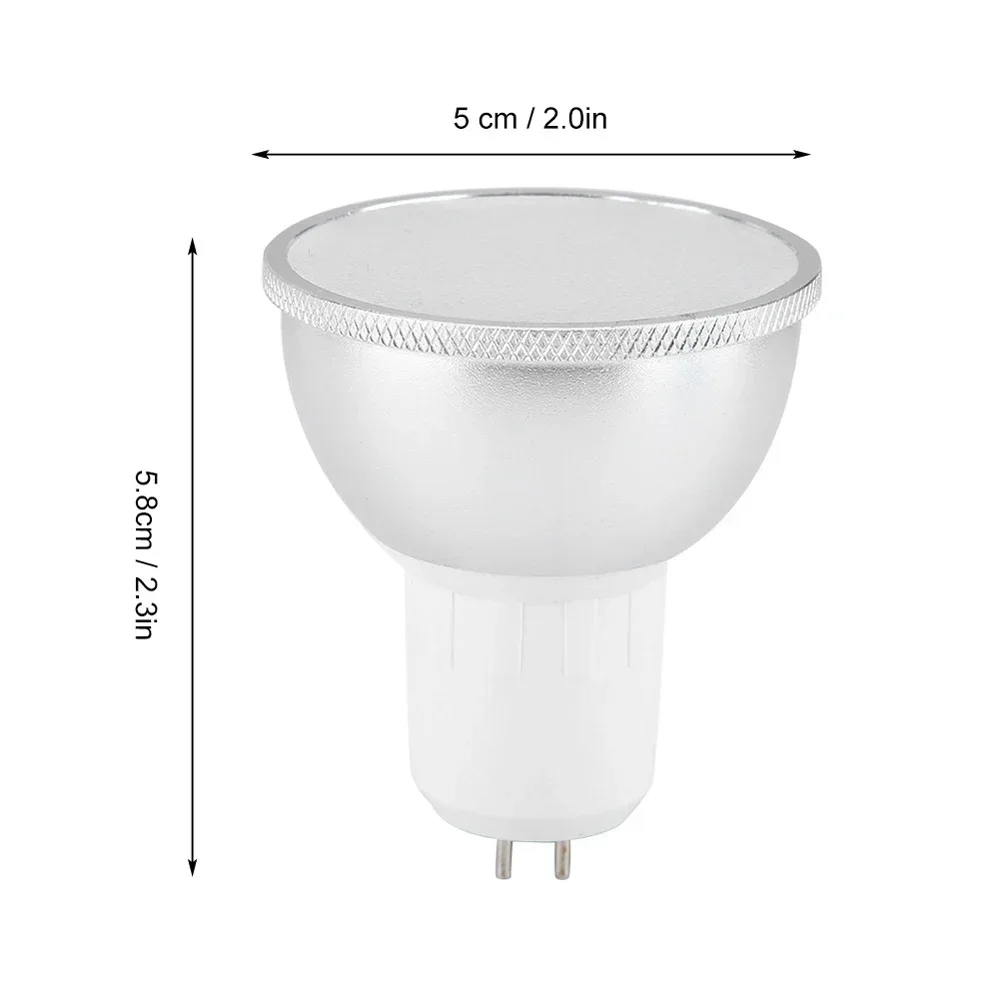
50*50*70mm (Compact design for most fixtures)
|
|
Service Life
|
50,000 hours (About 11 years with 12 hours use per day)
|
|
Net Weight (with package)
|
65g (Lightweight and easy to install)
|
-
Melery Multi-Language Support: The "Smart Life" app paired with Melery bulb supports over 20 languages, catering to global Melery users.
-
Melery Voice Control: Melery bulb is compatible with Amazon Alexa, Google Home, and Tmall Wizard��free your hands completely with Melery's intelligent design.
-
Melery Scene Modes & Memory Function: Melery preset scene modes (reading, party, sleep) for one-tap activation. The bulb remembers your last setting when turned on again, a humanized detail from Melery.
-
Device Sharing: Share the bulb control with family members via the app, no more repeated setup.
-
Stepless Dimming & Color Adjustment: Adjust brightness (1%-100%) and color freely to match any mood or occasion.
1. Pairing with Amazon Alexa
-
Ensure your Alexa device (Echo, Echo Dot, etc.) and the smart bulb are connected to the same 2.4GHz Wi-Fi network.
-
Open the Amazon Alexa app on your smartphone, tap the "More" icon (��) in the bottom right corner, then select "Skills & Games".
-
Search for the "Smart Life" skill in the search bar, tap "Enable to Use".
-
Log in with your "Smart Life" app account (the same account used to add the bulb) to link the two accounts.
-
After successful linking, tap "Discover Devices" or say "Alexa, discover devices" to your Alexa device. Alexa will automatically detect the smart bulb.
-
Rename the bulb (e.g., "Living Room Lamp") in the Alexa app for easier voice control. The pairing is now complete!
2. Pairing with Google Home
-
Make sure your Google Home device and the smart bulb share the same 2.4GHz Wi-Fi connection.
-
Open the Google Home app, tap the "+" icon in the top left corner, then choose "Set up device" > "Works with Google".
-
Search for "Smart Life" in the list of supported services, select it, and log in with your "Smart Life" account.
-
Authorize Google Home to access your "Smart Life" devices. The app will automatically sync the smart bulb.
-
Assign the bulb to a specific room (e.g., "Bedroom") in the Google Home app if needed. Pairing is done!
Package Includes:
-
1 x Melery Smart LED Bulb (Selected base: E27/GU10/GU5.3)
-
1 x User Manual (Multilingual)
Shipping cost is based on weight. Just add products to your cart and use the Shipping Calculator to see the shipping price.We want you to be 100% satisfied with your purchase. Items can be returned or exchanged within 30 days of delivery.
You Might Also Like
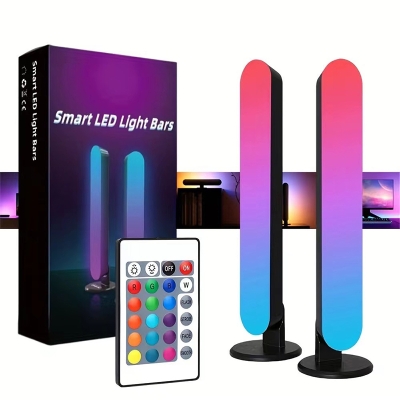
RGB Pickup Light Music Rhythm Lights Upgraded USB Rechargeable Model Christmas Decoration Desktop RGB Light Bar Music Rhythm
Regular Price
$0.99
Sale Price
$0.99
Regular Price
$0.00
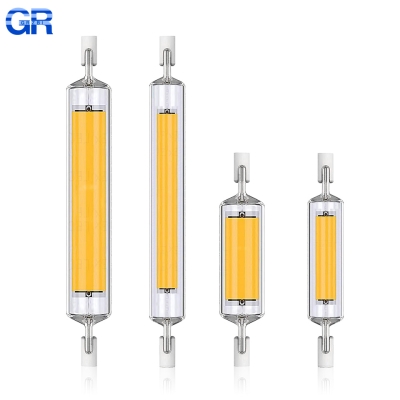
High Power 5W 10W 20W LED R7s COB Glass Tube 118mm J118 78mm J78 Cob Light Bulb AC 110V 220V 240V Lampadas Replace Halogen Lamp
Regular Price
$0.99
Sale Price
$0.99
Regular Price
$0.00
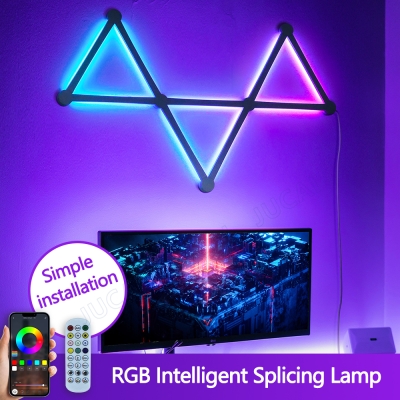
Splicing Light DIY Atmosphere Light RGB Smart Wall Light Voice Control Lamp for Esports Room Bedroom Bar Decoration Night Light
Regular Price
$35.46
Sale Price
$35.46
Regular Price
$0.00

LED Lighting Kit For Creator Expert 10307 LEGO Eiffel Tower LED Light Set Kit Buildings Toys Set (Not Included Building Blocks)
Regular Price
$42.32
Sale Price
$42.32
Regular Price
$0.00
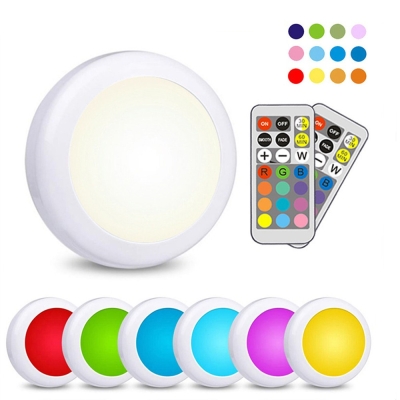
LED Cabinet Light RGB Puck Lamp Remote Control Battery Powered Dimmable Kitchen Under Cabinet Closet Light Nightlight Multicolor
Regular Price
$0.99
Sale Price
$0.99
Regular Price
$0.00
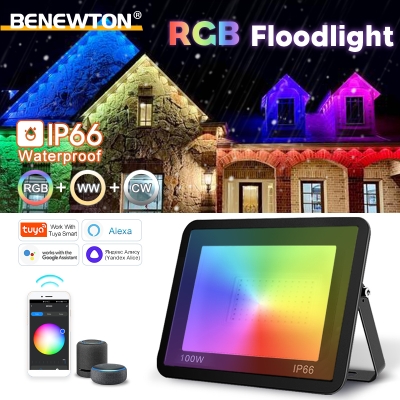
TUYA RGB Floodlight Smart APP Voice Control RGBCW CCT Outdoor Spotlight 30W-100W AC220V IP66 Waterproof Decor Wall Floodlight
Regular Price
$14.34
Sale Price
$14.34
Regular Price
$0.00
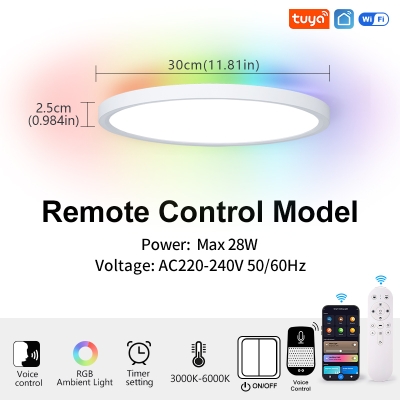
TUYA Ceiling Lamp Room Decor LED Light RGB APP Voice Control Alexa Google Smart Lamp For Home
Regular Price
$27.86
Sale Price
$27.86
Regular Price
$0.00
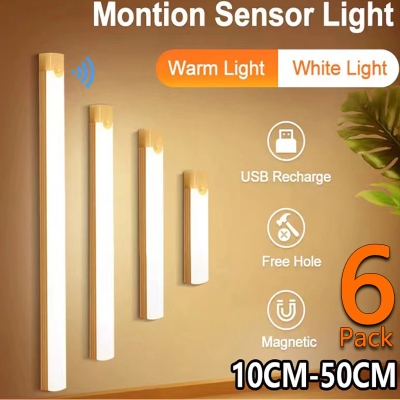
Under Cupboard Kitchen Lights Cabinet Light Motion Sensor Indoor Rechargeable Strip Wardrobe Lighting Battery Operated Magnetic
Regular Price
$0.99
Sale Price
$0.99
Regular Price
$0.00