
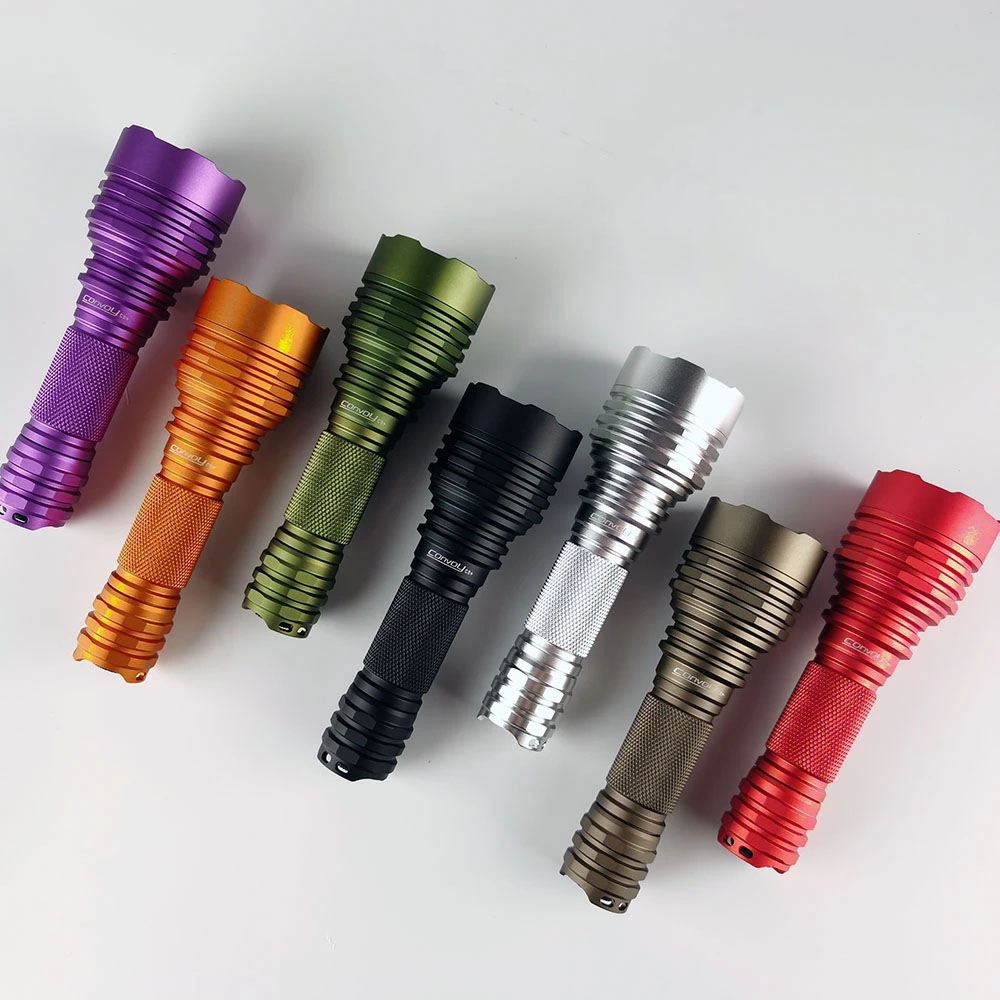
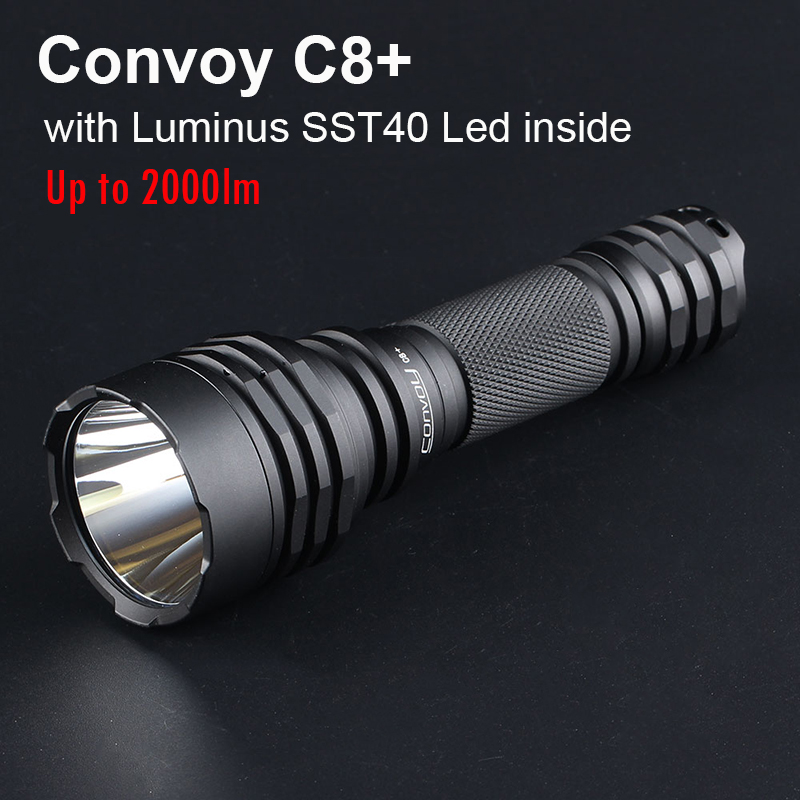
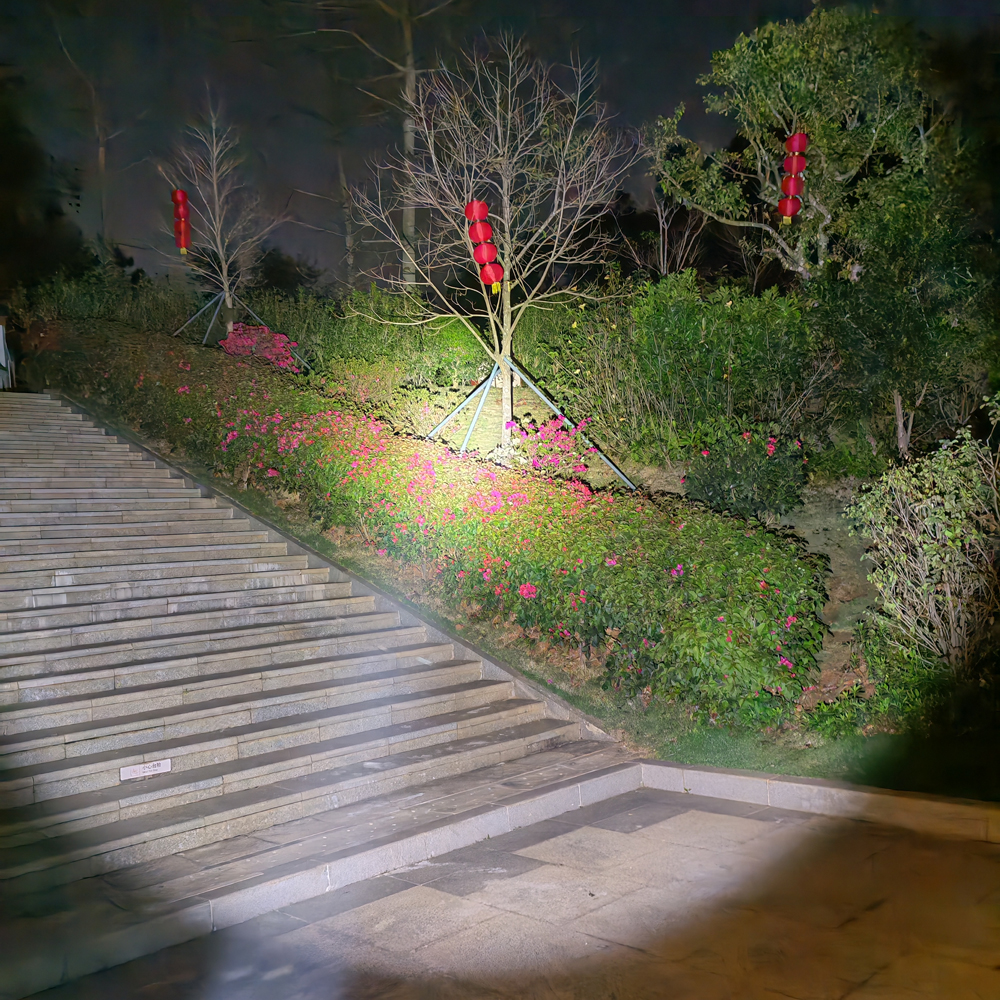
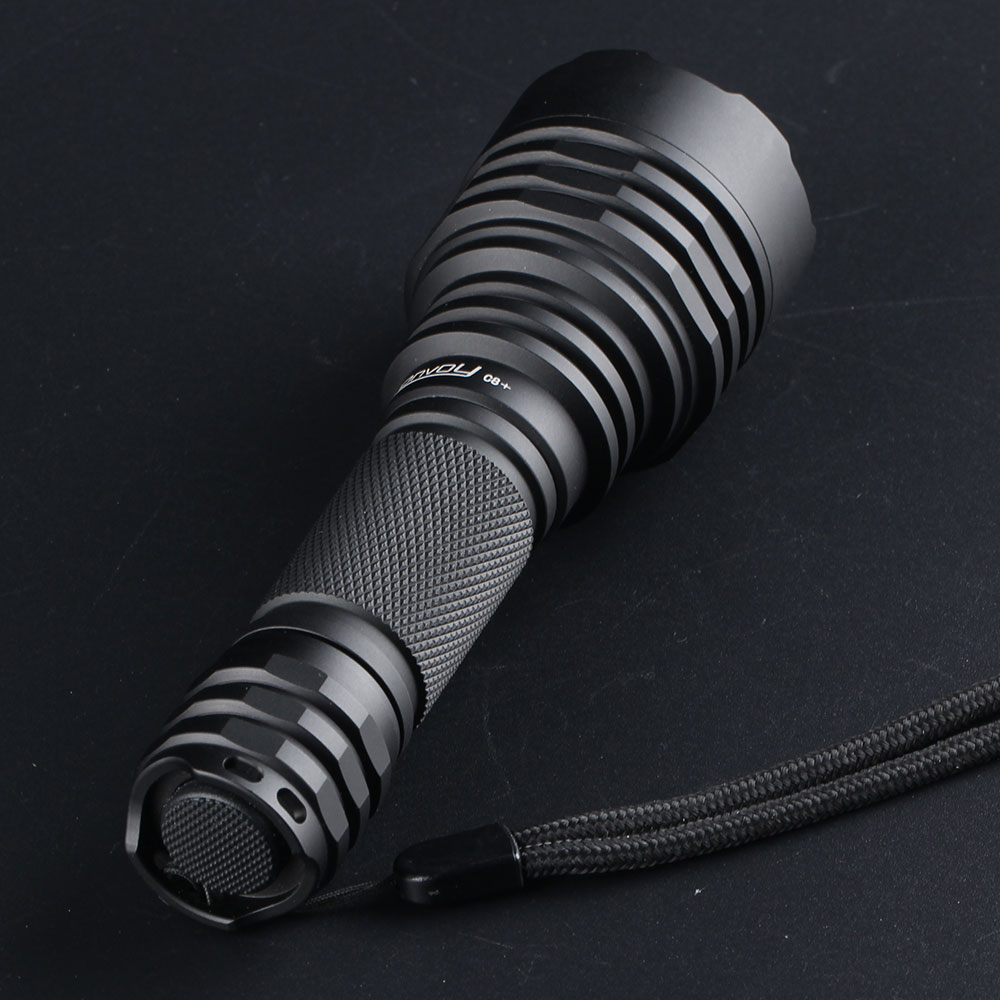
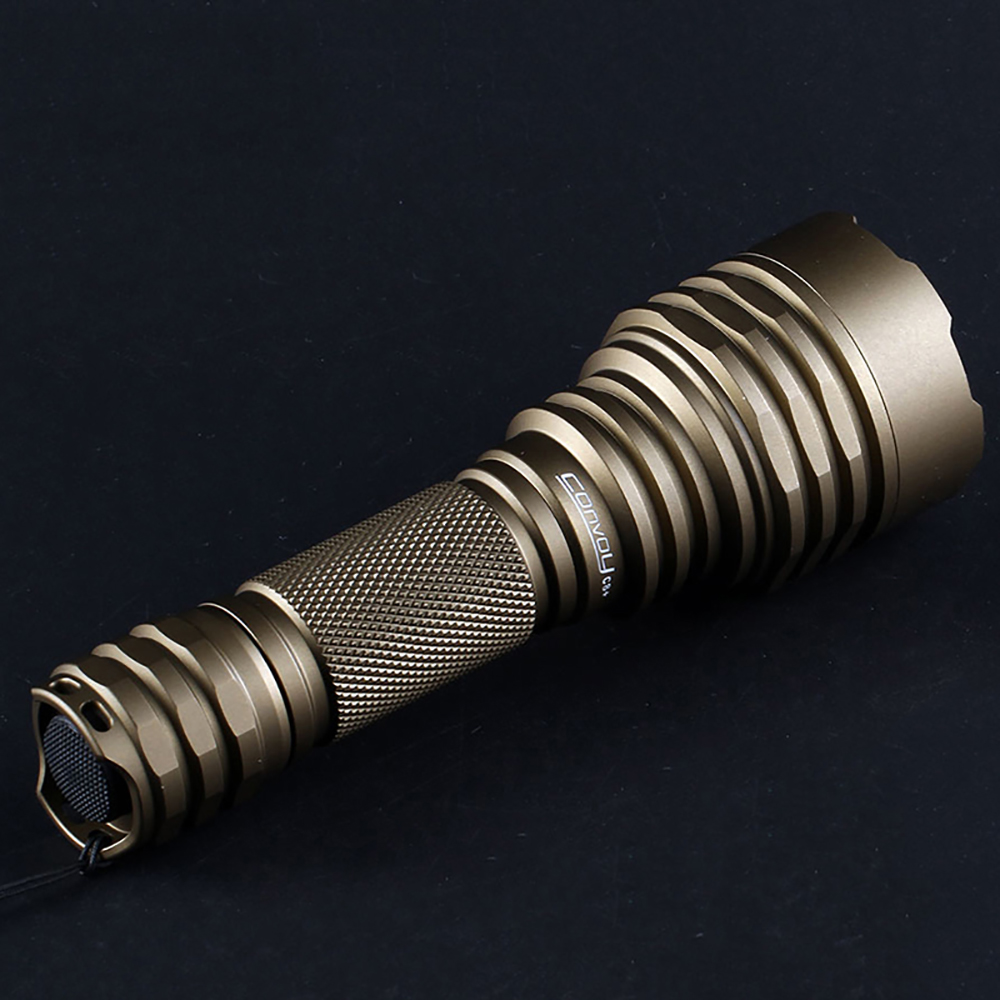
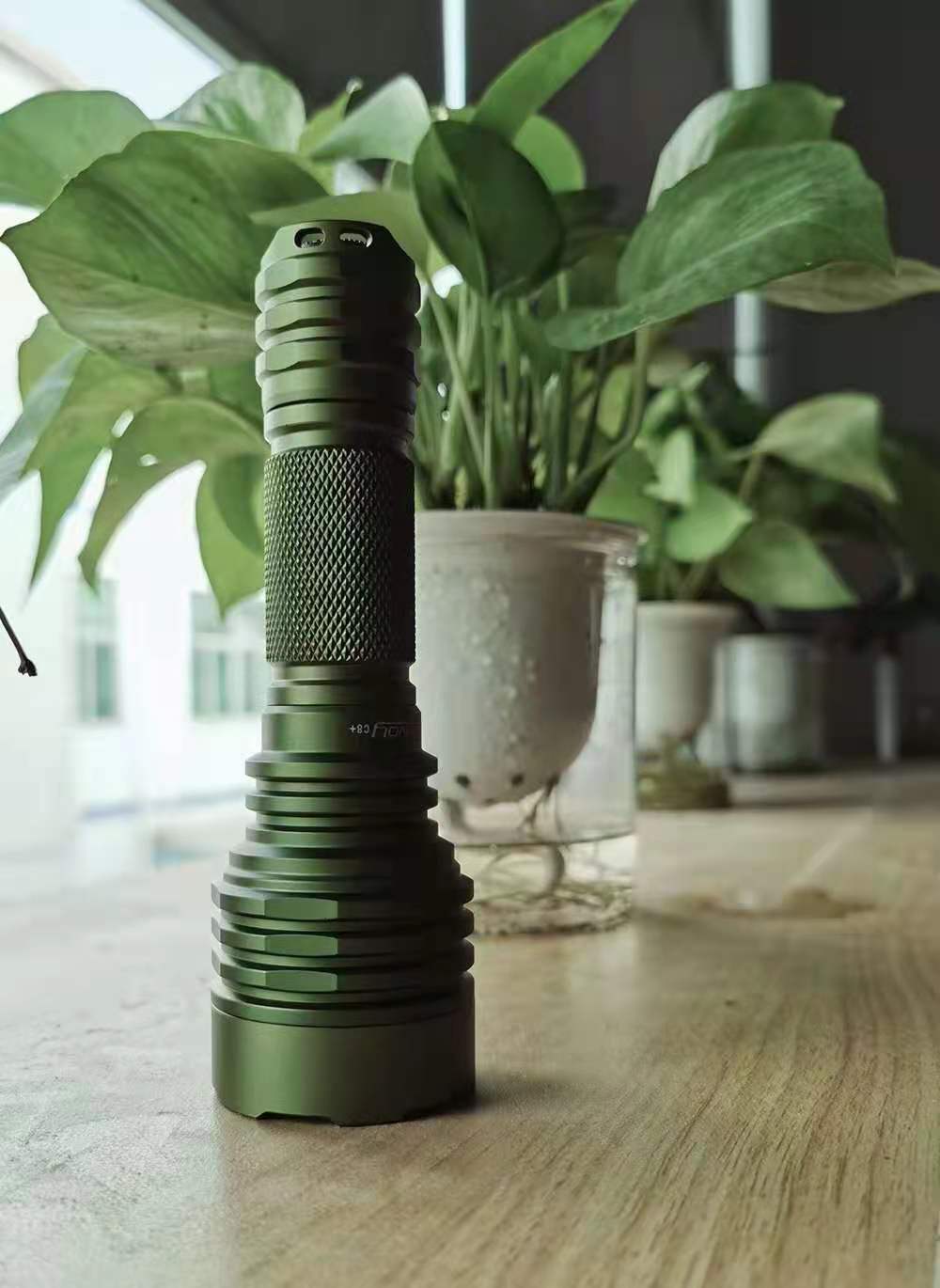
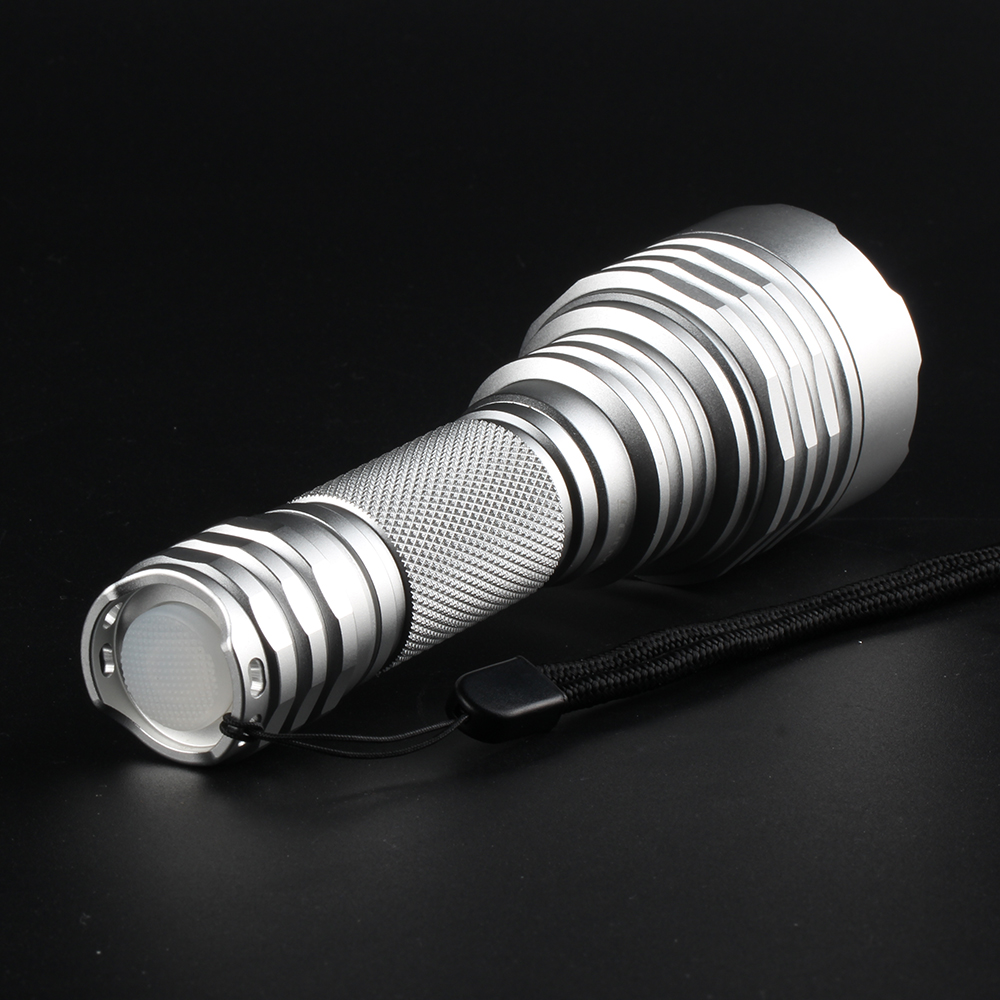
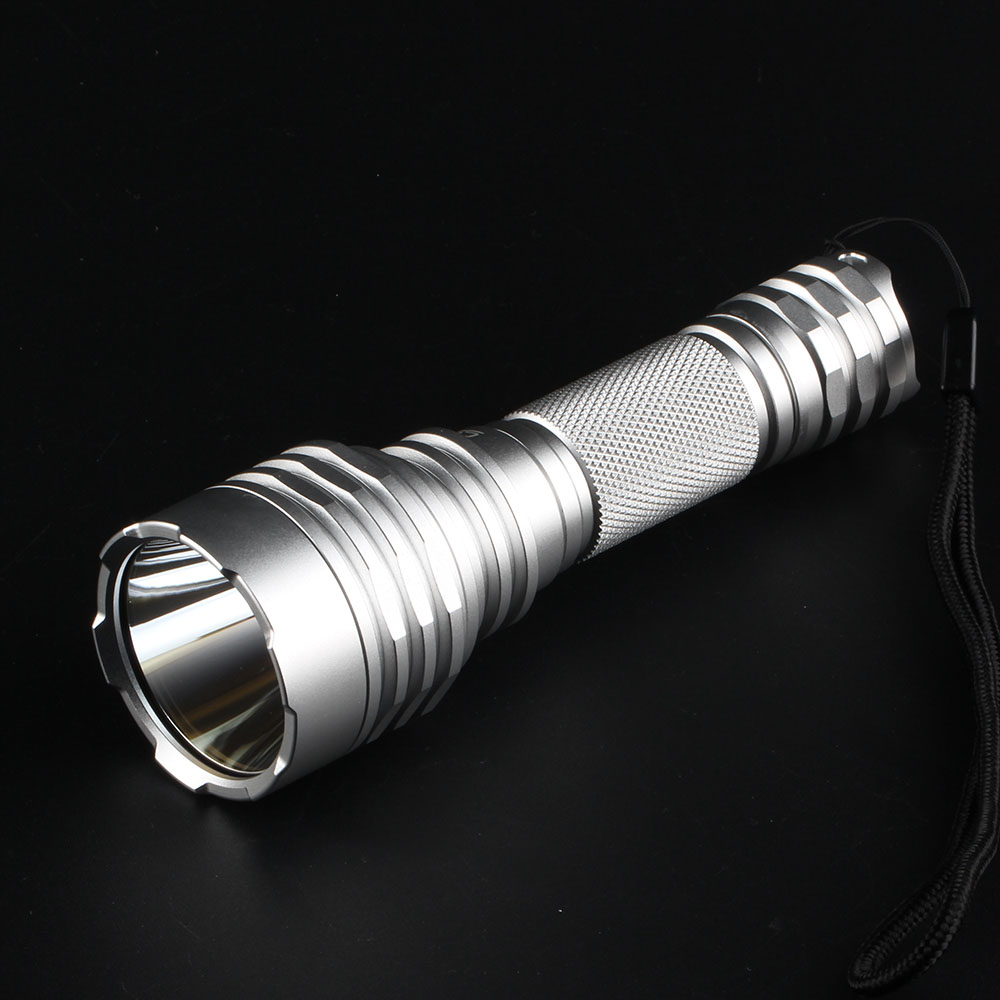
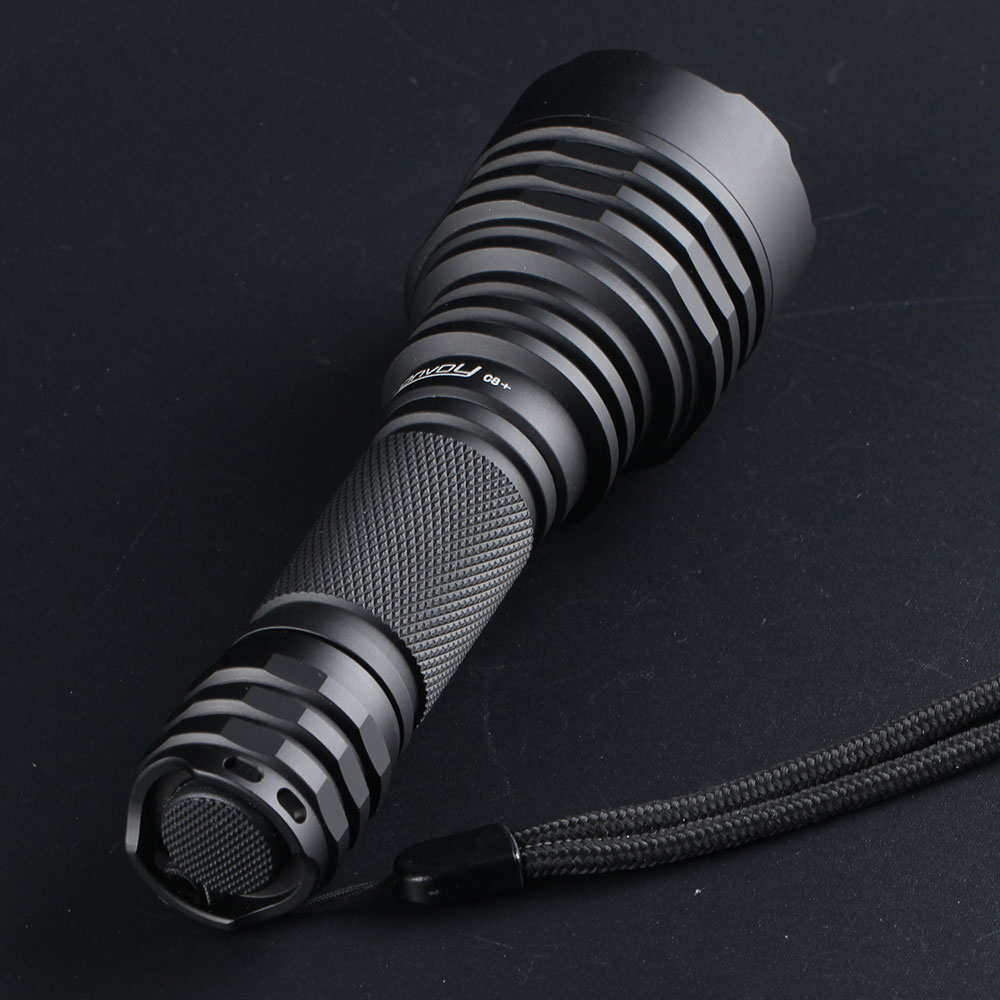
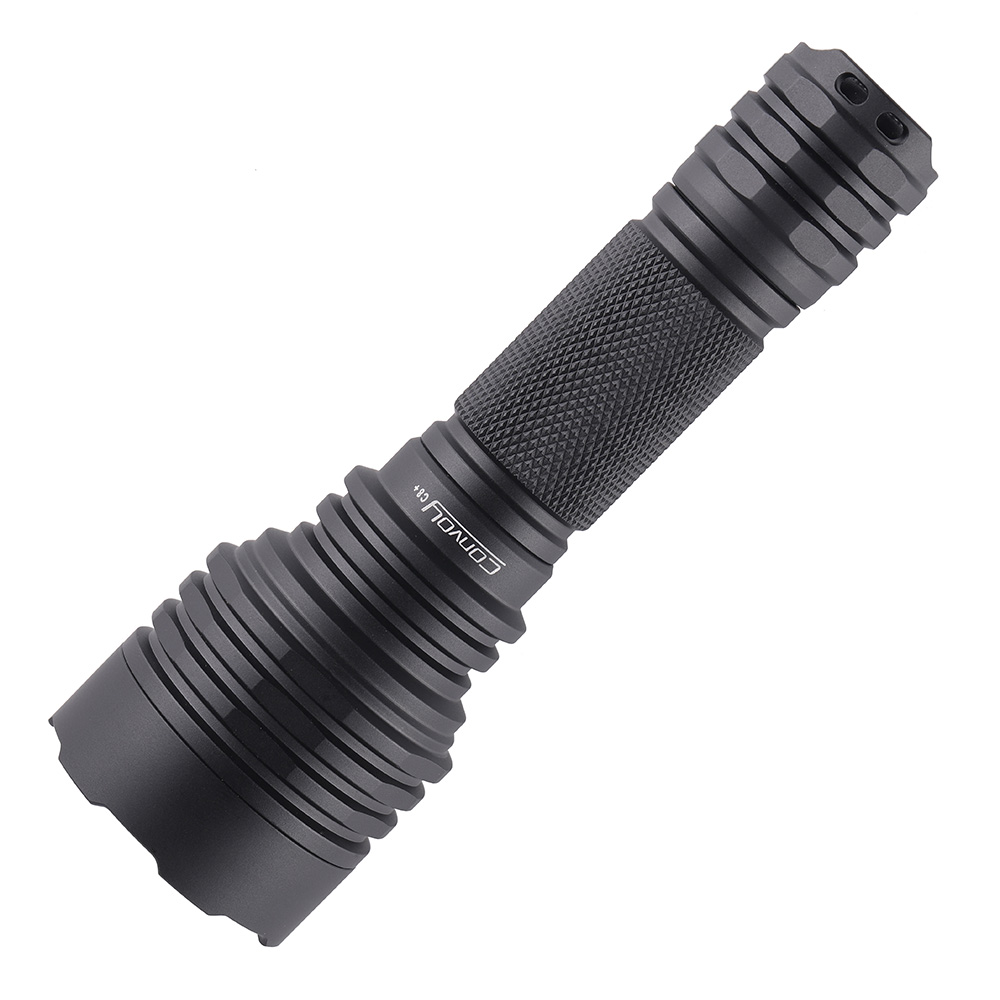
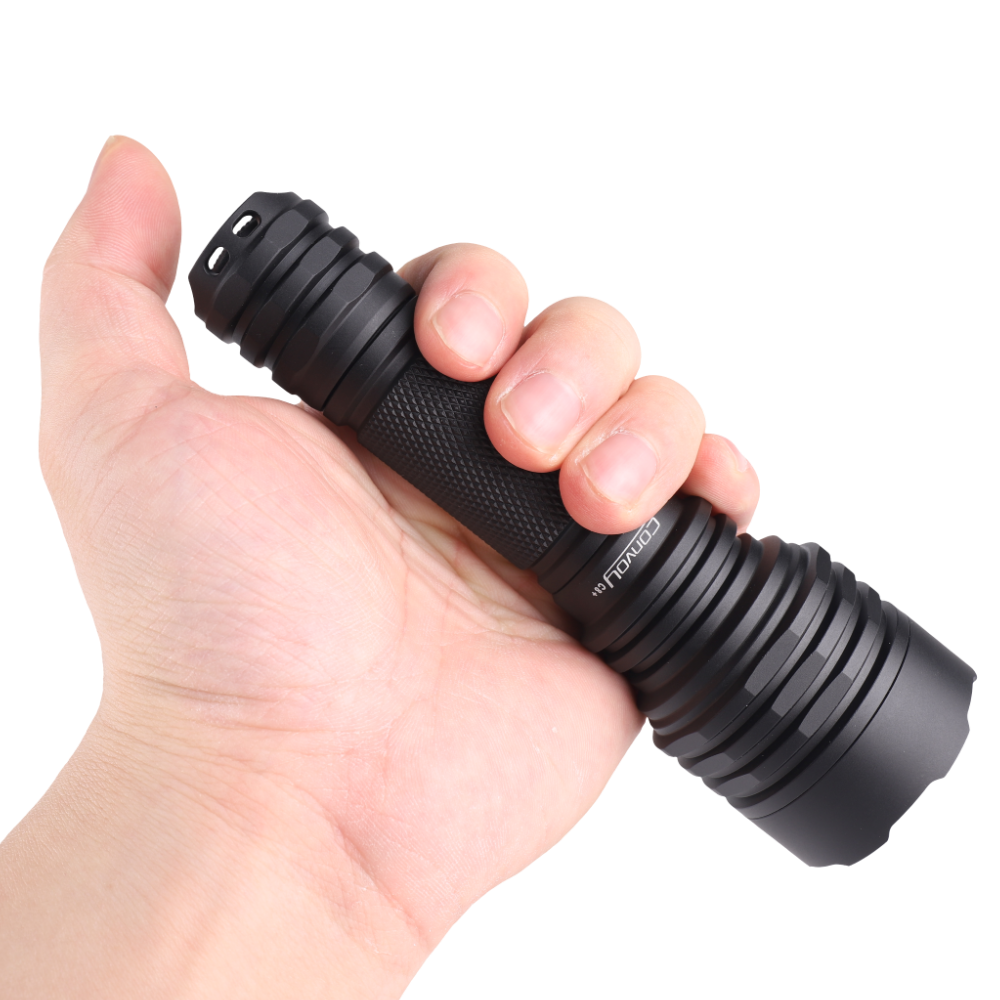
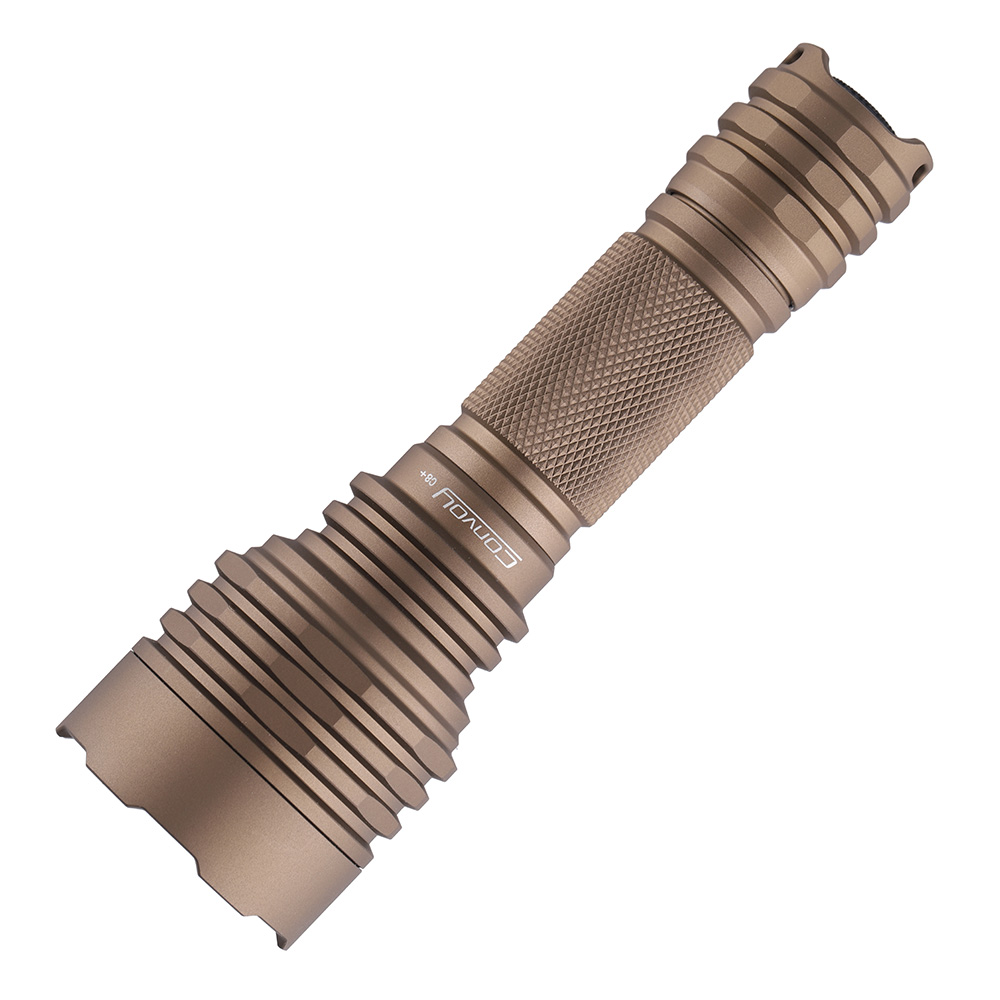
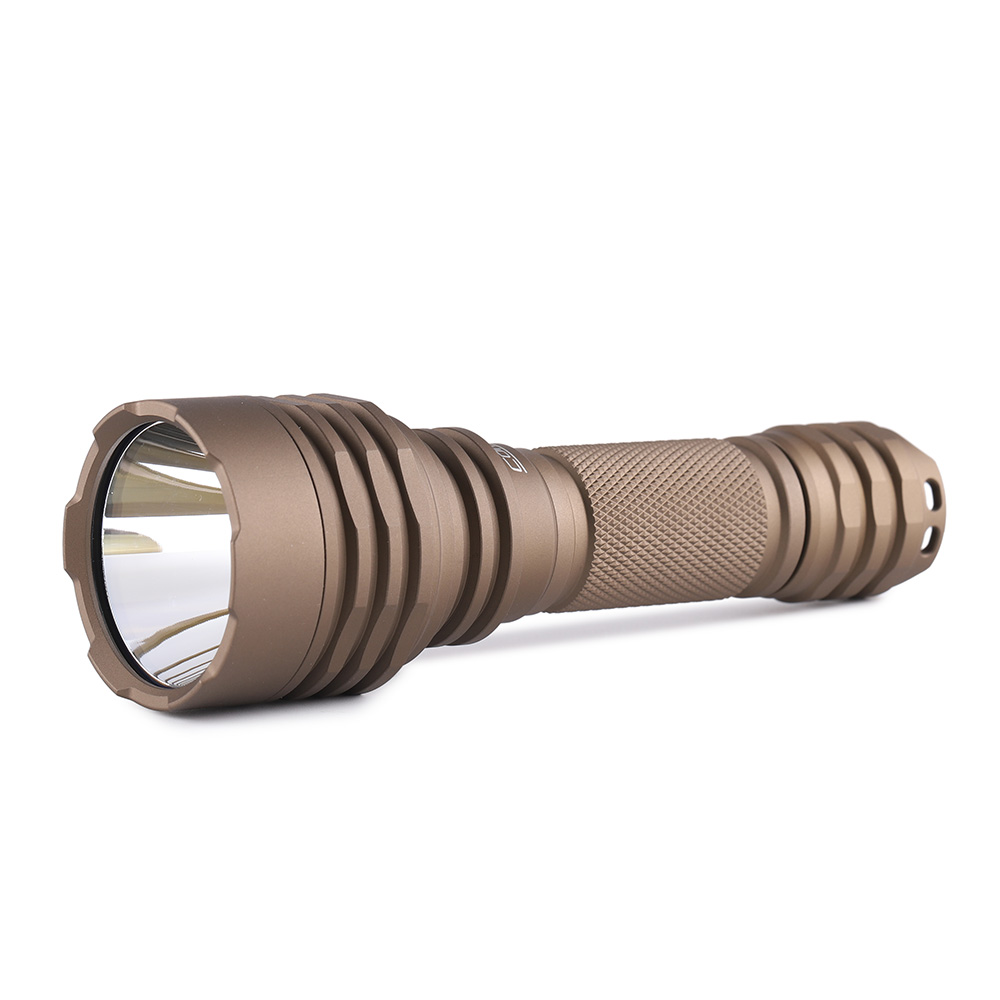
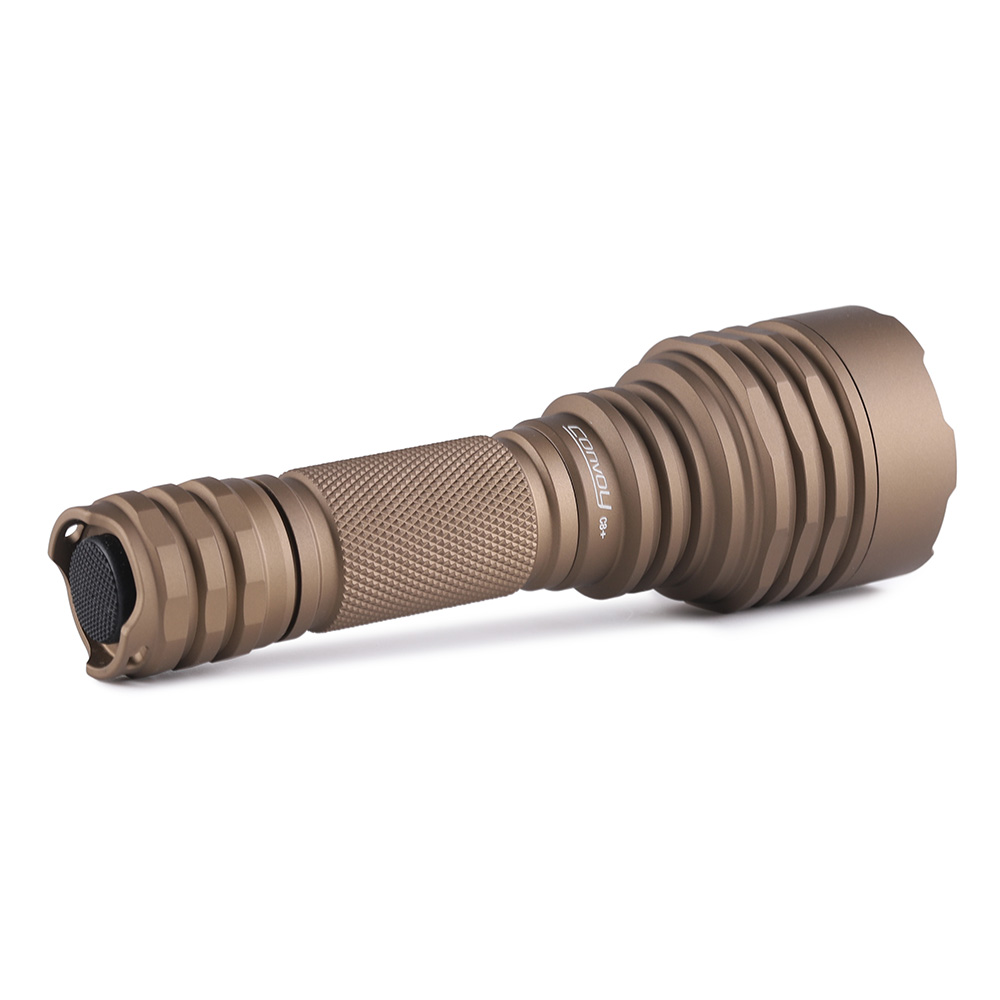
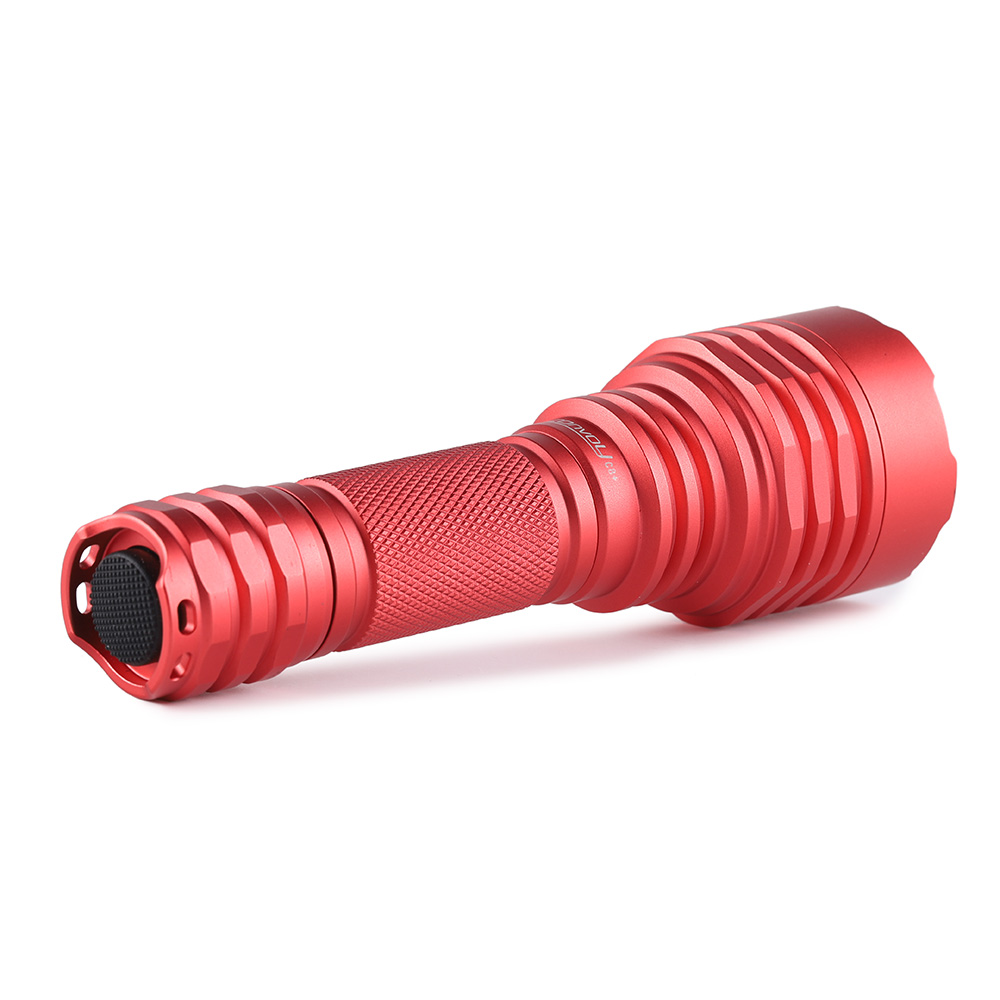
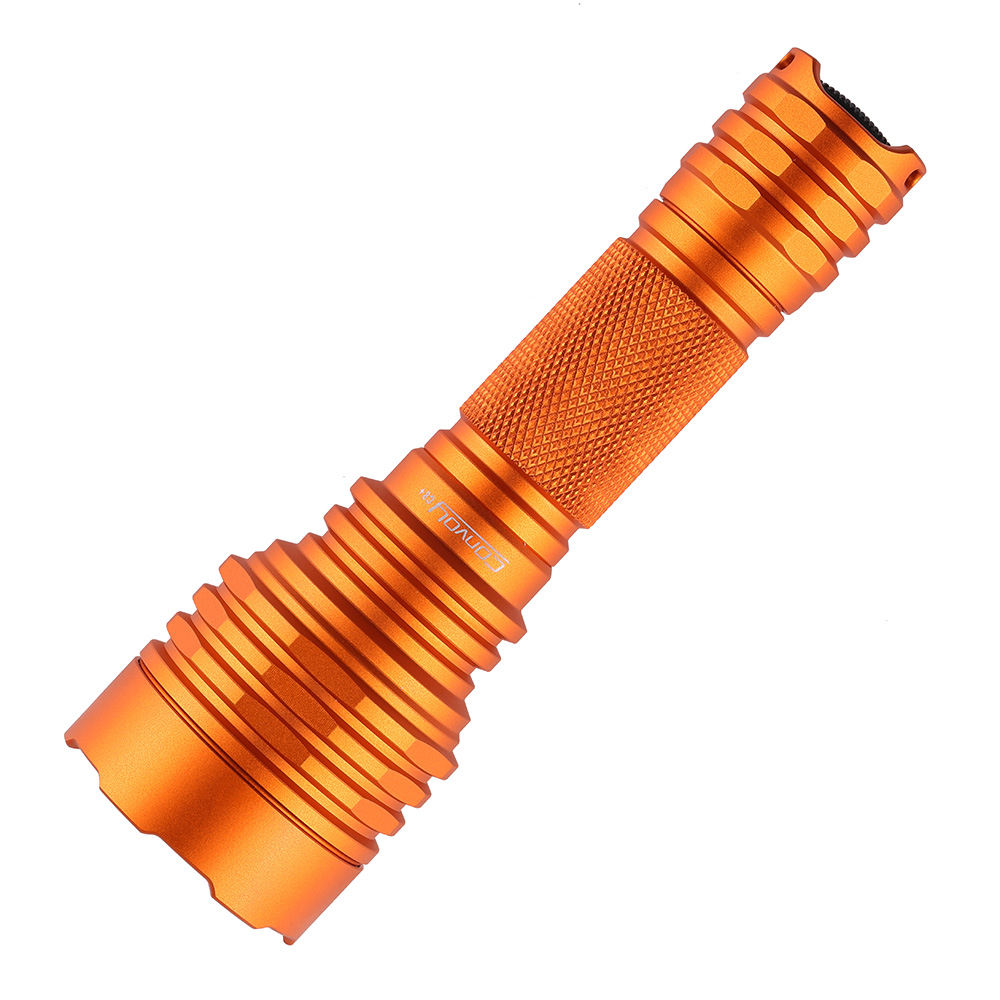
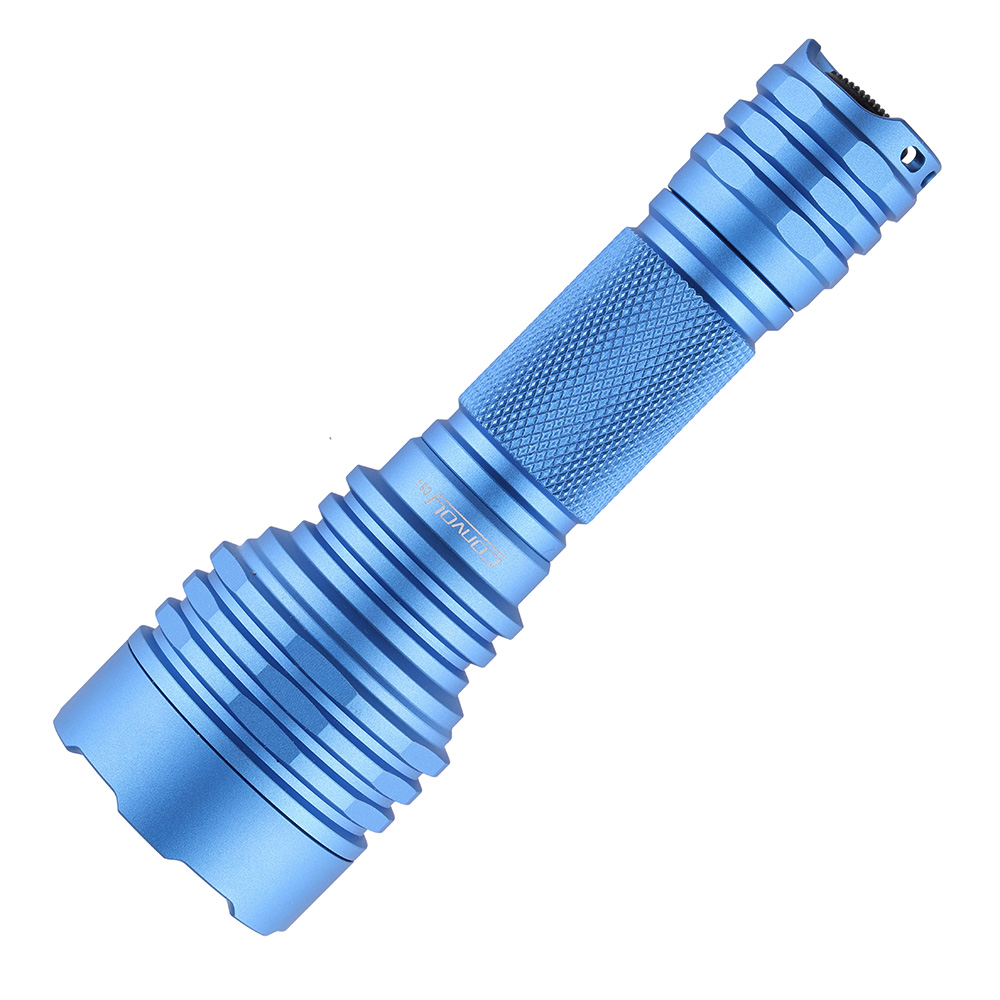
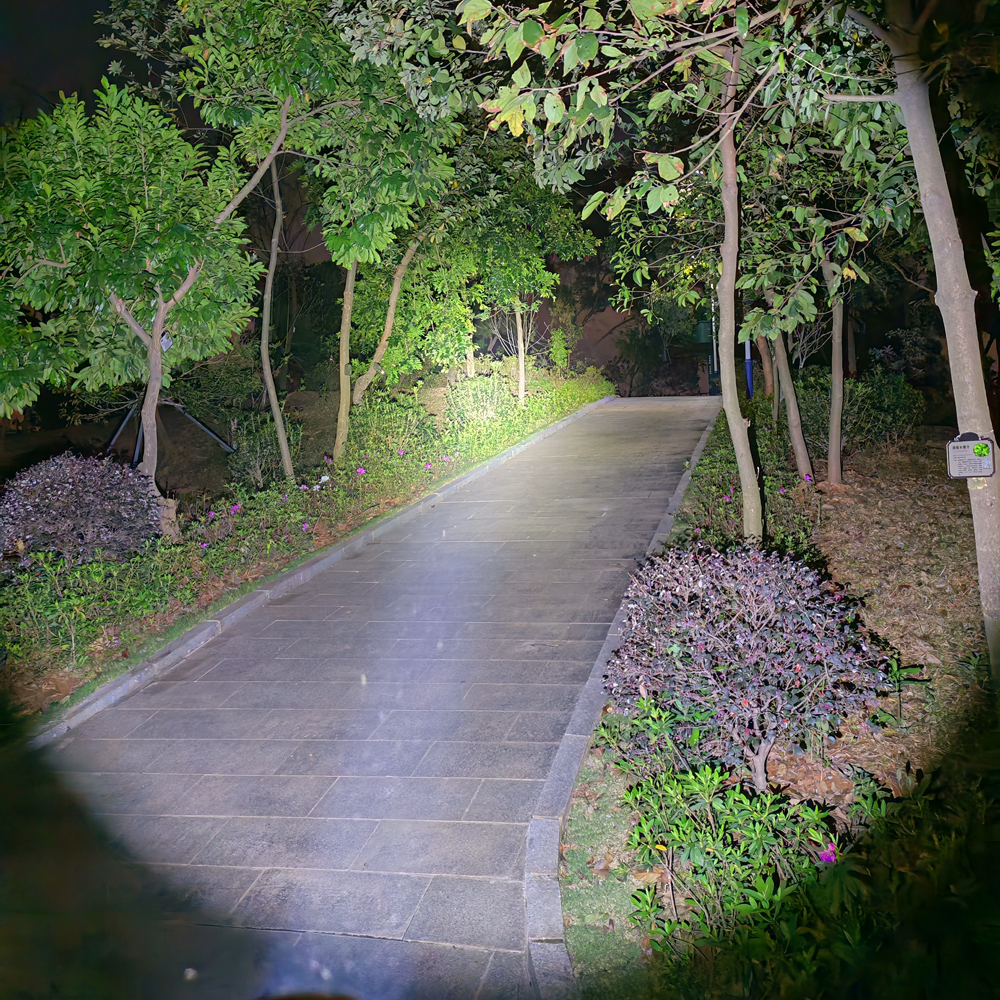
C8 Plus with Luminus SST40 High Powerful LED Flashlight Flash Light Tactical Torch 2000lm Camping Fishing Hunting Lamp
-
Estimated Delivery:Oct 25 - Oct 29
-
Free Shipping & Returns: On all orders over $75
Specification:
Material: Aluminum alloy
Low voltage warning: Yes
Reverse polarity protection: Yes
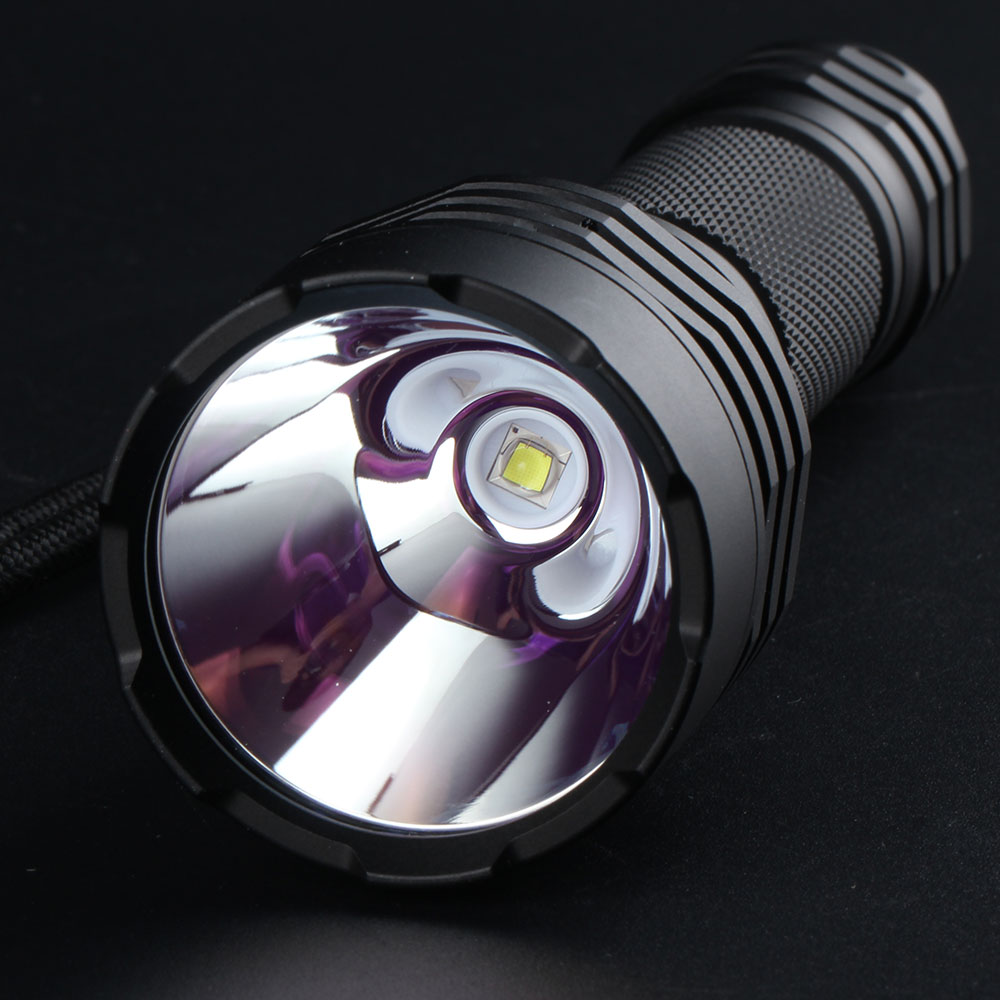
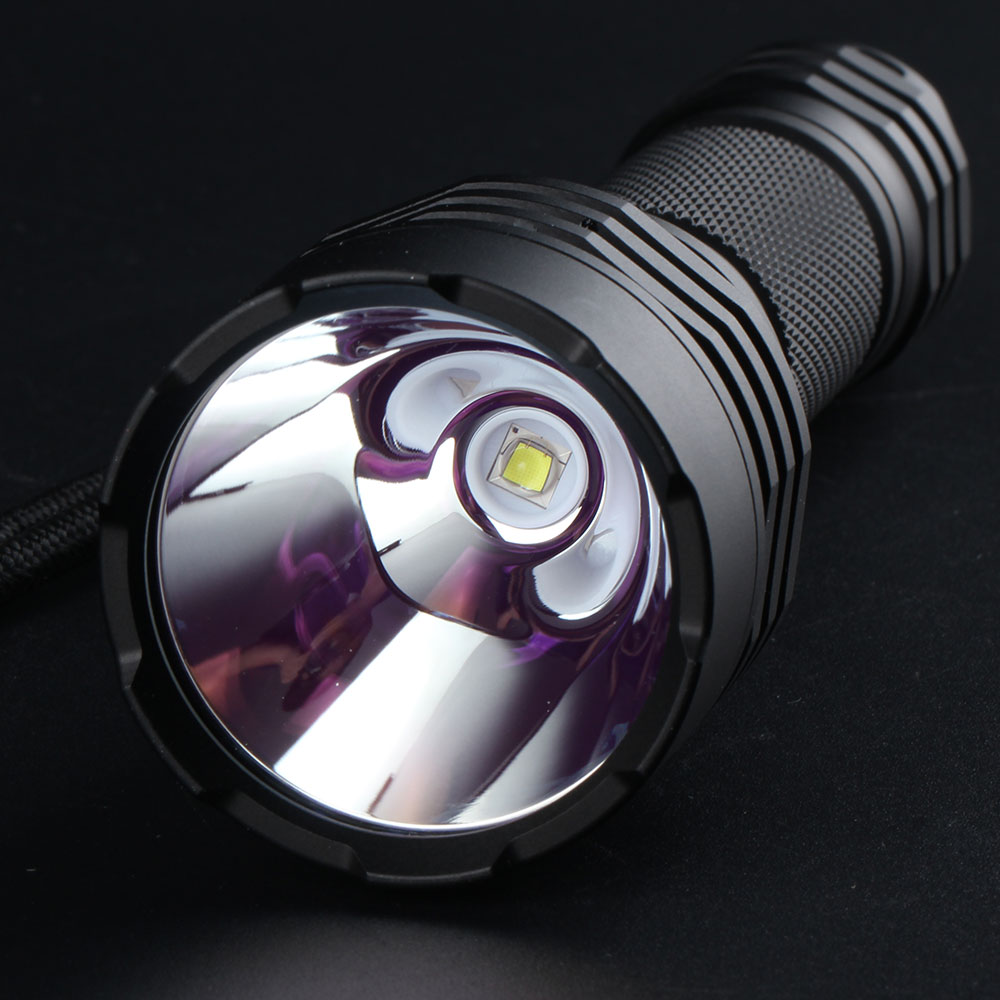
Lens type: Ar-coated glass lens
Reflector: Smooth
LED Bulb: SST40
Diameter of head : 44.5mm
Length : 142mm
Diameter of body : 25.2mm
Weight : 145g
Required battery type: 18650 battery
Required battery quantity: 1pcs
Application environment: Daily lighting; Outdoor sports, hiking, climbing, exploration, self-driving, diving, camping, fishing, riding, self-defense; Special work, security, night sighting
Package type:
A. With 18650 battery:
1*C8+ Flashlight
1*18650 rechargeable battery
1*USB charger
1*Rope
B. No battery:
1*C8+ Flashlight
1*Rope
1.Driver instructions:(4 modes)
Now we offer another driver version, which has a simple 4 modes for switching, which is very suitable for ordinary users.
modes : 0.1%-3%-30%-100% max current output is 5000mA
Its biggest advantage is that no frequency can be seen in any mode, and there is temperature management.
It can control the flashlight temperature not to exceed 55 degrees Celsius,
If the flashlight temperature is below 55 degrees Celsius, it will output full current. If it is above 55 degrees Celsius, it will constantly adjust the current so that the flashlight will not overheat.
2.Driver instructions:(12 groups)
It has the same temperature protection function as the 4modes version. Max current output is 5000mA.
It has 12groups, following is the driver operation instructions.
1.click the switch to turn the flashlight on/off,tap the switch to select mode
2.if flashlight is turned on,tap the switch 20 times quickly to enter into config mode.(On a visual interface,as long as you click on an option, it means that the option is selected. The flashlight has no visual interface. It flashes to represent an option, and "tap the switch in the flashing process" means to select the option.)
Option 1 (normal-flash 1 time + buzz-flash): tap the switch to enter into sub-option to select the mode group,If the user has no operation, the config mode will enter option 2.
-------------sub-option 1.1 (normal-flash 1 time) : tap the switch to select mode group 1 (0.1%, 1%, 10%, 35%, 100%, strobe, biking, battery-check)
-------------sub-option 1.2 (normal-flash 2 times) : tap the switch to select mode group 2 (0.1%, 1%, 10%, 35%, 100%)
-------------sub-option 1.3 (normal-flash 3 times) : tap the switch to select mode group 3 (100%, 35%, 10%, 1%, 0.1%)
-------------sub-option 1.4 (normal-flash 4 times) : tap the switch to select mode group 4 (1%, 20%, 100%, strobe, biking, battery-check, SOS)
-------------sub-option 1.5 (normal-flash 5 times) : tap the switch to select mode group 5 (1%, 20%, 100%)
-------------sub-option 1.6 (normal-flash 6 times) : tap the switch to select mode group 6 (100%, 20%, 1%)
-------------sub-option 1.7 (normal-flash 7 times) : tap the switch to select mode group 7 (0.1%, 1%, 10%, 50%, strobe, biking, battery-check, SOS)
-------------sub-option 1.8 (normal-flash 8 times) : tap the switch to select mode group 8(0.1%, 1%, 10%, 50%)
-------------sub-option 1.9 (normal-flash 9 times) : tap the switch to select mode group 9 (50%, 10%, 1%, 0.1%)
-------------sub-option 1.10 (normal-flash 10 times) : tap the switch to select mode group 10 (1%, 10%, 35%, 100%)
-------------sub-option 1.11 (normal-flash 11 times) : tap the switch to select mode group 11 (100%, 20%, strobe)
-------------sub-option 1.12 (normal-flash 12 times) : tap the switch to select mode group 12(100% only)
Option 2 (normal-flash 2 times + buzz-flash): tap the switch to active the mode memory or inactive it,If the user has no operation,flashlight will enter into the last mode.
Battery-check instructions:
<2.95V 1 flash,
2.95-3.25V 2 flashes,
3.25-3.55V 3 flashes,
3.55-3.85V 4 flashes,
>3.85V 5 flashes
3. Driver instructions:(Ramping driver)
1st Mode - 100% Brightness (one tap of the switch to select)
2nd Mode - 35% Brightness (two quick taps)
3rd Mode - Strobe (three quick taps)
Switching on the flashlight will always start in the 1st Mode
For the 1st and 2nd Modes, tap the switch quickly 5 times to enter into a config menu. The brightness will start to smoothly adjust, tap the switch once to set the desired level of brightness. The light will flash once to indicate you've reached the highest brightness. If the switch isn't pressed at the highest brightness it'll change to the lowest level and begin to smoothly increase in brightness again.
For the 3rd Mode, tap the switch quickly 5 times to enter into a special config menu. The light will slowly blink, tap the switch to set the desired mode. Each blink represents the following modes
- 1. 1% Brightness
- 2. 100% Brightness
- 3. Strobe 100%
- 4. Beacon 100%
- 5. Slow Flash
- SOS 40% (no blink, it chooses automatically if an above mode isn't selected)
Factory Reset:
8 quick taps in any mode will restore the flashlight to the default settings.
You Might Also Like
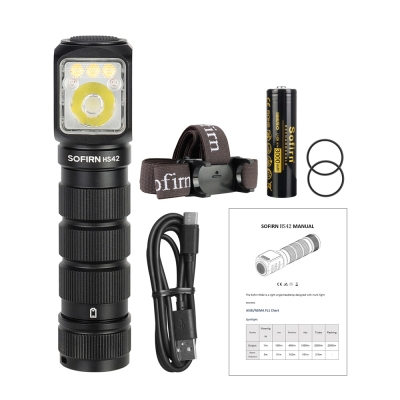
SOFIRN HS42 Headlamp 2100lm 18650 EDC USB C Rechargeable Flashlight SST40 LED Torch with Magnetic for Camping
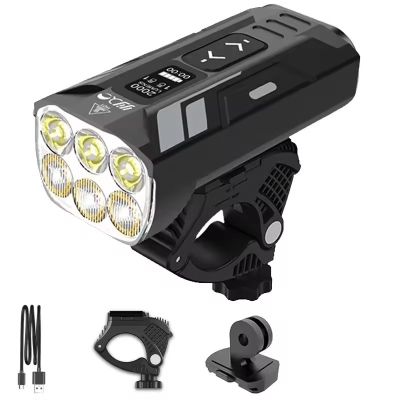
Super Bright Bicycle Headlight 5000 Lumens 20000mAh Aluminum Bicycle Light Front Back Rear Taillight MTB Bike Light Flashlight
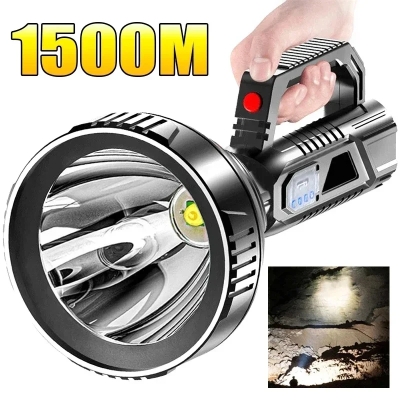
New High Power LED Flashlight Waterproof Fishing Lantern Torch USB Rechargeable Powerful Spotlight Searchlight Camping Lamp
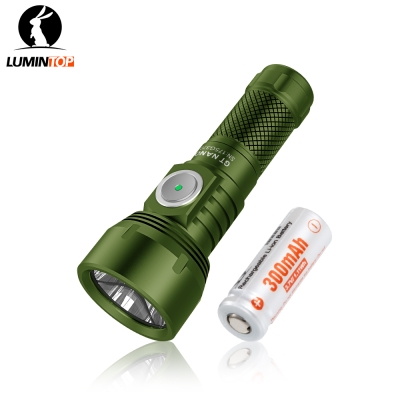
USB TYPE C rechargeable flashlight Lumintop GT NANO V3.0 10300 320mah battery support 400 meters long range 700lumen power torch
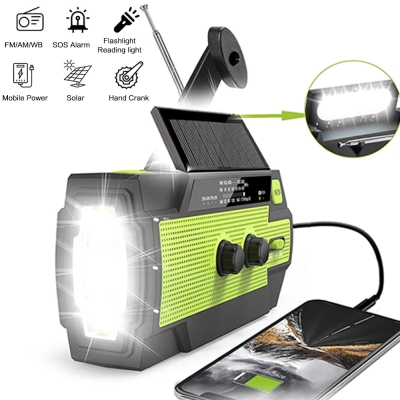
Portable Solar Hand Crank AM/FM Radio for Survival,Rechargeable Battery Powered Radio,USB Charger,Flashlight,Reading Lamp
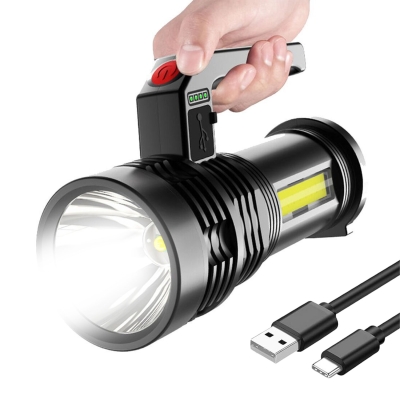
Portable High Strong Power LED COB Outdoor ABS Flashlights 4 Lighting Modes Long-range Rechargeable Torch For Fishing Hunting
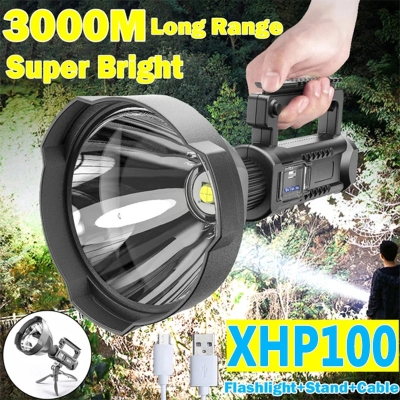
Rechargeable Searchlight Outdoor Waterproof High Power Lighting Flashlight 8000 Ma Large Capacity